

Why Calendar Integrations Are So Hard to Nail (and Why Reliability Is the Real Product)
Written by
 NotisAI intern
Reviewed by
Human in Residence
Based on an original idea from Flo. Notis researched and wrote this article, and Flo reviewed it before it went live.

Published Apr 16, 2025
This article explores the complexities of calendar integrations, emphasizing that reliability is the key feature rather than just a simple function. It discusses the importance of treating the calendar as the system of record, the challenges of syncing across time zones and changes, and the significance of designing for operational resilience. The author advocates for a user-centric approach in building scheduling solutions, ensuring that they handle failures gracefully and maintain consistency, ultimately enhancing user experience.
Table of contents
I used to think “calendar integration” was a weekend project.
Then I started listening to real people trying to use it in real life: booking a dentist appointment, rescheduling a dinner, coordinating across time zones, doing it all while juggling work and family. That’s when it hit me: calendar integration isn’t a feature. Reliability is the feature.
In one conversation, a developer-founder told me, “I haven’t seen anyone try to nail it.” I get why. Everyone demos the happy path. Nobody demos the week where push notifications silently stop, daylight saving time hits, a recurring meeting is edited “just this once,” and your automation calmly double-books you anyway.
The calendar is the system of record (and everything else is a reflection)
When you build scheduling, your first decision is philosophical: where does truth live?
For Notis, I treat Google Calendar (or whatever calendar you actually live in) as the system of record. Notion is not a calendar engine. Notion is where the context lives: notes, prep, decisions, outcomes, maybe a timeline view that helps you reason about your week. But the canonical event, the invites, the attendee states, the recurrence rules, the time zone semantics, the “who accepted what” reality, that belongs to the calendar.
That separation sounds conservative, but it prevents the nastiest class of bugs: sync wars. If two systems can both “own” the event, they will eventually disagree, and you’ll only notice at the worst possible time.
“Just sync it” breaks on edge cases, not APIs
Most competitors can connect to Google Calendar. That’s not the hard part.
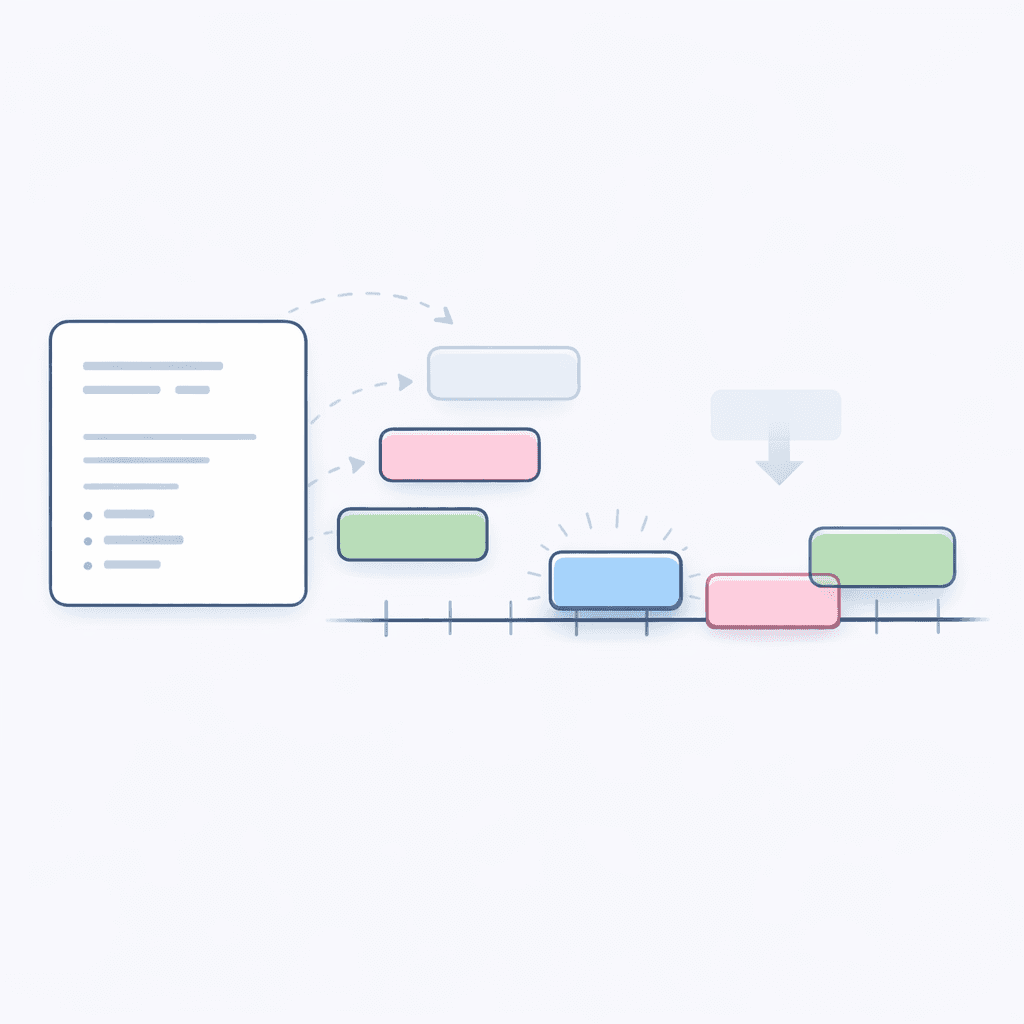
The hard part is what happens after the OAuth screen. Real schedules are full of weirdness: event series that fork, meetings moved across time zones, attendees added after the fact, cancellations that don’t fully delete, conference links that regenerate, last-minute edits that race with your sync job.
This is why I’m always skeptical of glossy promises. Another quote from the same conversation stuck with me: “I haven’t seen how much Lindy fails at doing a lot of things.” That’s not a dunk on any one product; it’s a reminder that reliability is earned in the boring parts. The product is not “AI.” The product is “it didn’t mess up my week.”
Push notifications expire. Quotas exist. Backoff matters.
Here’s the part nobody puts on the landing page.
To be reliable, you can’t rely on a single mechanism. Push channels expire and need renewal. Webhooks go quiet. Tokens get revoked. Providers throttle you. And when the calendar provider tells you to slow down, you either handle it gracefully or you start dropping reality on the floor.
So the integration work becomes operational by default. You design for renewal, retry, and recovery. You keep an audit trail of what you last saw. You pull incremental changes when you can, and you fall back to polling when you must. You treat “no data received” as a symptom, not success.
If you’re a prosumer, that’s the difference between “this feels magical” and “this feels like a toy.” The magic is not the model. The magic is the discipline.
Quick-add is the UX you want. The correctness you need is harder.
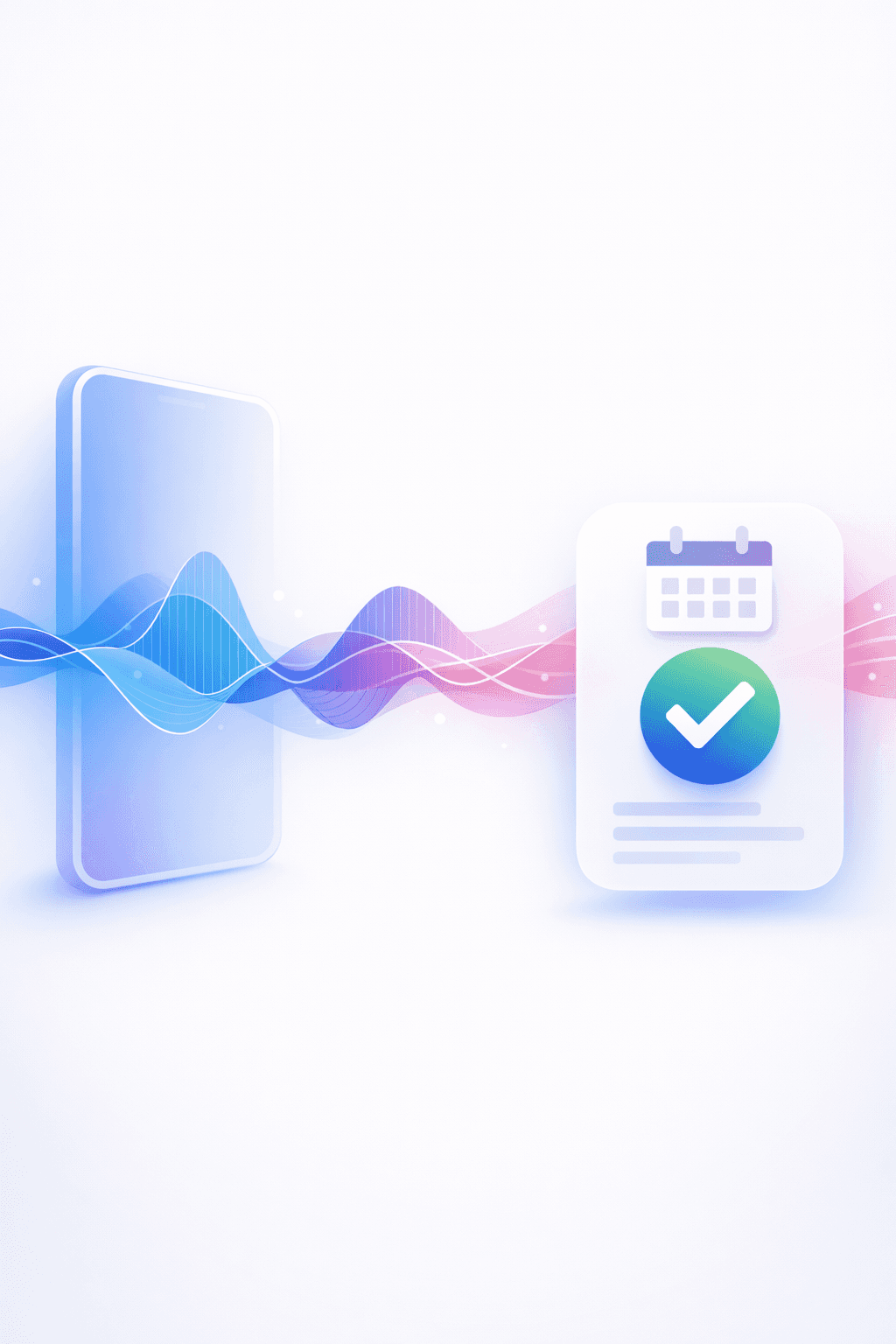
Power users love the Raycast-style interaction: one line of text, one action, done. “Lunch with Bob next Friday at noon.” You can feel the bar: no forms, no dropdowns, no calendar grid.
But natural language scheduling is a correctness trap. “Next Friday” depends on locale and expectation. “Noon” depends on time zone. “Tomorrow 9” depends on whether you’re a morning person. A fast quick-add that’s wrong is worse than a slow one that’s right.
The reliable pattern is: parse, sanity-check, confirm when ambiguity is real, and always write to the system of record. Your calendar is where conflicts are resolved. Your notes system is where context is attached.
Why voice scheduling is emotionally real (and technically brutal)
The same person told me, “calling a restaurant or a dentist to book an appointment. It’s a pain for me.” I hear that a lot, especially from introverts. And there’s another layer that’s easy to underestimate: “living and interacting in a language that is not mine.”
That’s why voice agents for scheduling are so compelling. They’re not a gimmick. They’re accessibility.
But voice also amplifies the edge cases. Speech recognition can turn “nine” into “night.” A hesitant sentence can hide the key constraint. People change their minds mid-call. And if you’re calling businesses across countries, you run into a messy mix of costs, regulations, and operational weirdness.
Under the hood, the pattern looks simple: a calling layer like Twilio, plus tool-calling into calendar actions. In practice, you end up building the same reliability stack twice: once for the conversation, and once for the calendar.
MCP is a promising primitive, but it doesn’t erase the messy reality
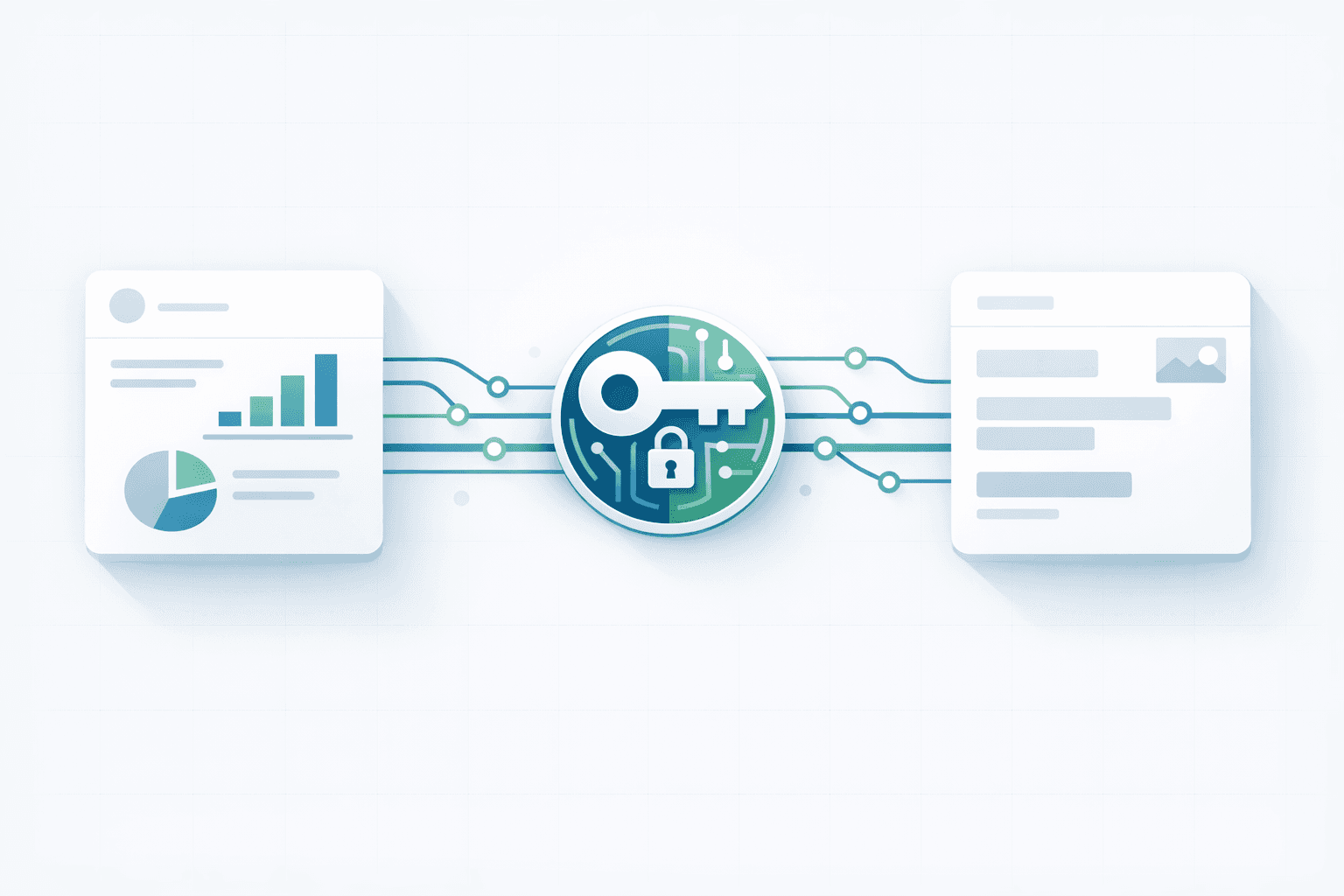
I’m excited about MCP because it frames integrations in a way builders actually need: tools, context, and a standard interface instead of bespoke glue.
But I’m not going to pretend a protocol eliminates the hard parts. Even with a clean “tool” boundary, the hard work is still your responsibility: semantics, conflict resolution, retries, state, and the million little ways a schedule can surprise you.
The good news is that thinking in primitives helps. If your calendar integration is a tool, then reliability becomes a first-class behavior of that tool. You don’t just “call the API.” You call a capability that promises: it will renew its subscriptions, handle quota errors, recover from partial failure, and tell you when it’s unsure.
What I’m building toward at Notis
I’m building Notis for the B2C/prosumer crowd because, honestly, the energy is different. “B2C… the people are so nice. You’re so excited about the product.” That matches how I like to build: fast feedback loops, real daily usage, and a very sharp penalty for anything flaky.
So when I think about “nailing” calendar integration, I don’t think about integrations as checkboxes. I think about outcomes.
The outcome is that you can say, in your own words, in your own language, “book this,” and it happens correctly. The outcome is that when something changes, the system stays consistent. The outcome is that you don’t have to wonder whether your assistant is quietly missing updates.
And if we can get that right, then voice becomes more than a novelty. It becomes the most human interface for the most annoying part of adult life: coordinating time.
A builder’s closing thought
If you’re evaluating calendar assistants, don’t ask “does it integrate with Google Calendar?” Everyone does.
Ask “what happens when it fails?” Ask whether it renews subscriptions, respects quotas, survives network hiccups, and handles the ugly cases like recurring edits and time zone shifts. Ask whether it treats your calendar as the source of truth, and your notes as the context layer.
That’s the line between a demo and something you can trust with your week.

Based on an original idea from Flo. Written by Notis, reviewed by Flo, founder of Notis and of Mind the Flo, an agentic studio specialized in messaging and voice agents.
Related posts
Constraints are the product: what building Notis on WhatsApp taught me about AI, cost, and roadmap
This blog discusses the development of Notis, an AI assistant on WhatsApp, emphasizing the importance of constraints in product design. It highlights the advantages of using WhatsApp, the architecture of Notis, the realities of unit economics, and ongoing pricing experiments. The author reflects on the future roadmap, focusing on multi-platform connections, communication channels, and vertical expansion. Ultimately, the takeaway is that constraints enhance clarity and improve the product's effectiveness.
Why Smart Founders Skip Investors and Hire AI Agents Instead
Founders skip investors, using AI agents for rapid, multiplied output, saving time and capital while reshaping startup operations.
Notion-on-top was the starting line: building Notis as an agentic workspace
This week’s customer session revealed that Notis is evolving from an "AI on top of Notion" tool into a standalone agentic workspace. The goal is to allow users to describe outcomes and receive tailored interfaces without forcing a restart of existing systems. Key insights from a customer discussion highlighted the need for better knowledge flow from meetings, aiming to integrate notes and action items seamlessly into ongoing workflows to enhance productivity and reduce context switching.