Content
Notis vs Zapia: Which AI assistant fits your workflow?
Quick Take
Zapia is a consumer-first AI assistant built for Spanish and Portuguese speakers in Latin America who want help with everyday life in chat, especially reminders, schedules, quick summaries, and increasingly agent-like “errands” such as contacting businesses. Notis is a work-first AI assistant for founders and operators who live in Notion and want voice-to-Notion execution: one message becomes structured notes, tasks, CRM updates, automations, and follow-ups across a broader business stack.
Product Overviews
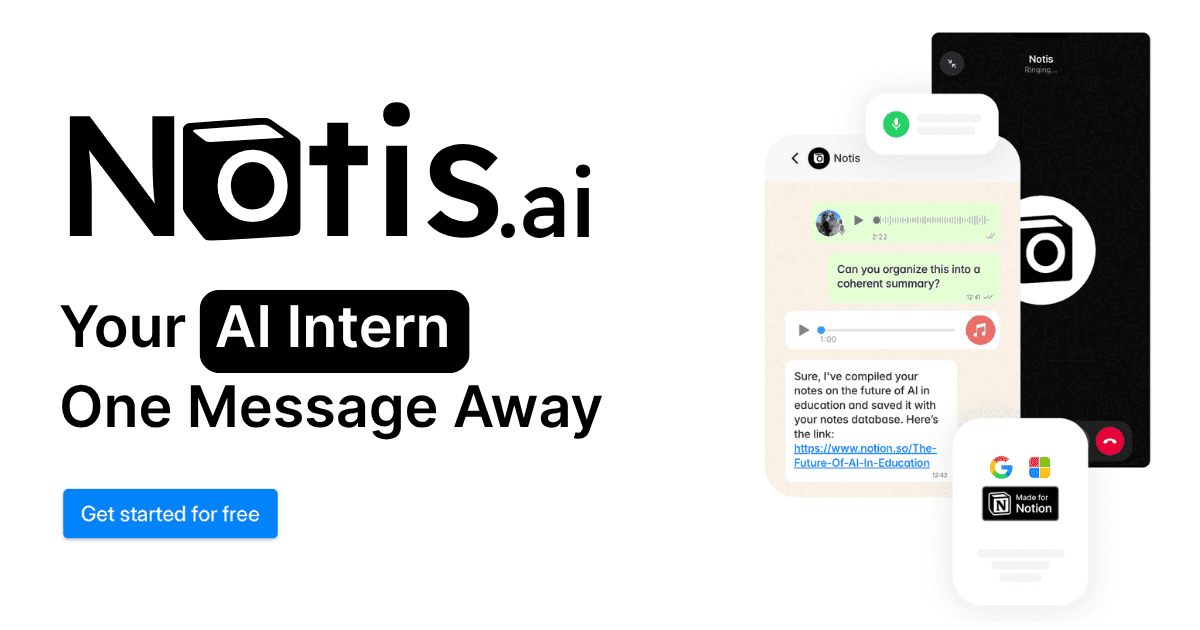
Notis
Notis is an “AI intern” you can message from WhatsApp, Telegram, iMessage, or email to delegate busywork. It’s designed to turn voice notes and messages into structured outputs inside Notion, and it layers on integrations, reminders, automations, and long-term memory so the work keeps moving after you hit send.
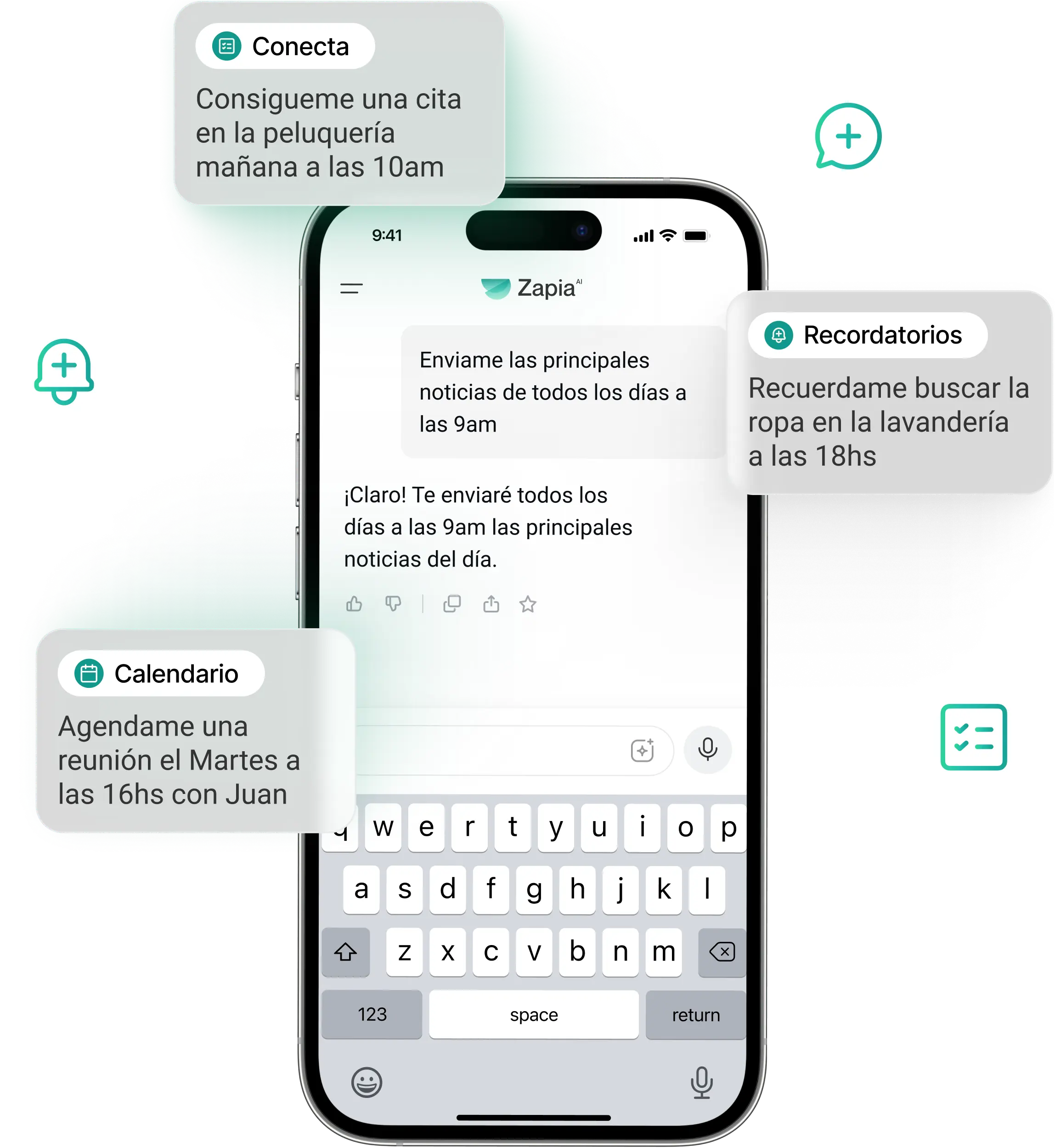
Zapia
Zapia is a personal AI assistant for Latin America that lives in messaging and focuses on practical daily tasks like reminders, scheduling, voice-to-text, and content summaries. It also promotes “Zapia Conecta,” an agent-style capability meant to help with real-world tasks like requesting quotes or booking services by talking to businesses.
Head-to-Head Table
Category | Notis | Zapia |
|---|---|---|
Voice capture (WhatsApp/Telegram) | Voice-first capture via chat channels including WhatsApp and Telegram; designed to convert voice notes into structured work outputs in Notion. | Voice-first in chat (notably WhatsApp), including automatic voice transcription workflows. |
Notion integration | Deep, core workflow: Notion is the primary system of record where outputs are stored and organized. | Not a Notion-first product; focus is personal assistant workflows inside chat with lightweight external integrations like Google Calendar. |
Task & reminders | Reminders plus task creation tied to your productivity system (Notion-first) and broader integrations. | Strong emphasis on reminders and recurring scheduled actions; reminders marketed as free. |
Web search & RAG | Promotes web scraping and deep research capabilities, plus using your Notion workspace as context. | Summarization and Q&A features are central; content summarization is featured, but it's not positioned as a Notion/RAG workspace assistant. |
Automations/follow-up | Pro+ and above add automation triggers via integrations, webhooks, or recurring schedules; aimed at follow-up work and recurring ops. | Scheduled actions are a core feature for recurring outputs; agentic Conecta aims to execute errands by contacting businesses. |
Pricing | Paid plans (Pro/Pro+/Ultra) shown publicly. | Marketed as free on site and reminders page. |
Security & compliance | Publishes a privacy policy with statements about encryption and Google API limited-use constraints. | Publishes a privacy policy stating it does not sell/share personal data for advertising/marketing and describes security measures. |
Key Differences Explained
"Everyday assistant" versus "work execution engine"
Zapia’s strongest pitch is day-to-day convenience in LATAM: reminders, scheduled messages, voice transcription, quick summaries, and a growing set of actions you can run from chat. Notis is closer to an operator’s assistant: it’s built to transform messy inputs into structured artifacts that live in your work system, and then keep pushing those artifacts forward through integrations and automations.
The system of record: chat utility versus Notion as the brain
If your goal is to reduce friction in personal organization inside messaging, Zapia’s workflow stays close to the chat itself and adds just enough integration to be useful, such as Google Calendar. If your goal is to maintain a reliable, queryable knowledge base and task system, Notis’s differentiator is that the “final destination” is Notion: notes, tasks, meeting minutes, CRM entries, and drafts are saved where your team can actually work on them.
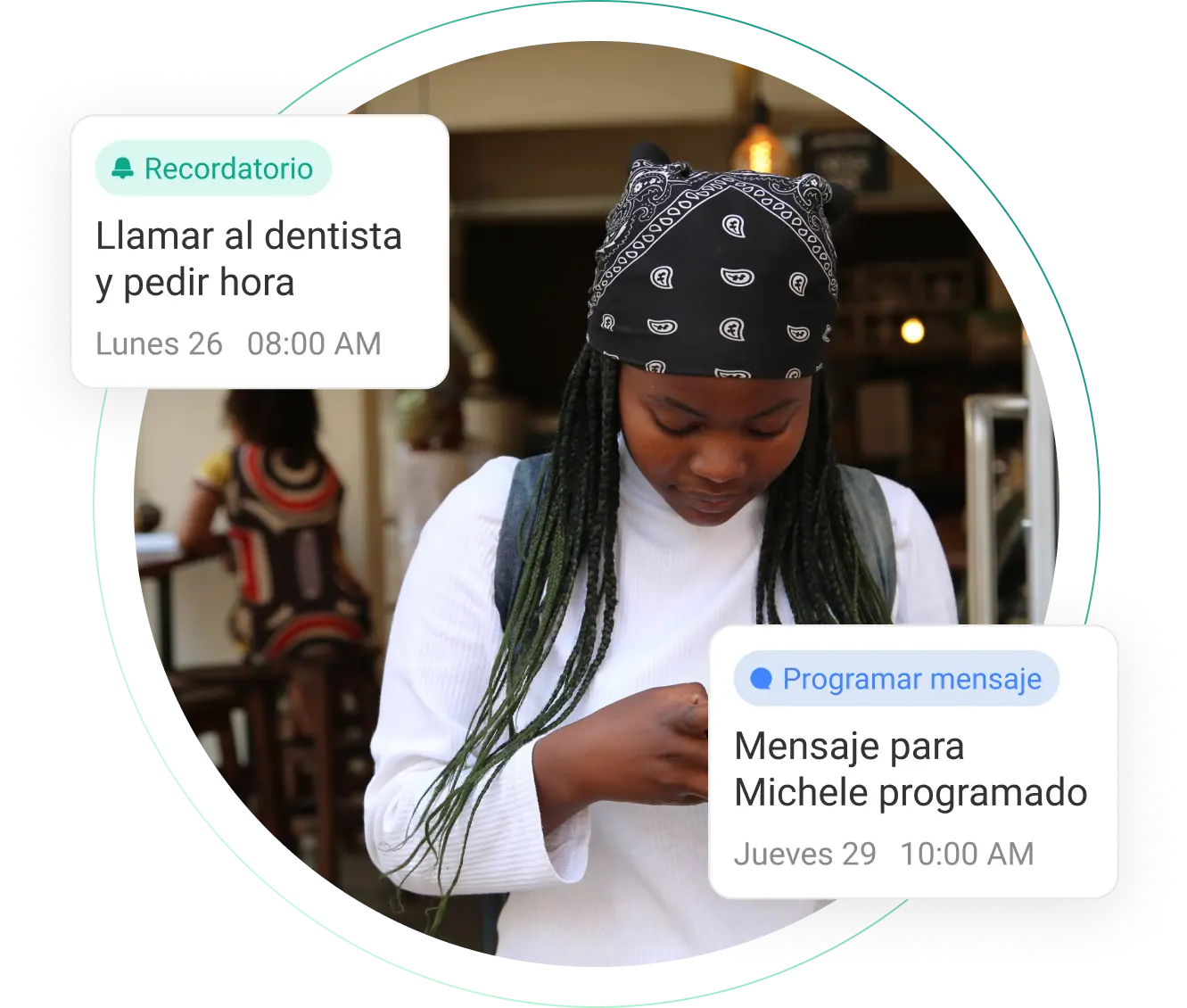
Zapia’s reminders experience is positioned as a core, consumer-facing feature inside chat.
Automations: recurring routines versus cross-tool follow-through
Both products push beyond simple chat by supporting recurring behavior. Zapia leans into “scheduled actions” and an increasingly agent-like experience with Conecta.
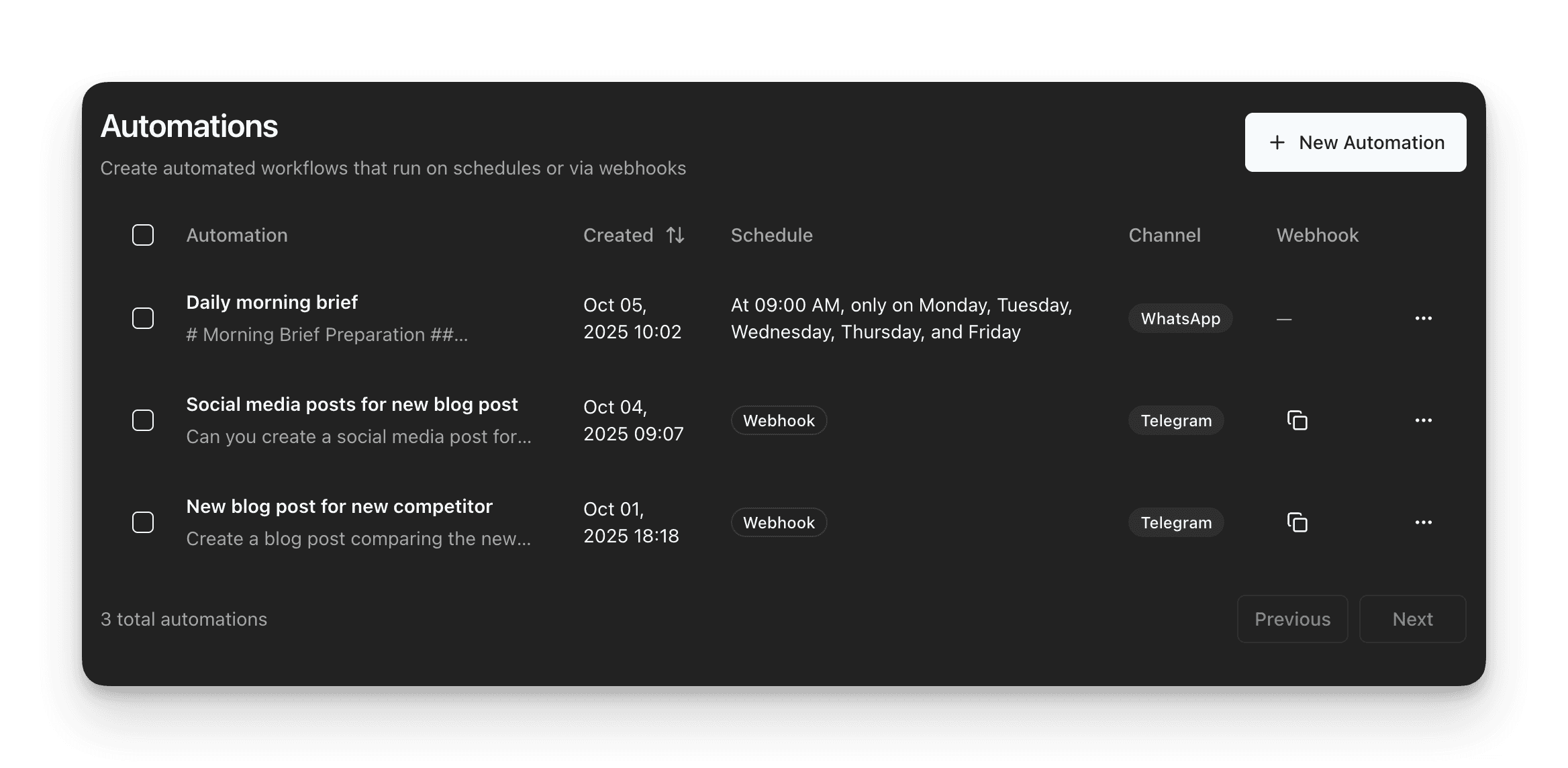
Notis leans into follow-through across a work stack: automations are framed as a way to stop prompting the assistant and instead trigger recurring work through integrations and webhooks.
Which One Should You Choose?
If you’re an executive, a busy parent, or someone managing a lot of personal logistics in Spanish or Portuguese, Zapia is the most straightforward choice: it’s built for daily-life tasks in chat, and its pricing is positioned as free on its public pages.
If you’re a consultant, an operator, or a founder who needs a reliable system to store and reuse context, Notis will feel more like infrastructure than a chatbot. The moment you want voice notes to become structured Notion knowledge, meetings to become follow-ups, and drafts to become tracked deliverables, Notis is built around that voice-to-Notion workflow.
If you’re an engineer or product lead, the decision often comes down to where you want your source of truth to live. If you’re already using Notion for specs, tasks, bugs, and documentation, Notis aligns naturally with that workflow and reduces the overhead of keeping it updated.
Wrap-Up
Zapia and Notis can both save time, but they optimize for different outcomes: Zapia for daily-life convenience in LATAM-first chat workflows, and Notis for turning voice into structured work that ships inside Notion. If your main goal is to connect voice capture directly to your Notion system and keep follow-through automated, Notis is the stronger fit.
Start with the one that matches your “system of record,” and you’ll feel the compounding gains within a week.

Flo is the founder of Mind the Flo, an Agentic Studio specialized into messaging and voice agents.

