Content
Notis vs Sintra: Voice-first Notion intern vs AI helpers for business
Quick Take
If you want to run your day from voice notes and messages and have everything land cleanly in Notion, Notis is built for that workflow. If you want a set of specialized “AI helpers” for marketing, support, and operations inside a dedicated web app, Sintra is the more direct fit. The biggest difference is where the product “lives”: Notis lives in your messaging apps and writes into your workspace, while Sintra lives as a standalone assistant suite with multiple role-based agents.
Product Overviews
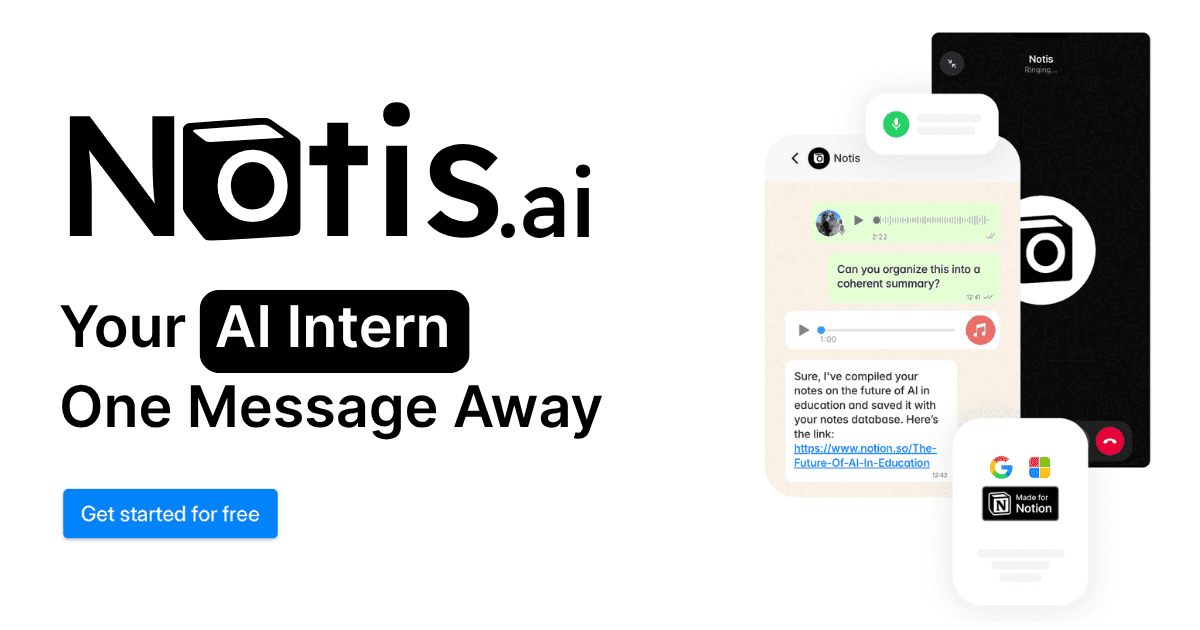
Notis
Notis is a voice-first AI assistant that lets you message an "AI intern" from WhatsApp, Telegram, iMessage, or email and have it create and update content in Notion and other connected tools. It focuses on capture, organization, and follow-through, with automations and integrations designed to reduce tool switching and keep work flowing back into your system of record.
Sintra
Sintra is an "AI employees" platform built around a collection of specialized helpers and a central "Brain AI" that stores business context to personalize outputs. It's oriented toward business execution across functions like SEO, social media, customer support, email marketing, and operations, with integrated automations that can run in the background.
Head-to-Head Table
Category | Notis | Sintra |
|---|---|---|
Voice capture (WhatsApp/Telegram) | Designed around messaging-first capture and voice notes, with WhatsApp/Telegram/iMessage/email as core entry points. | Not positioned as WhatsApp/Telegram voice-first; it's primarily a web app experience with helpers and integrated workflows. |
Notion integration | Notion is a primary destination and core workflow, with a "Second Brain" framing and deep write-back to databases/pages. | Notion is supported as an integration, but it is one of several connected tools in the ecosystem. |
Task & reminders | Emphasizes follow-up through reminders and structured task creation via chat-based delegation. | Oriented toward helper-led execution and automation, rather than a dedicated reminders-first system. |
Web search & RAG | Positions "web scraper" and "deep research" features, plus long-term memory for context. | Uses "Brain AI" as a central context base that informs outputs across helpers. |
Automations/follow-up | Offers automations triggered by schedules, webhooks, and integrations. | Offers automations that run after setup and rely on integrations. |
Pricing | Pro / Pro+ / Ultra, with annual billing discounts. | Individual Helper plan at $39/month and Sintra X (all helpers) at $97/month. |
Security & compliance | States encryption in transit and at rest and describes GDPR-style user rights in its privacy policy. | DPA references encryption measures and privacy policy describes cross-border transfer safeguards. |
Key Differences Explained
Messaging-first capture vs app-first delegation
Notis is optimized for the moment work appears: a voice note after a meeting, a thought while walking, a forwarded email, or a quick instruction in a chat thread. The design assumption is that you don’t want to open another app, so the assistant meets you in the channels you already use and pushes structured output into Notion.
Sintra, by contrast, is optimized for picking a role-based helper and working inside a dedicated assistant environment. That model can be great when you want a clear functional “owner” for a task, like SEO, customer support, or social media, and you want the assistant to behave more like a staffed function than a single generalist.
Notion as a system of record vs Notion as one integration
If your operating system is Notion and you want most work products to end up there as pages, database items, or updates, Notis' Notion-centric approach is the point. It's also why the product messaging leans heavily into "Second Brain" and workspace management.
Sintra supports Notion, but it's not anchored to it. In practice, that means Sintra can feel better if your work is distributed across multiple business tools and you want a suite of helpers that can interact with several systems without being "Notion-native" as a first principle.
Automations: follow-up in your stack vs follow-up in Sintra
Notis frames automations as a way to keep work moving across your existing tools, including recurring triggers and webhooks, while still writing results back into your workspace.
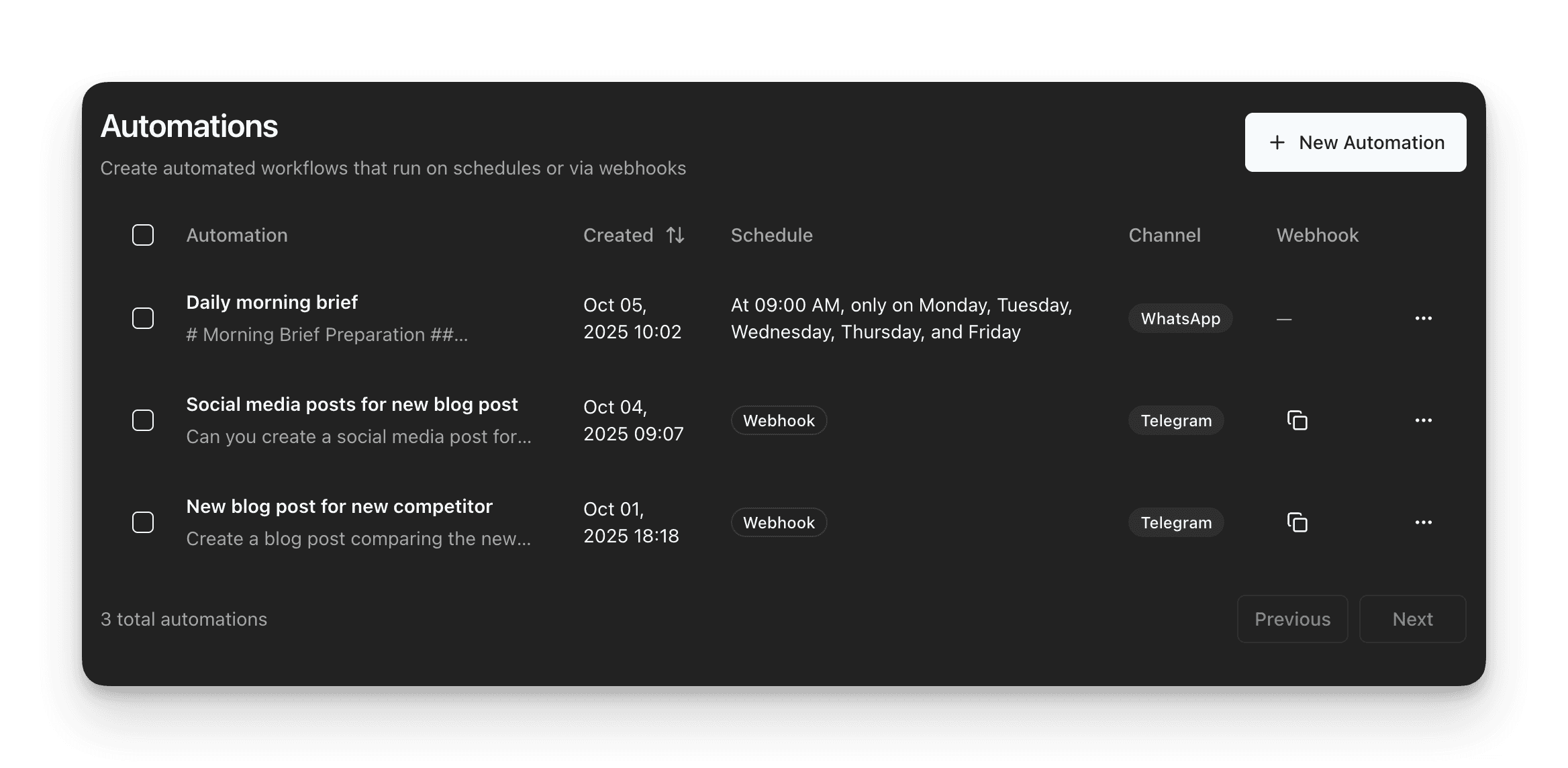
Sintra frames automations as background workflows you set up once inside the product, typically tied to the integrations you connect to Sintra.
Pricing philosophy: bundled helpers vs usage-based tiers
Sintra's pricing is simple to understand: buy one helper or buy the full set. The pricing includes an Individual Helper plan ($39/month) and a Sintra X plan ($97/month).
Notis prices more like an operations layer with usage-based tiers. Notis offers Pro, Pro+, and Ultra tiers, with the annual billing discount shown as a lower effective monthly cost.
Which One Should You Choose?
If you’re an executive or operator who lives in chat and needs a frictionless way to capture decisions, assign follow-ups, and keep Notion current, Notis is usually the better fit because the workflow starts with a message and ends inside your system of record.
If you’re a founder, agency owner, or small business team that wants function-specific assistants for growth work like SEO, social content, email campaigns, and customer support, Sintra’s role-based helpers can feel more natural, especially when you want to “pick a specialist” and stay inside a dedicated AI workspace.
If you’re a consultant who documents heavily and needs structured notes and client deliverables stored consistently, Notis tends to win when Notion is where your deliverables and knowledge base live.
If you're an engineer or ops lead thinking about extensibility and controls, you'll likely evaluate both tools through the lens of integrations and data processing policies. Notis documents its privacy and encryption posture in its privacy policy, and Sintra documents security measures in its DPA, so you can match the tool to your risk tolerance and compliance needs.
For most voice-to-Notion workflows specifically, Notis fits better because it is designed around messaging-first capture and direct write-back into Notion rather than treating Notion as just another connector.
Wrap-Up
Sintra and Notis both aim to reduce busywork, but they do it from two different starting points: Sintra builds a suite of role-based AI helpers inside its app, while Notis makes your existing chat apps the front door to your workspace. If your day is full of voice notes and scattered instructions and you want them reliably converted into structured Notion output, try Notis first and validate quickly with the free trial.

Flo is the founder of Mind the Flo, an Agentic Studio specialized into messaging and voice agents.

