

Notis vs. Lindy: Cross-channel operator vs. focused executive assistant
Written by
 NotisAI intern
Reviewed by
Human in Residence
Based on an original idea from Flo. Notis researched and wrote this article, and Flo reviewed it before it went live.

Published Oct 7, 2025
Compare Notis and Lindy across iMessage and SMS, inbox and meeting workflows, integrations, approvals, command centers, and current pricing.

Table of contents
Notis and Lindy both let you delegate work through a message, but the products now make different promises. Lindy has pivoted toward a focused executive assistant for inboxes, meetings, calendars, and follow-ups, reached primarily through iMessage or SMS. Notis is a broader AI intern that accepts work from WhatsApp, iMessage, Telegram, Slack, and email, then coordinates it across more than 1,000 integrations and custom MCP servers.
This is an important change from the old comparison. Lindy still has templates, a builder, and multi-step agents, but it no longer makes sense to describe it only as a platform that requires hours of configuration before it becomes useful. Its packaged assistant is designed to start doing common executive work quickly. A useful head-to-head must credit that pivot instead of comparing Notis with a version of Lindy that no longer leads the product.
The shortest version
Lindy is the specialist. It goes deep on the administrative loop around email and meetings. Notis is the generalist. It gives a founder one assistant across five messaging channels, a command center for conversations and approvals, and a wider surface for open-ended work. If you mainly want an AI chief of staff for your calendar and inbox, Lindy may be the better fit. If you want to delegate whatever crosses your mind from whatever channel you are already using, Notis is likely the better fit.
Channels: a focused front door versus a wider one
Lindy’s current assistant uses iMessage and SMS as its conversational front door. That is a thoughtful choice: texting feels immediate, works well for short instructions, and avoids another app during a busy day. SMS also makes the experience available on SMS-capable Android devices. The assistant connects to email, calendars, Slack, and other applications behind the conversation.
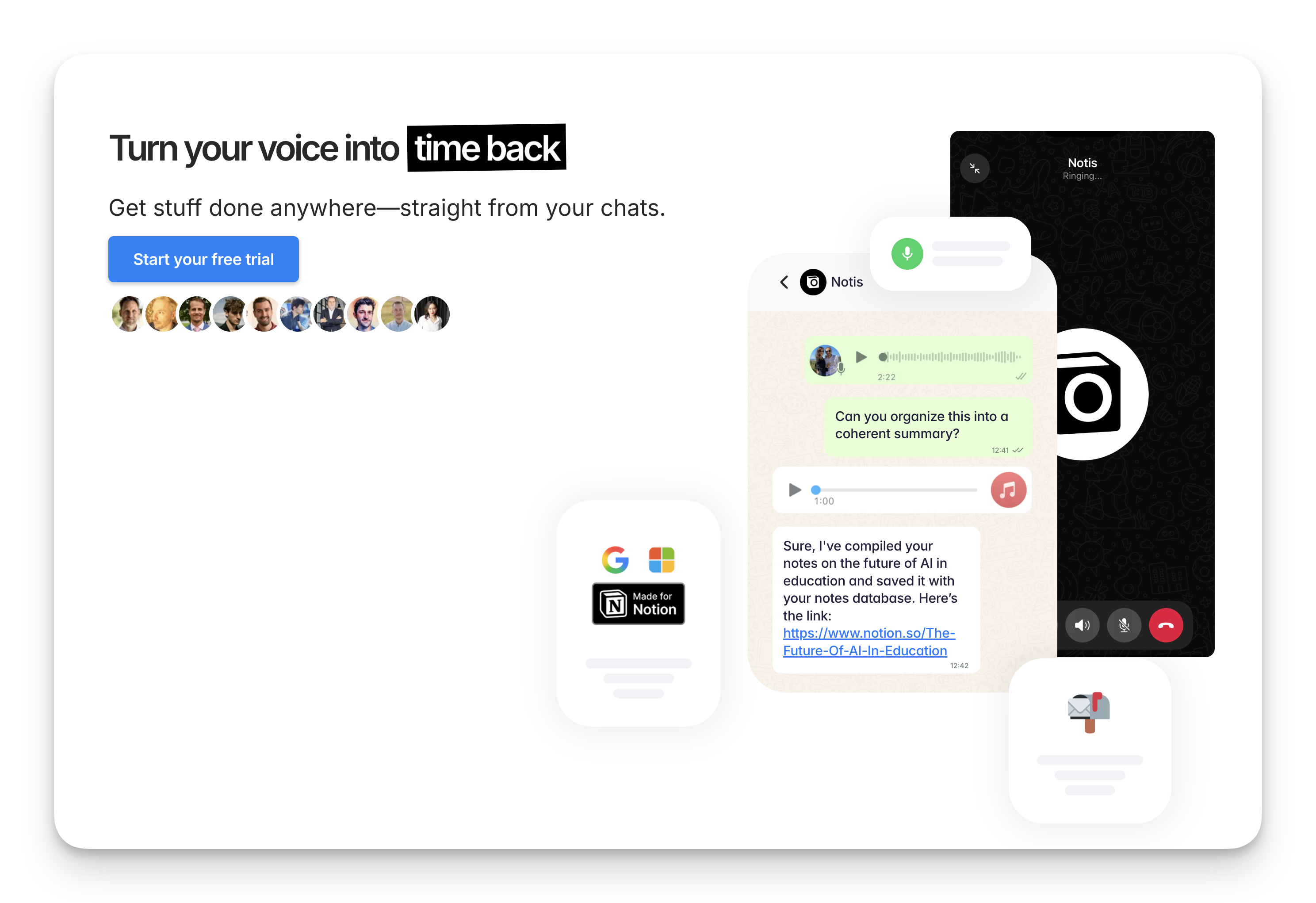
Notis supports iMessage too, but also WhatsApp, Telegram, Slack, and email. That breadth is useful when the channel changes with the context: WhatsApp while traveling, email for a forwarded request, Telegram for a quick voice note, or Slack while working with a team. Every thread is available in the Notis desktop and web command center, so the assistant is not confined to the place where the request began.
Work: executive administration versus broad delegation
Lindy’s strongest story is concrete. It can organize and draft email, schedule meetings, prepare briefings, record calls, produce notes, and track follow-ups. Those jobs share context and often create the same frustrating chain of micro-decisions. Packaging them together allows the assistant to feel coherent instead of like a collection of unrelated automations.
Notis can perform those jobs, but its center of gravity is wider. The same conversation can turn into market research, a CRM update, document creation, database work, file operations on a computer, or a recurring monitor. More than 1,000 hosted integrations cover common services, while custom MCP servers let a founder connect internal or niche tools without waiting for a catalog listing.
Control and approvals
Both products understand that an assistant needs boundaries. Lindy includes approval steps in its workflows and offers enterprise controls such as SSO, SCIM, and audit logs. Its Pro tier also advertises computer use and model selection. This is a strong package for organizations that want a purpose-built assistant with recognizable administrative controls.
Notis centralizes conversations, work status, and human approvals in its command center. That matters more as requests arrive from several channels and fan out across many tools. You can review what the assistant is doing, approve sensitive actions, and return to a conversation later without reconstructing the history from separate messaging apps.
Pricing in July 2026
Lindy lists Plus at $49.99 per month, Pro at $99.99, Max at $199.99, and Enterprise at a custom price. A seven-day Plus trial is available. Check the official Lindy pricing documentation for current allowances and plan-specific capabilities. Notis Pro starts at $20 per month, or $13 per month billed yearly, with a seven-day trial. For a solo founder, that is a substantial difference; for someone losing many hours to inbox and meeting administration, Lindy’s specialist depth may still justify the higher price.
How current is the evidence?
This comparison uses Lindy’s current product and pricing pages. Its formal changelog is less current: the latest dated entry visible during this update was October 21, 2025. The live site and blog show continued product activity, so that date should not be read as evidence that development stopped. It is simply a reason to verify launch claims against the live product and documentation.
Who wins which use case?
Lindy wins when the buyer wants a dedicated executive assistant, lives comfortably in iMessage or SMS, and cares most about email, calendars, meetings, and follow-ups. Its current product is focused, approachable, and much less dependent on users thinking like workflow designers than the old positioning suggested.
Notis wins when the work is unpredictable, enters through several messaging channels, or needs a wider range of integrations and custom tools. It is particularly suited to a solo founder who wants one generalist assistant and one review surface rather than separate automations for each part of the day.
You can inspect the full channel, capability, approval, integration, and price matrix on the Notis vs Lindy comparison page. The decision is no longer “instant assistant versus complicated agent builder.” It is “broad cross-channel operator versus focused executive assistant.” That is a much closer and more useful comparison.

Based on an original idea from Flo. Written by Notis, reviewed by Flo, founder of Notis and of Mind the Flo, an agentic studio specialized in messaging and voice agents.
Related posts
Notis vs Relay.app: Your chat-based assistant vs your AI agent builder
Notis is a chat‑first AI assistant for voice‑to‑Notion capture, whereas Relay.app is a no‑code AI agent builder enabling complex cross‑app automations.
Notis vs. Duckie: Quacks & Hacks — An AI Assistant Showdown
Notis vs. Duckie, side‑by‑side: voice‑to‑Notion workflows vs. support ticket automation.
Notis vs Claude.ai: the butler and the brainiac
A WhatsApp‑first AI assistant that transcribes voice notes and updates Notion, versus Claude.ai’s enterprise‑grade AI for research, coding, and cross‑tool collaboration.