Content
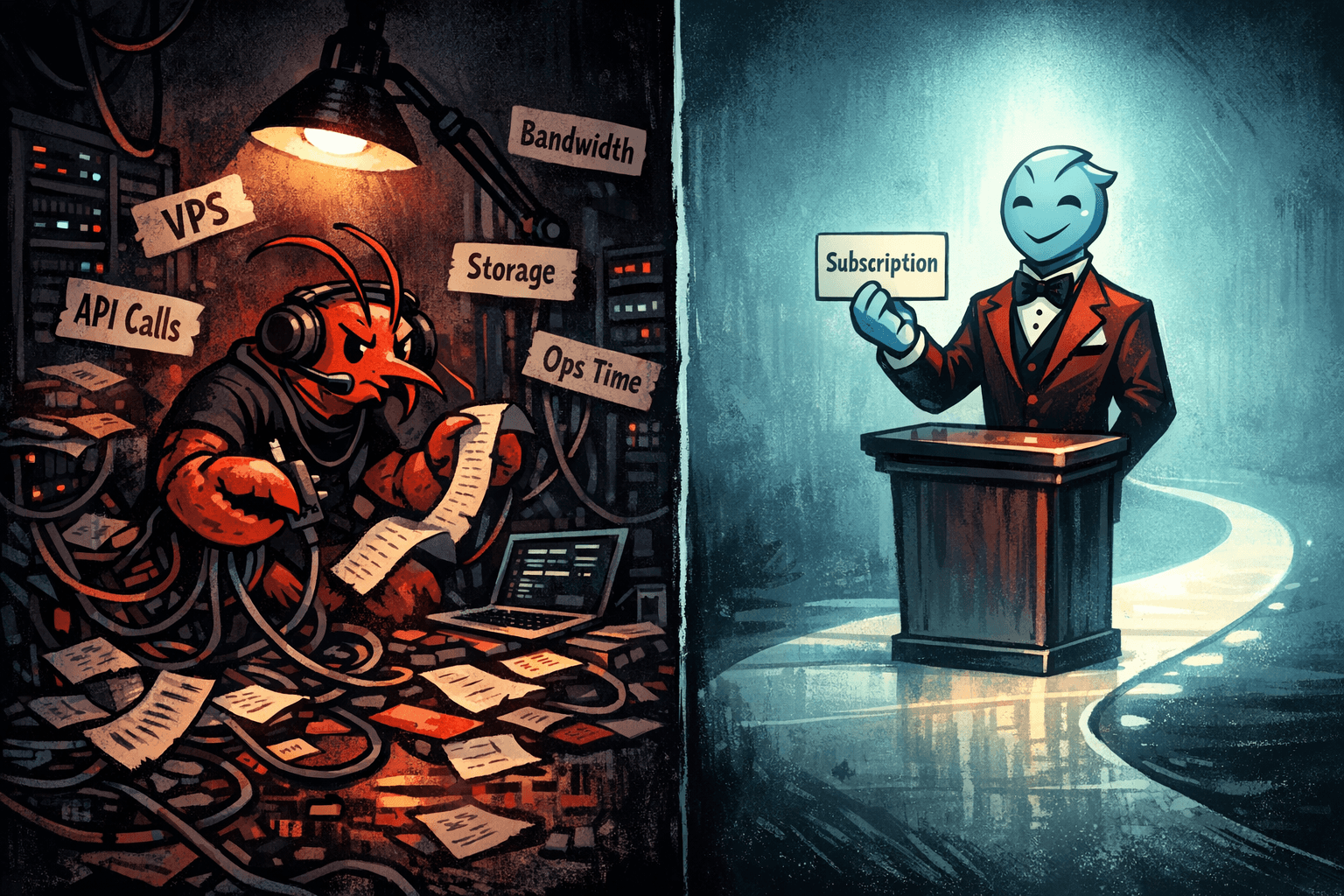
The True Cost of "Free": OpenClaw (formerly ClawdBot, Moltbot) vs Notis
The “free” trap: why open-source usually isn’t your cheapest option
OpenClaw is the project formerly known as ClawdBot (and later Moltbot) (you’ll still see both names floating around), and the rebrand happened after trademark concerns. If you want the receipts, start with the new home at openclaw.you, then check the coverage in Business Insider and the write-up from Laravel News.
Now for the part nobody puts on the landing page.
When something is open-source and “self-hosted”, the sticker price can look like $0. But the actual bill shows up in three places: infrastructure, usage, and your time. The more agentic the system gets, the more those three categories compound each other.
What OpenClaw actually is (and why that matters for cost)
OpenClaw describes itself as a “personal AI assistant you run on your own devices,” with a gateway/daemon approach that connects your tools and models. That “run it yourself” posture is a feature, especially if you’re optimizing for control or local-first workflows. You can see the architecture and positioning directly in the project README: OpenClaw README.
But the same design choice that gives you control also makes you the person responsible for everything that comes with control.
In other words: OpenClaw can be genuinely great, and also not remotely “free” in practice.
The hidden line items in a self-hosted assistant
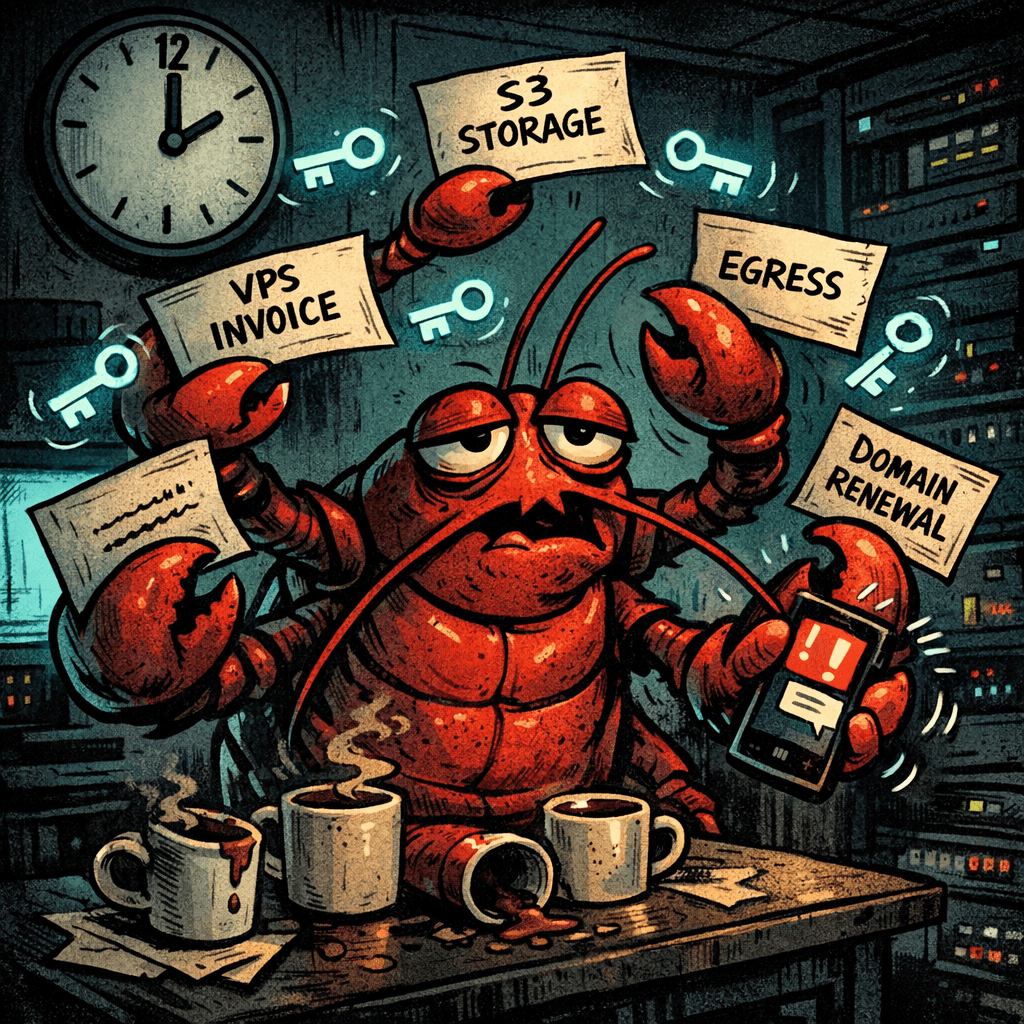
Illustration: A tired lobster sysadmin at 2:00 AM juggling VPS invoices and glowing API tokens in a moody server room.
If you’ve ever self-hosted anything serious, you already know the punchline: the cost isn’t a single number, it’s a shape that changes when your usage changes.
With a self-hosted agent stack like OpenClaw, the usual suspects show up fast.
Hardware or VPS: “local-first” doesn’t mean “no infrastructure”
Some people will run OpenClaw locally on a spare machine. Others will buy a dedicated box (you’ll see the “just grab a Mac mini” angle a lot, often around the ~$600 mark). Some will run a VPS so the assistant is always on.
Any of those can be a good choice. The cost problem is that you’re now paying for availability the same way a SaaS provider does, except you don’t get economies of scale.
Model usage: tokens are still tokens
Even if the core stack is open-source, the intelligence typically comes from a model somewhere. That can be local inference (with its own hardware cost) or it can be API usage.
Either way, the “free” illusion tends to break the first time you start using it for real work.
A common pattern looks like this: you set it up, it works, you start relying on it, and then you realize you’re burning through API tokens. It’s not hard for an enthusiastic power user to hit something like $150 in tokens during a heavy month, especially if you’re iterating on prompts, tools, retries, and workflows.
That's not a knock on OpenClaw. That’s just how usage-based intelligence behaves.
Setup time: the cost nobody budgets
This is the biggest hidden bill, because it’s paid in attention.
You don’t just “install” a self-hosted assistant. You wire it into the way you work. You decide where it runs, how it authenticates, what it can access, what it logs, how it recovers, and how it stays up to date.
If you enjoy tinkering, that time can feel like a hobby.
If you’re a founder, that time is usually borrowed from sales, product, hiring, or sleep.
Maintenance and security: congratulations, you now own the risk
Self-hosting shifts the threat model onto you. You’re now responsible for secrets management, permissions, update cadence, dependency risk, and the basic question of “what happens if this box gets compromised?”
The uncomfortable truth is that agent systems tend to touch everything: calendars, email, docs, databases, repositories, and internal notes. That makes them high-leverage, and high-risk.
If you're excited by that level of control, OpenClaw is interesting.
If you're trying to avoid that level of responsibility, OpenClaw is expensive.
The "true cost" comparison: OpenClaw vs Notis
Here's a fair way to think about it: OpenClaw is a customizable kit. Notis is a service.
The tradeoff isn’t ideology. It’s whether you want to pay in configuration or pay in a predictable product.
Cost driver | OpenClaw (self-hosted) | Notis |
|---|---|---|
Infrastructure | You supply hardware/VPS, uptime, updates | Managed for you, you don’t run anything |
Intelligence cost | You often pay in tokens and retries, or in local inference hardware | You avoid self-host infra management; pricing depends on Notis plans/usage, but you’re not building the stack |
Setup time | You build, wire, and debug your own assistant | You can start in ~10 minutes |
Security posture | You own secrets, auth, patching, exposure | Secure by default, with a productized approach |
Support | Community + your own troubleshooting | Real human support to help build workflows |
“Fun factor” | High, if you like tools and infrastructure | High, if you like outputs and momentum |
I’m intentionally not putting a single price tag on Notis here because (1) pricing changes, and (2) the point of this article is the total cost, not the marketing number.
The honest comparison is this: the moment you assign a dollar value to your time, “free” becomes a rounding error.
Where Notis wins (especially for founders)

Illustration: A witty concierge onboarding someone in minutes while a lobster bellhop wheels away boxes of complexity; dark cartoon, high-contrast lighting.
Notis is the “I just want this handled” option.
You can talk to it from messaging apps, turn voice notes and chats into structured outputs in Notion, and connect it to the tools you already use. The emphasis is on speed-to-workflow: you’re not building an agent gateway, you’re delegating tasks.
That sounds simple, but it’s strategically important.
The real reason founders pay for products isn’t because they can’t build them. It’s because building them is rarely the bottleneck. Sustaining them is.
Notis is built for that reality: quick onboarding, instant integrations, automation triggers (including recurring actions, integrations, and webhooks), and a security posture that doesn’t require you to become your own compliance department.
And when you’re trying to get a workflow right, support matters. Not the “read the docs” kind, but the “tell us what you’re trying to do and we’ll help you build it” kind.
Where OpenClaw wins (and why that’s totally valid)
OpenClaw is compelling if you want maximum control over where your assistant runs, how it behaves, and how it’s extended. If your priority is local-first experimentation, custom integrations, or a deeply personal setup that matches your exact stack, self-hosting can be the right move.
It’s also a great choice if your team already has strong DevOps/security muscle and the marginal cost of “one more service” is low.
In those contexts, the time you spend building isn’t a tax. It’s leverage.
A practical way to choose in 60 seconds
If you're excited by the idea of running a personal assistant on your own devices, and you're happy to own the operational details, OpenClaw is a fun and powerful direction.
If you’re looking at your week and thinking “I cannot afford another setup project,” you’re not lazy. You’re prioritizing.
That’s where Notis fits: you get the assistant layer without also inheriting the assistant’s infrastructure.
CTA: if you want the outcomes without the infrastructure
If you want to build workflows that actually stick, reach out to the Notis team. Tell us what you’re trying to automate, what your Notion setup looks like, and where the friction is. We’ll help you set it up so it works in real life, not just in a demo.

Flo is the founder of Mind the Flo, an Agentic Studio specialized into messaging and voice agents.

