Content

The 80/80 Problem: Why I Write Automations Like I’m Briefing an Intern
I used to think “let the AI handle it” was the whole point of automation. Then I watched a perfectly reasonable request turn into a calendar full of imaginary trains, impossible connections, and travel blockers that looked confident… and were completely wrong.
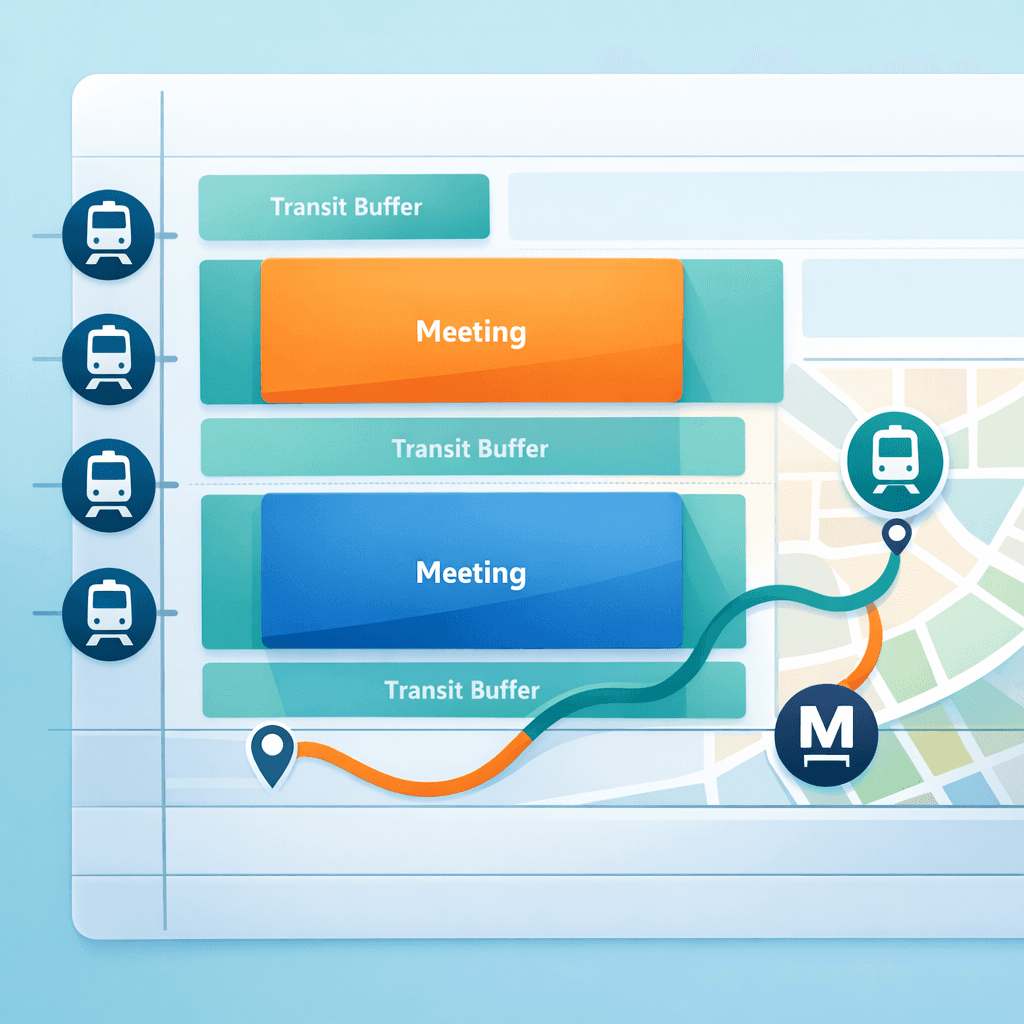
That’s the real lesson from a call I had with Nikki, who lives in Fontainebleau and takes meetings all over Paris. Her problem sounds simple: whenever a meeting gets added or moved, her calendar should automatically block the right travel time. In practice, it’s the kind of workflow that exposes every weakness in AI-first automation.
The “AI will build it for me” trap
Here’s what Nikki had already tried before we jumped on the call: she asked an AI to generate the automation end-to-end. The result looked polished, but it hallucinated train times and made a classic mistake: it scheduled a return train right in the middle of her workday.
When you ask AI to “build the automation”, you’re effectively asking it to do two jobs at once. First, it has to understand your rules and edge cases. Second, it has to translate those rules into a working system with triggers, data fetching, and correct side effects.
I’ve learned the hard way that each job is usually about eighty percent correct. And eighty percent of eighty percent is not “pretty good”. It’s a coin flip.
That’s why I’ll keep repeating the same boring advice: don’t outsource the logic. Own the logic, then use AI to execute it.
The real use case: travel blockers between Fontainebleau and Paris
Nikki’s requirements were strict for a good reason. There’s only one train per hour between Fontainebleau and Paris, so being off by twenty minutes isn’t “a bit annoying”; it means missing the train and cascading into the rest of the day.
Inside Paris, the rules flip. Sometimes the fastest option is the metro. Sometimes it’s walking. Sometimes it’s a taxi. She just wants the fastest route that gets her to the next meeting on time.
Now add the most human detail of all: her schedule changes constantly. Meetings move the day before. Locations get added late. Addresses are missing. So the automation can’t run twice a day and hope for the best. It has to react to reality as it changes.
The only reliable approach I’ve found: structured prompts you write yourself
When we built the workflow together, we didn’t try to “prompt our way” into an automation generator. We did something more mechanical and, honestly, more boring.
We wrote a structured prompt in Notion and used a calendar trigger that fires whenever an event is created or updated. The prompt is the spec. The automation is the execution.
I structure these prompts the same way every time, because it forces clarity and it prevents the AI from improvising when it shouldn’t.
Goal
I write one paragraph that describes what the automation should do in plain language, like I’m briefing a smart intern. Not a developer. Not a mind reader. An intern.
In this case: act as a travel planning assistant that adds, updates, or deletes calendar blockers so Nikki always has the right travel time between home, meetings, and back home.
Process
Then I describe how it should behave when it runs. For Nikki, the most important detail is that it should consider the entire day, not just one meeting in isolation.
When a meeting is modified, the automation should look at all meetings for that day, understand where the updated meeting sits in the sequence, and create or adjust the blocker between that meeting and the next relevant destination.
Rules
This is where you kill ambiguity. What counts as “home”? When do we force public transport? What if the address is missing? What if it’s the last meeting? What if it’s the first?
For Nikki, we encoded the logic so the first meeting of the day uses home as departure, the last meeting uses home as destination, and meetings in the middle route from the updated meeting to the next meeting. We also made it ignore events without addresses, because guessing is worse than doing nothing.
Knowledge
Finally, you give the automation the stable facts it shouldn’t have to infer. Nikki’s home address. The train station address. Any preferences that don’t change day to day.
This section sounds obvious, but it’s where a lot of “AI failures” actually come from. People expect the model to remember things they never wrote down.

Triggers matter more than people think
A small but important decision: we used an event-created-or-updated trigger instead of a schedule.
Schedules feel comforting, but they’re lazy. They assume the world updates on your clock.
Nikki’s calendar doesn’t. The change happens when the meeting moves, which is exactly when the automation needs to run. Triggering on calendar events is how you keep travel blockers accurate without constantly “rebuilding the day”.
The limitation we hit: total travel time isn’t the same as train planning
We tested the workflow and the basics worked: the integration returned reasonable travel times and the automation created blockers.
But then we hit the edge case that actually matters: the Google Maps public transport result gave us total travel duration, not the leg-by-leg train details with exact departures.
If you take the train twice a day with high frequency, you can tolerate this. If you have exactly one train per hour, you can’t.
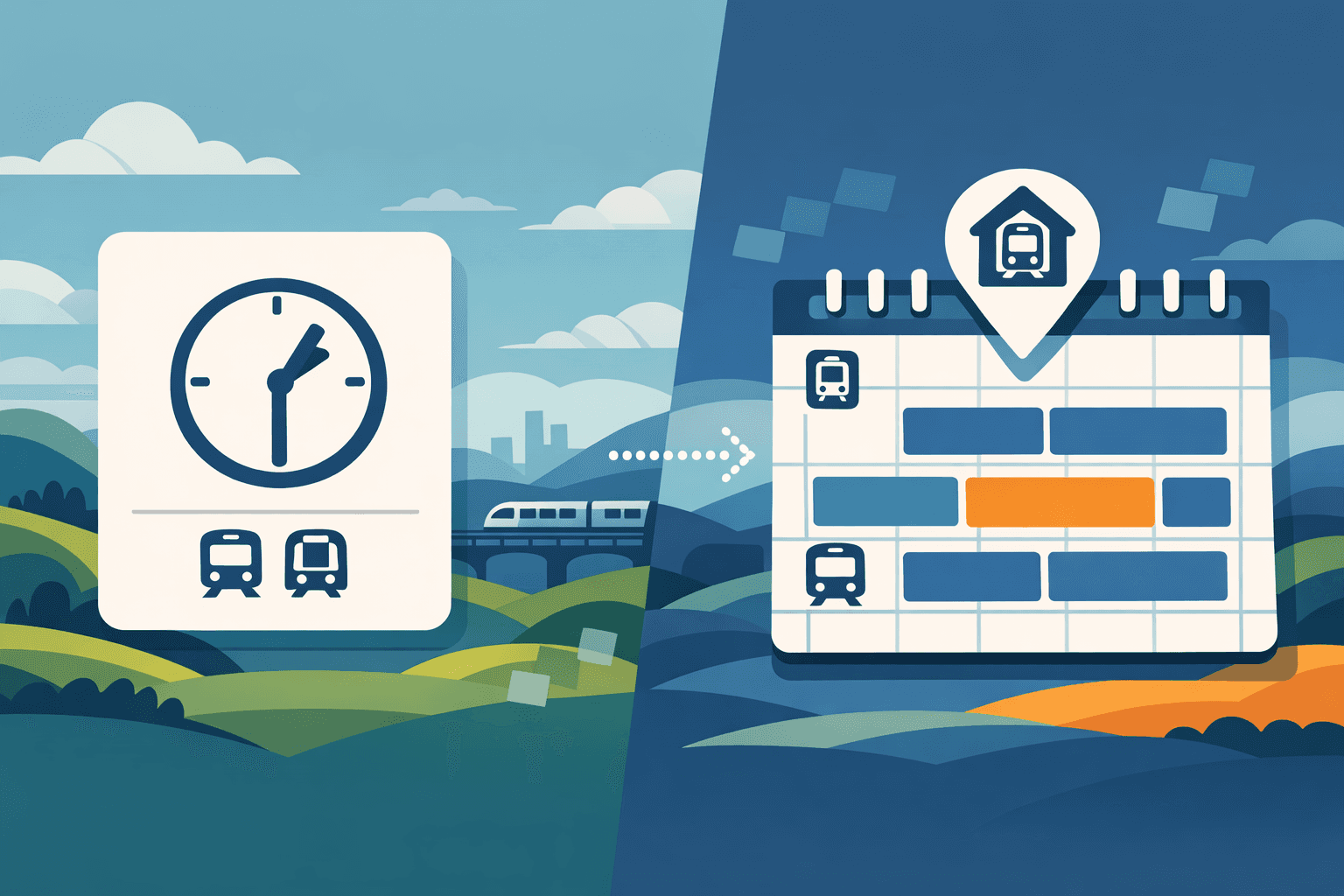
So we agreed on a workaround that’s a bit hacky, but practical: treat the train station as “home”, then add a buffer to account for the short drive from the real home to the station.
That way, the automation optimizes the part we can compute reliably, and we stop pretending we have data we don’t.
The principle I want you to steal
If you take one thing from this story, let it be this: don’t ask AI to invent your workflow.
Write the workflow like a spec. Make the trigger explicit. State your rules like you’re arguing with your future self. Then let the AI do what it’s good at: translating your intent into consistent actions.
That’s how you get out of the coin-flip zone.
And yes, this travel automation is “quite complicated”. I’m not pretending it’s perfect on day one. But it’s also the worst it will ever be. Every limitation we hit becomes either a better integration, a better product primitive, or a better prompt pattern we can reuse.
That’s the game: build something real, watch it break, then turn the break into a blueprint.

Flo is the founder of Mind the Flo, an Agentic Studio specialized into messaging and voice agents.

