Content
Slack Threads, Credits, and Control: How to Use Notis Without Surprises
You can feel when a product crosses a line from “nice demo” to “this is going to change my day-to-day.” The Slack integration is one of those moments for Notis. It’s not just about chatting with an AI in yet another place. It’s about putting the assistant where work already happens, then giving you a clean way to run multiple pieces of work in parallel without turning your brain into a tab manager.
Slack as the control room (and why threads matter)
The flow starts the boring-but-necessary way: authentication. You connect Slack from Notis, Slack asks for permissions, you accept, and you’re dropped back into Notis with your workspace linked. Nothing fancy on the surface, but this is the bridge that lets Notis act inside your Slack context without you copy-pasting everything across tools.
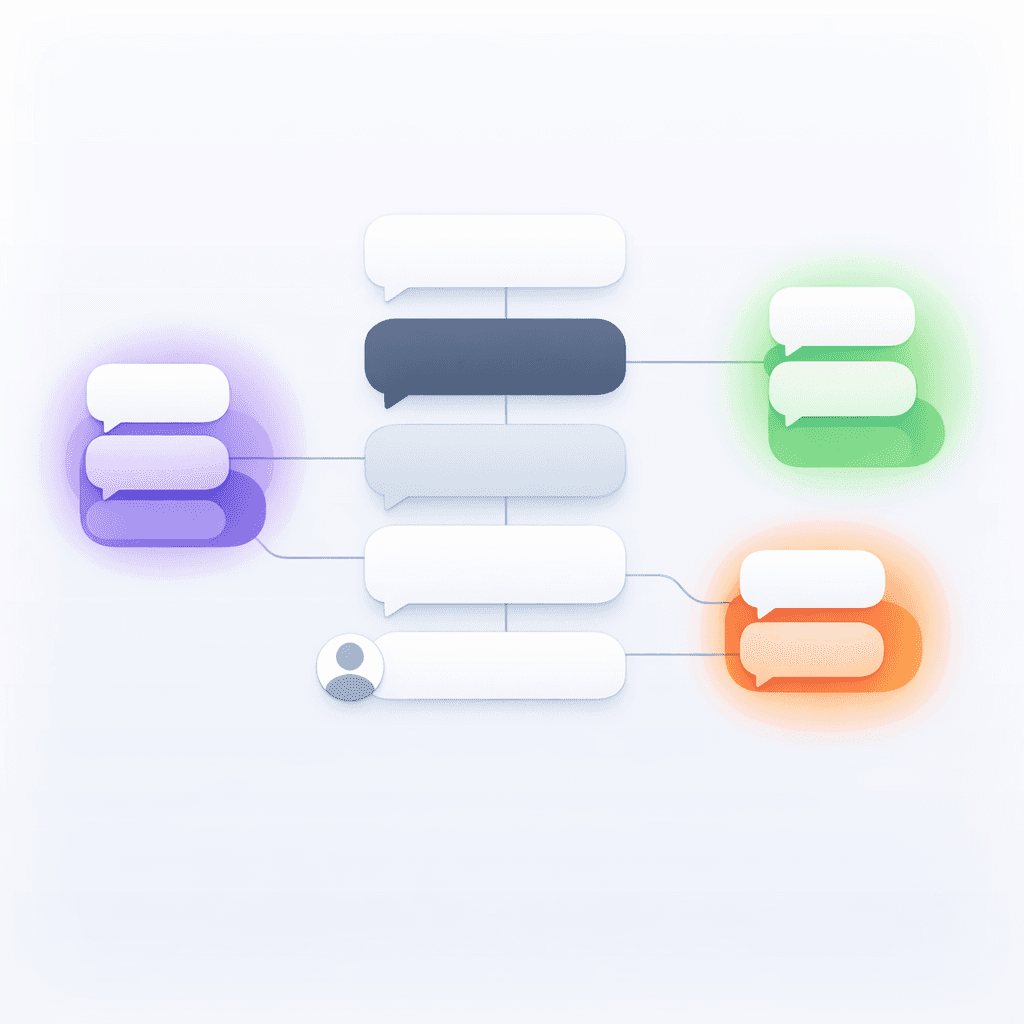
Once connected, you simply open a DM, search for the Notis bot, and start talking like you would to a teammate. Here’s the part that actually matters: Notis automatically creates threads from the main conversation so you can run separate conversations side-by-side.
That means you can ask one thread to draft a follow-up email, another to transform a voice note into a structured Notion page, and a third to research something you’re deciding this afternoon. Each thread keeps its own context and history, independently. No context soup. No “wait, which task are we talking about?” energy.

The pricing model: pass-through credits, not SaaS magic
I’ve seen enough AI products hide the ball on pricing to know how frustrating it is when the bill doesn’t match your mental model. So we went the opposite direction.
Notis pricing is basically the cleanest version of “what it costs to run your agents.” You’re paying for OpenAI usage credits at cost. If you use all your credits, we make zero margin on that usage. The subscription is the container that gives you predictable tiers, not a markup game.
Here’s how the tiers map to credits.
The $20 per month plan includes $20 in credits. Pro Plus includes $60 in credits. Ultra includes $150 in credits. If you go annual, you get four months free.

One thing I like doing when people ask “why did this cost $X?” is showing the trace. In the demo, I explained a $3 charge by walking through what the agents actually did to fulfill that request. You should be able to look at your usage and say, “Yep, that makes sense. It did real work.” If it doesn’t, that’s on us to fix.
And to be explicit about incentives: if you’re unhappy with the result or you hit bugs, we’d rather earn trust than defend a charge. We regularly give free credits in those situations.
Cost control: the habit that separates power users from surprise bills
Agentic systems are powerful because they can keep going, adapt, and take initiative. The dark side is that they can also keep going, adapt, and take initiative.
The biggest cost trap is conversational drift. When you keep talking to Notis mid-run and add new instructions, the system may cancel what’s currently running and start new agents. That’s the right behavior from a “follow the user” perspective, but it can multiply work and increase costs.
This is why I keep repeating the same advice: treat Notis like your first AI intern. Give it a single, well-defined task, then let it execute. I call it “fire-and-forget,” not because you shouldn’t care, but because you’ll get better outcomes and more predictable costs when you’re not constantly reshaping the mission mid-flight.
I’m not saying “never iterate.” I’m saying “iterate like an operator.” Let one run finish. Review output. Then give the next instruction as a new, focused task.
As a personal reference point, I’ve never spent more than $150 in monthly credits, and that’s while using Notis constantly. The difference isn’t that I’m magically more disciplined; it’s that I avoid multi-tasking inside a single run.
Under the hood: orchestrator + specialists (and why Slack helps)
Notis isn’t one monolithic agent. The system starts with an orchestrator that turns your request into a plan, then spins up specialized agents to execute pieces of that plan across integrations.
A typical plan might involve connecting to a GitHub repo, pulling a task list, creating Google Calendar events with one-week advance notifications, checking follow-ups across WhatsApp, LinkedIn, and Gmail, and then setting up a recurring workflow to keep it all current. Each integration agent focuses on its service. The GitHub agent handles repos and requests. The Google Calendar agent retrieves calendars and creates events.

The trade-off is obvious: more freedom means more runtime potential. Today, we don’t have hard guardrails on maximum agent runtime yet, and that’s something we take seriously. Until those guardrails are tighter, the best “guardrail” is the way you ask.
Slack threads are a practical solution to a real problem here. They let you keep different tasks in different context windows, so you’re less likely to accidentally blend instructions or interrupt a run with unrelated ideas. If you want to work in parallel, do it in parallel for real, with separate threads.
A simple way to use this starting today
If you want the Slack integration to feel instantly useful, start with one thread that’s purely operational, like “turn what I say into a clean Notion output,” and another thread that’s purely execution, like “schedule, send, create, update.” You’ll feel the separation immediately. Your brain relaxes because the assistant isn’t losing the plot, and your costs stay sane because runs don’t get restarted every time you remember one more thing.
That’s the whole goal: keep the assistant close to where you work, keep the context clean, and make the economics predictable enough that you can actually rely on it daily.

Flo is the founder of Mind the Flo, an Agentic Studio specialized into messaging and voice agents.

