Content
Notis vs. Zo Computer: Which AI Assistant Fits Your Workflow? (1)
## Quick Take
Notis and Zo Computer both aim to reduce busywork, but they are built around different ideas of what an AI assistant should be. Notis feels like a voice-first operator that lives inside messaging channels and turns spoken intent into notes, tasks, reminders, and Notion updates. Zo Computer feels closer to an always-on AI cloud computer that can stay running in the background and execute work across channels and APIs. If your priority is capturing thoughts on the go and pushing them into a structured Notion workflow, Notis is the stronger fit. If you want a persistent AI worker with strong background execution and API-driven automation, Zo Computer has a compelling angle.
## Product Overviews
### Notis
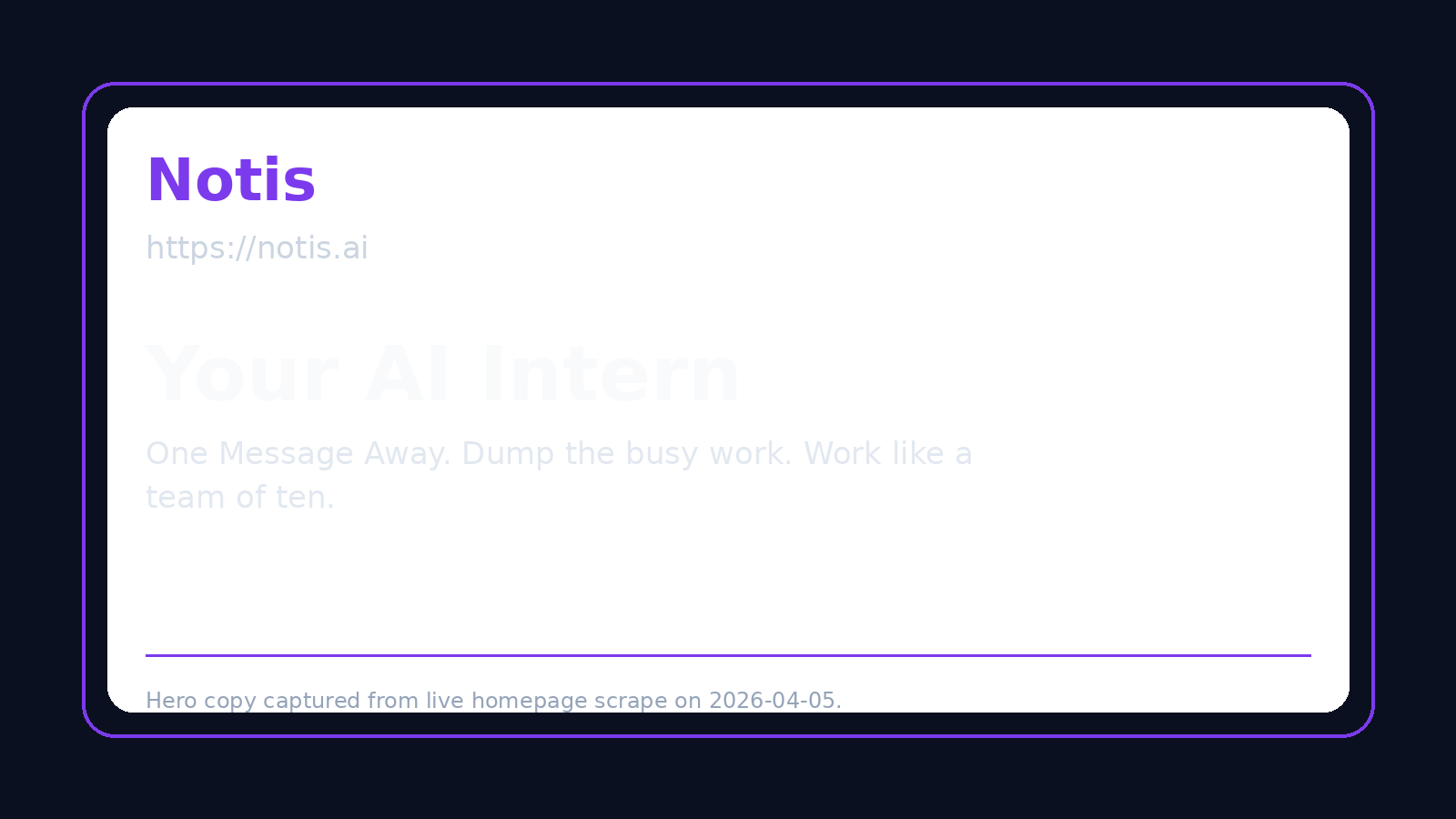
Notis is an AI assistant designed around fast capture and follow-through from the channels people already use every day, especially WhatsApp, Telegram, iMessage, Slack, and email. Its strength is not just answering questions, but turning voice notes and short text instructions into structured outcomes such as notes, reminders, drafts, meeting summaries, and Notion-ready content. For founders, consultants, operators, and teams that already live in chat and use Notion as a second brain, Notis feels less like a separate app and more like a reliable execution layer.
### Zo Computer
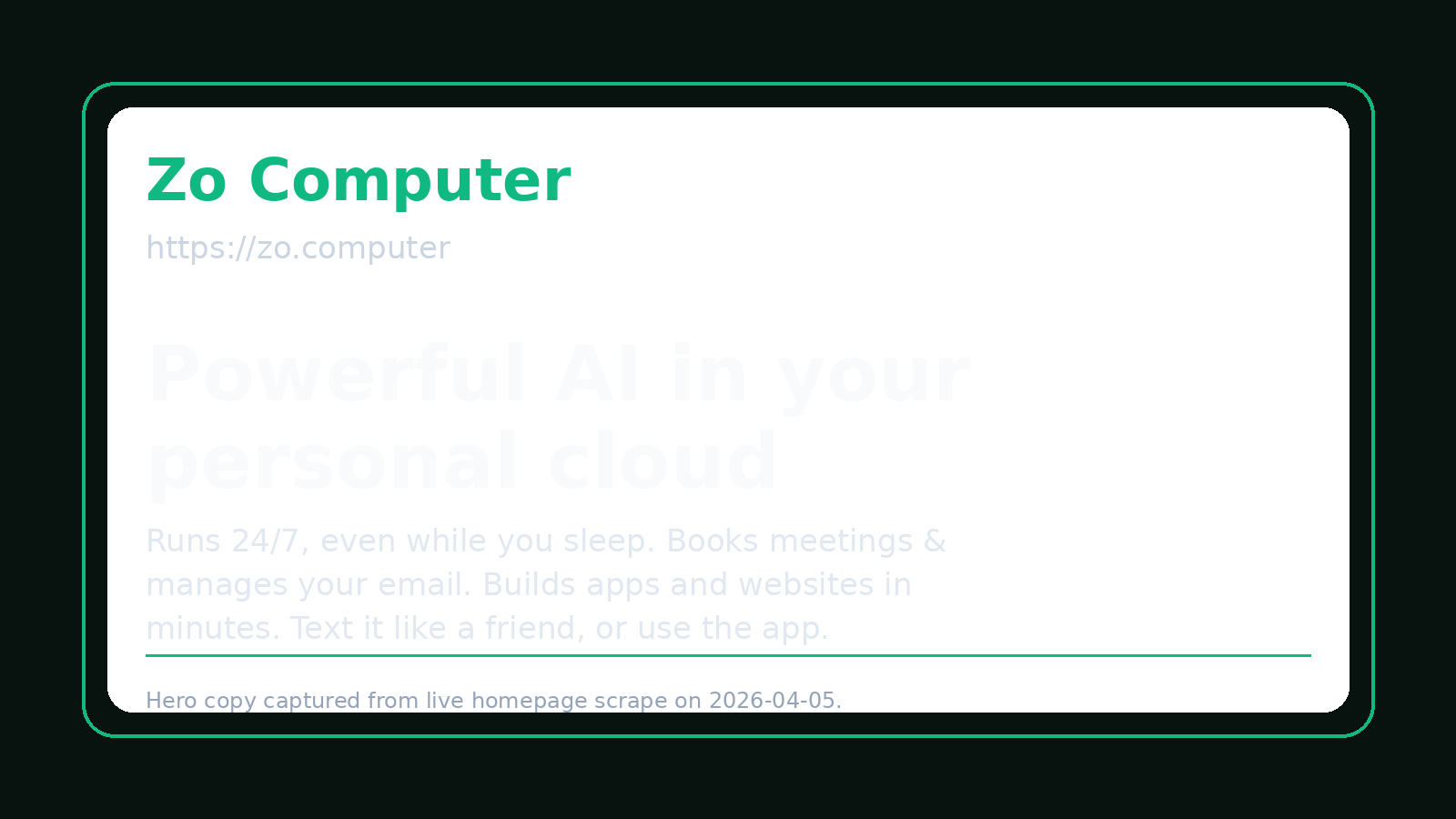
Zo Computer, by Substrate Labs, Inc., is positioned as a personal AI cloud computer: an always-on, AI-powered server that can keep running tasks for
you in the background. It works across channels such as SMS and iMessage, email, Telegram, and API access, and Telegram supports voice notes. Zo Computer is especially interesting for users who want a more persistent, server-like assistant that can execute multi-step work continuously instead of mainly acting as a fast capture-and-organize layer.
Head-to-Head Table
| Category | Notis | Zo Computer |
| --- | --- | --- |
| Voice capture (WhatsApp/Telegram) | Strong voice-first experience across messaging channels, with a clear fit for mobile capture and spoken workflows. | Supports Telegram voice notes, but there is no equally clear first-party WhatsApp positioning. |
| Notion integration | Excellent fit for turning voice notes and quick instructions into structured Notion pages and workflows. | Supports Notion search, read, create, and update, making it solid for operational use. |
| Task & reminders | Strong natural-language reminders and follow-up workflows, especially for personal execution. | Better framed as persistent task execution than lightweight reminders. |
| Web search & RAG | Good research assistance, but the product is broader than a pure RAG tool. | More infrastructure-like and agentic; better for background execution than voice-centered retrieval. |
| Automations & follow-up | Strong recurring automations and channel-based follow-through. | Very strong always-on automation model with background execution and API access. |
| Pricing | Tiered pricing, with value concentrated in voice capture, integrations, and assistant workflows. | Clear public pricing: Free, Basic at $18, Pro at $64, and Ultra at $200. |
| Security & compliance | Practical business-use posture, but not marketed primarily as a compliance-heavy enterprise platform. | Has a public security page, but there is no clear public evidence of SOC 2, HIPAA, or detailed GDPR certification. |
## Key Differences Explained
The biggest difference is the starting point of each product. Notis begins with the user in motion. You have a thought, a meeting note, a follow-up, or a reminder, and you send it as a voice note or message. From there, Notis turns that messy real-world input into something structured and actionable. Zo Computer begins with the idea of an always-on AI machine. Instead of being primarily a capture interface, it behaves m
ore like a persistent cloud worker that can stay active and keep executing tasks behind the scenes.
A second major difference is how naturally each product maps to Notion-centric workflows. Zo Computer’s Notion capabilities are meaningful because it can search, read, create, and update inside Notion. That makes it useful for operational automations. But Notis has a clearer story for the very human moment before information becomes structured: the moment you speak an idea while walking, leaving a meeting, or switching context. That is where voice-to-Notion becomes a genuine advantage rather than just another integration checkbox.
The third difference is how they think about follow-through. Zo Computer is stronger when you want a persistent agent that can keep working in the background like a server. Notis is stronger when you want an assistant that helps you capture, organize, remind, and push the next action forward without making you open another app or build a more technical setup. For many professionals, that lower-friction interaction model matters more than raw background compute.
Which One Should You Choose?
If you are an engineer, builder, or technically inclined operator who wants an always-on AI worker with API access and a stronger cloud-computer metaphor, Zo Computer is worth a serious look. It is also appealing if you want background execution to be central to your workflow rather than an occasional enhancement. If you are an executive, consultant, founder, salesperson, or knowledge worker who spends the day moving between conversations, meetings, and quick decisions, Notis will usually feel more natural. It meets you inside familiar channels, captures ideas by voice, and turns them into tasks, reminders, and structured records with less overhead.
For teams that already rely on Notion, that distinction becomes even sharper. Zo Computer can operate on Notion data, but Notis fits the full path from spoken thought to organized Notion output more elegantly. That makes it the better choice for people who do not just want AI to execute in the background, but want AI to help them consistently move from input to clarity. In that specific voice-to-Notion workflow, Notis has the stronger product fit.
## Wrap-Up
Notis and Zo Computer are both ambitious takes on AI assistance, but they optimize for different kinds of work. Zo Computer stands out for persistent, always-on execution, while Notis stands out for voice-first capture, lightweight delegation, and structured follow-through inside the tools people already use. If your goal is to turn quick voice notes into real action and keep Notion at the center of your workflow, Notis is the better fit. If you want to see how that feels in practice, try Notis on a simple daily workflow and compare how quickly your ideas become organized output.

Flo is the founder of Mind the Flo, an Agentic Studio specialized into messaging and voice agents.

