Content

Notis vs Iris: Calendar-and-Inbox Assistant vs Voice-to-Notion AI Intern
Iris is best if your main pain is calendar + inbox execution on mobile, especially scheduling, rescheduling, and drafting replies with meeting context. Notis is best if you want a voice-first “delegate it” workflow that reliably turns messages into structured work in Notion and across many integrations; the core difference is that Iris is calendar/inbox-native, while Notis is Notion + workflows-native.
Product Overviews
Notis
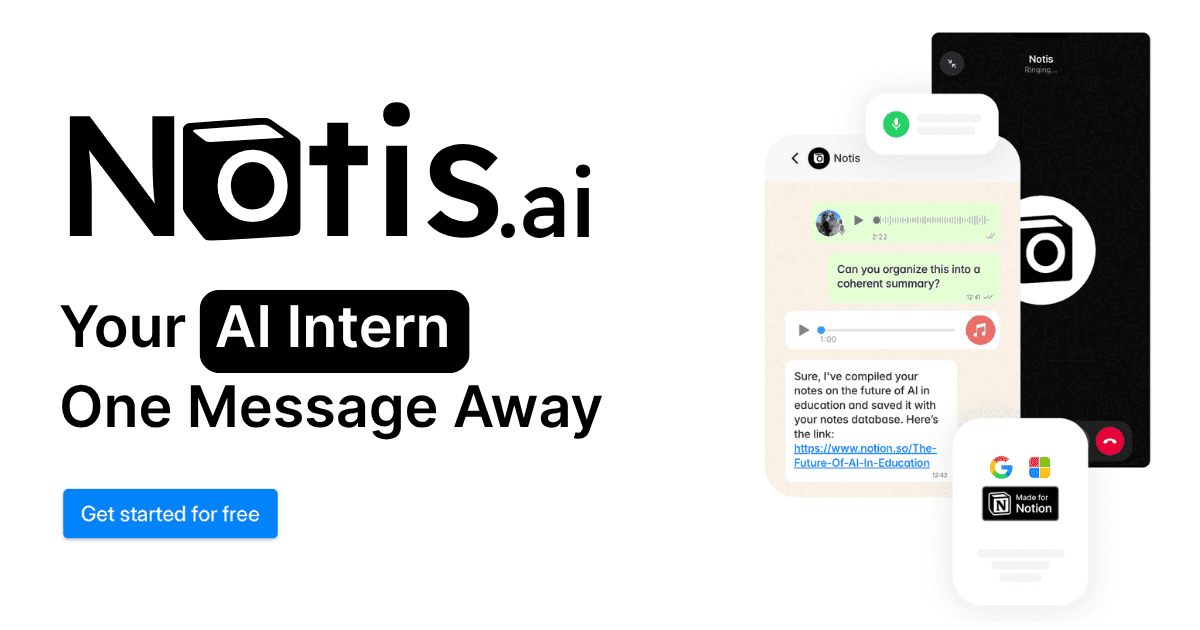
Notis is an AI assistant you can message from WhatsApp, Telegram, iMessage, or email, built to turn your messages into completed tasks across Notion and connected tools. It is positioned as an “AI Intern” that executes workflows such as note-taking, meeting follow-up, CRM updates, and more, with a large integrations layer and a Notion-centric operating system.
Iris
Iris is an “AI Native Calendar and Inbox” that connects calendars and email into a single assistant-led experience, focused on scheduling, rescheduling, and email execution. On iOS, Iris explicitly highlights scheduling and rescheduling meetings, drafting and sending emails, summarizing meeting context from your inbox, and Google Maps routing suggestions.
Head-to-Head Table
Category | Notis | Iris |
|---|---|---|
Voice capture (WhatsApp/Telegram) | Notis is designed to be used by messaging the assistant from WhatsApp, Telegram, iMessage, or email. | Iris marketing focuses on interacting via text or voice inside the app experience; WhatsApp/Telegram style capture is not described in the public Iris materials reviewed. |
Notion integration | Notis is built around Notion workflows and positions itself as a Notion-first execution layer. | Iris positions itself around calendar and inbox; a Notion integration is not described in the public Iris materials reviewed. |
Task & reminders | Notis documents task creation/management through integrations (for example Todoist) and operational follow-through across tools. | Iris focuses on calendar execution and day planning; explicit “tasks/reminders” product claims are not central in the materials reviewed, beyond planning and rescheduling your day. |
Web search & RAG | Notis positions itself as delegating “busywork” across tools, including research-oriented workflows; specific web search capability is not detailed on the Integrations page, but the product is framed as multi-tool execution. | Iris materials emphasize meeting context from inbox and calendar, not web research. |
Automations/follow-up | Notis Pro+ explicitly positions itself around automating recurring work across tools; integrations include CRM and bug triage workflows. | Iris examples include follow-ups like replying to threads and following up on last emails; this is framed as assistant actions inside calendar/inbox. |
Pricing | Pro 29/mo (or 19/mo billed annually), Pro+ 59/mo (or 39/mo billed annually), Ultra 149/mo (or 99/mo billed annually). | Iris is listed as Free on the iOS App Store at the time reviewed. |
Security & compliance | Notis documents GDPR alignment, encryption in transit and at rest, and that personal data is not used to train LLMs, with additional details in its privacy policy and privacy/security documentation. | Iris markets “privacy by design” and says it is end-to-end encrypted, with user approvals and retention/cleanup language; its terms state that Iris does not store or retain personal data. |
Key Differences Explained
Iris is calendar-and-inbox native; Notis is workflow-and-Notion native
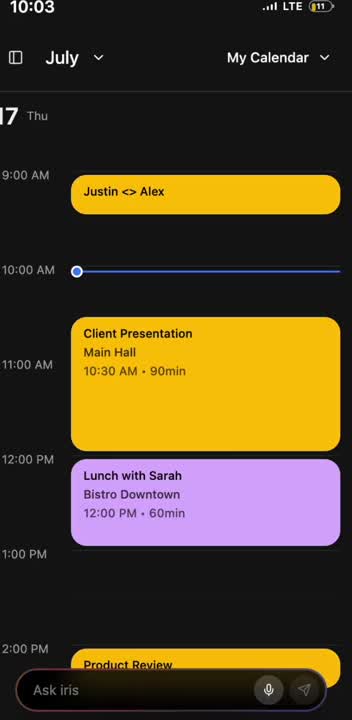
Iris is built to make your calendar and inbox feel like a single surface, so the assistant can reschedule meetings, draft replies, and surface the “why” behind a meeting right before it starts. Iris users describe this as a fast path to clarity in meetings.
“Iris helps me get straight to the point in meetings. The context summarization feature reminds me who I’m meeting and why, right when I need to know.”
Notis takes the opposite path: it treats your messages as instructions that should end up as structured outcomes in Notion and your connected tools. If your work already lives in Notion databases, Notis’ advantage is not merely generating text, but filing, linking, and keeping your system updated as you delegate.
Channel strategy: Iris is an app; Notis lives where you already communicate
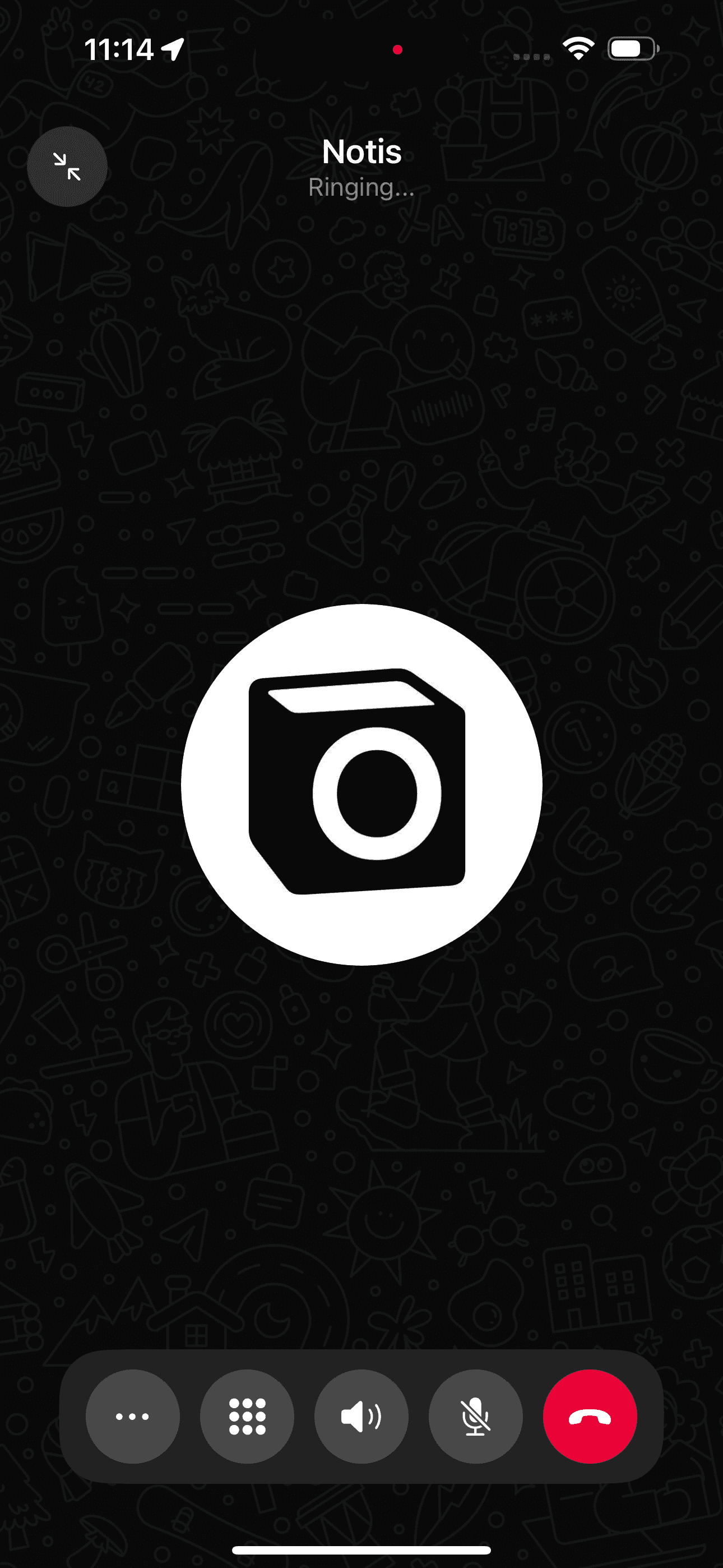
Iris is experienced primarily through its dedicated app, with a polished assistant interface for day planning and execution. Notis explicitly positions itself as “no new app to remember,” with WhatsApp/Telegram/iMessage/email as primary entry points.
This difference sounds small, but it often decides adoption: if you want a dedicated place to manage calendar and email, Iris fits; if you want to delegate from the same chat channels you already use, Notis fits.
Security posture: both emphasize privacy, but describe it differently
Iris’ public materials emphasize “privacy by design,” stating end-to-end encryption and that users approve every action. Its terms of service state that Iris does not store or retain personal data.
Notis provides a more explicit documentation layer around privacy/security, including GDPR alignment, encryption in transit and at rest, and a statement that personal data is not used to train LLMs.
Which One Should You Choose?
If you are an executive or operator whose day is primarily email and calendar triage, Iris will feel like a tighter “calendar + inbox copilot,” especially if you want meeting context surfaced at the right moment.
“Iris knows how I work. It prioritizes the right meetings, drafts the right replies, and makes sure nothing slips through. It’s like having a chief of staff in my pocket.”
If you are a consultant or client-facing lead, Iris can help you enter meetings faster and reply more consistently, while Notis can help you turn every conversation into structured follow-up, tasks, and knowledge inside Notion.
“I’ve tried so many assistants, but Iris is the only one that actually understands who I’m talking about, what I mean, and how I naturally write my emails. It feels personal and effortless.”
If you are an engineer or product builder, Notis tends to fit better when your work requires repeatable workflows across tools, such as turning meeting notes into tracked action items, filing issues, and keeping a Notion workspace current. Iris can still be useful if your bottleneck is scheduling and email throughput rather than the downstream system of record.
If your specific goal is voice-to-Notion workflows, Notis is generally the better fit because it is designed around capturing instructions from chat and reliably turning them into structured updates in Notion, plus follow-ups across integrated tools.
Wrap-Up
Iris and Notis are both trying to remove the friction between intent and execution, but they start from different centers of gravity: Iris from calendar/inbox, Notis from Notion/workflows. If your day is run by meetings and email, Iris is a compelling choice; if your work is run by systems, databases, and cross-tool follow-through, Notis is the more natural home.
If you want to see what it feels like to delegate from a single message and have your Notion actually stay up to date, start with Notis at https://notis.ai/.

Flo is the founder of Mind the Flo, an Agentic Studio specialized into messaging and voice agents.

