Content

Notis vs Howie: which AI assistant should you use?
Quick Take
If your biggest time sink is scheduling meetings over email, Howie is built to feel like a high-end executive assistant that lives in Gmail and books time on your Google Calendar. If your biggest time sink is capturing ideas, turning messages into tasks, and keeping a Notion-based system up to date from your phone, Notis is built for that. The main difference is scope: Howie is a specialist for email scheduling, while Notis is a general-purpose, messaging-first assistant designed to write into Notion and automate busywork across tools.
Product Overviews
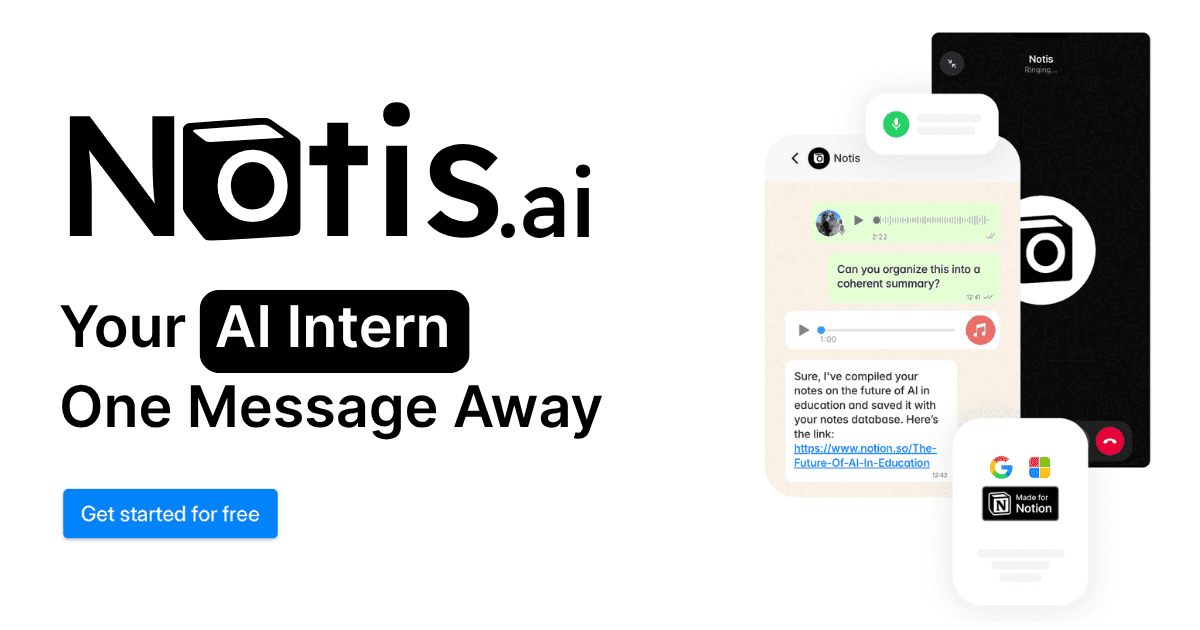
Notis
Notis is a messaging-first AI assistant you can talk to from WhatsApp, Telegram, iMessage, or email, then have it save structured outputs directly into Notion. It focuses on voice capture, long-term memory, reminders, and automations so you can “delegate” routine work without opening another app.

Howie
Howie is an email-first scheduling assistant: you CC it on a thread and it handles the back-and-forth to get a meeting booked, moved, or followed up. It’s optimized for calendar accuracy and “EA-like” scheduling, with human verification in the loop, and today it is focused on Google Calendar.

Head-to-Head Table
Category | Notis | Howie |
|---|---|---|
Voice capture (WhatsApp/Telegram) | Built for voice and text in messaging apps (plus iMessage and email). | Not a voice-first product; operates through email threads. |
Notion integration | Core capability: writes into Notion pages and databases. | No Notion focus; primarily email and calendar scheduling. |
Task & reminders | Built-in reminders and task-style “actions,” designed to create and organize follow-ups. | Follow-ups are scheduling-oriented (nudging invitees, coordinating times), not a general task system. |
Web search & RAG | Not positioned as a web research product; it’s primarily a Notion-and-messaging assistant with memory and automation for turning messages into structured outputs. | Not positioned as a research tool; focused on scheduling accuracy. |
Automations/follow-up | Automations are a core offering, including recurring or trigger-based workflows. | Automated scheduling follow-ups and conflict handling within the meeting-booking workflow. |
Pricing | Pro 29/mo or 19/mo yearly; Pro+ 59/mo or 39/mo yearly; Ultra 149/mo or 99/mo yearly; 7-day free trial. | Basic 35/mo or 25/mo billed annually; Pro 145/mo or 95/mo billed annually; no free trial listed. |
Security & compliance | Product messaging emphasizes integrations and productivity; SOC 2 status not claimed here. | SOC 2 not yet (per FAQ). |
Key Differences Explained
Interaction model: messaging-first versus email-first
Notis is designed around quick capture: you send a voice note or message from the same place you already chat, and it turns that into structured output inside Notion. Howie is designed around coordination: you keep doing what you already do in email, CC Howie, and it takes over the back-and-forth to land a time.
That difference matters because it changes where “friction” lives. With Notis, friction is usually about deciding what you want saved and where. With Howie, friction is usually about how quickly the thread resolves and how much ambiguity exists in the request.
Scope: a specialist secretary versus a general-purpose assistant
Howie is intentionally narrow. It aims to be extremely good at meeting scheduling, including handling conflicts and preferences, even if that means replies can take 15 minutes or longer due to verification. Notis is intentionally broad: it’s meant to be the thing you can message to turn messy inputs into notes, tasks, follow-ups, and recurring automations that keep a Notion system current.
In practice, this means Howie is easiest to justify when calendar coordination is a daily pain. Notis is easiest to justify when your “busywork” is scattered across notes, tasks, databases, and repeatable workflows.
Follow-up philosophy: meeting follow-ups versus workflow follow-through
Both products “follow up,” but they mean different things. Howie follows up to get a meeting scheduled, confirmed, moved, or cancelled. Notis follows through by creating reminders, updating systems of record in Notion, and triggering automations so work continues after the message is sent.
Which One Should You Choose?
If you are an executive, investor, or operator with a calendar that drives your day, Howie is the more direct bet when email scheduling is the bottleneck and you want an assistant-like experience inside Gmail.
If you are a consultant or salesperson who lives in client conversations and needs clean meeting recaps, follow-up reminders, and a reliable system of record in Notion, Notis tends to fit better because it’s designed to turn messages into structured outputs.
If you are an engineer, product lead, or founder who wants to capture decisions on the go and keep projects, tasks, docs, and automations connected inside Notion, Notis is the more natural choice for voice-to-Notion workflows, because the “write to Notion” loop is the product.
Wrap-Up
Howie and Notis don’t really compete feature-for-feature: they compete on where you want AI to live in your day. If scheduling via email is your pain, Howie is the specialist. If you want one place to message that reliably updates your Notion system and automates follow-through, start with Notis.
Try Notis if your goal is to go from voice note to structured Notion output in one step, and keep the busywork running in the background.

Flo is the founder of Mind the Flo, an Agentic Studio specialized into messaging and voice agents.

