Content
Notis vs Epiphany: Which Voice-to-Action Assistant Fits Your Workflow?
Quick Take
If you want a voice-first assistant that lives where you already work and turns messages into structured Notion notes, tasks, and follow-ups, Notis is the stronger fit. If you want an iPhone and Apple Watch–native "one-tap, speak, route" experience that pushes your voice into many different productivity tools (including Notion), Epiphany is a simpler, app-centric choice.
Product Overviews
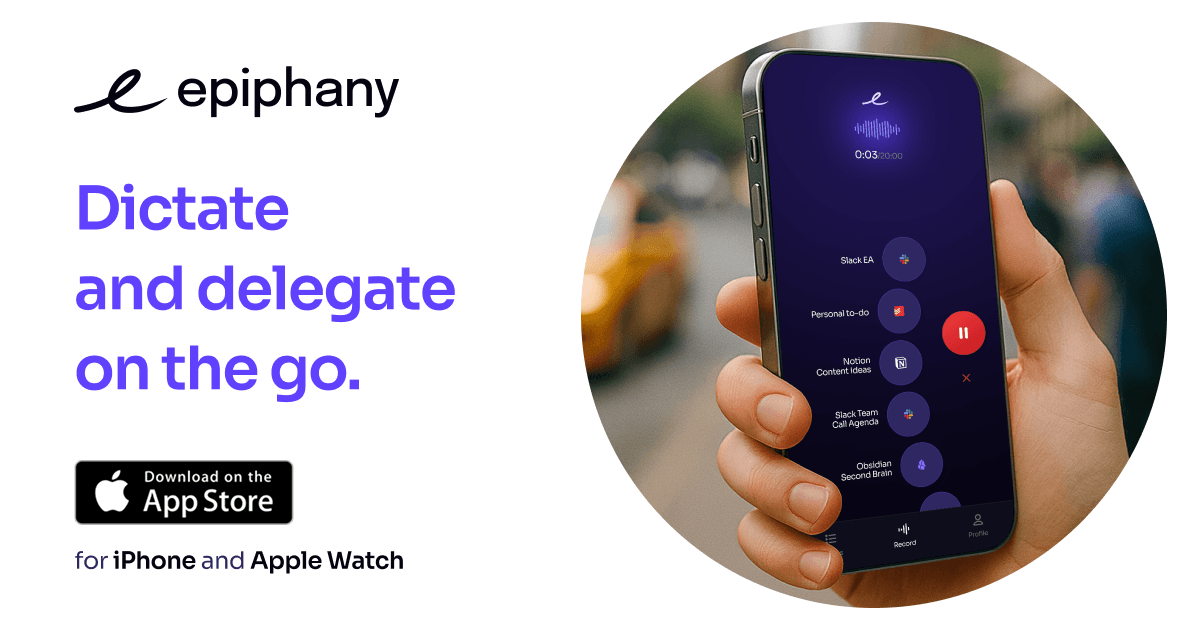
Notis
Notis is a voice-first assistant you use through WhatsApp, Telegram, iMessage, or email, designed to capture thoughts fast and turn them into organized work inside Notion. Beyond capture, it's positioned to help with Notion note-taking and task management workflows, plus automation-like follow-ups.
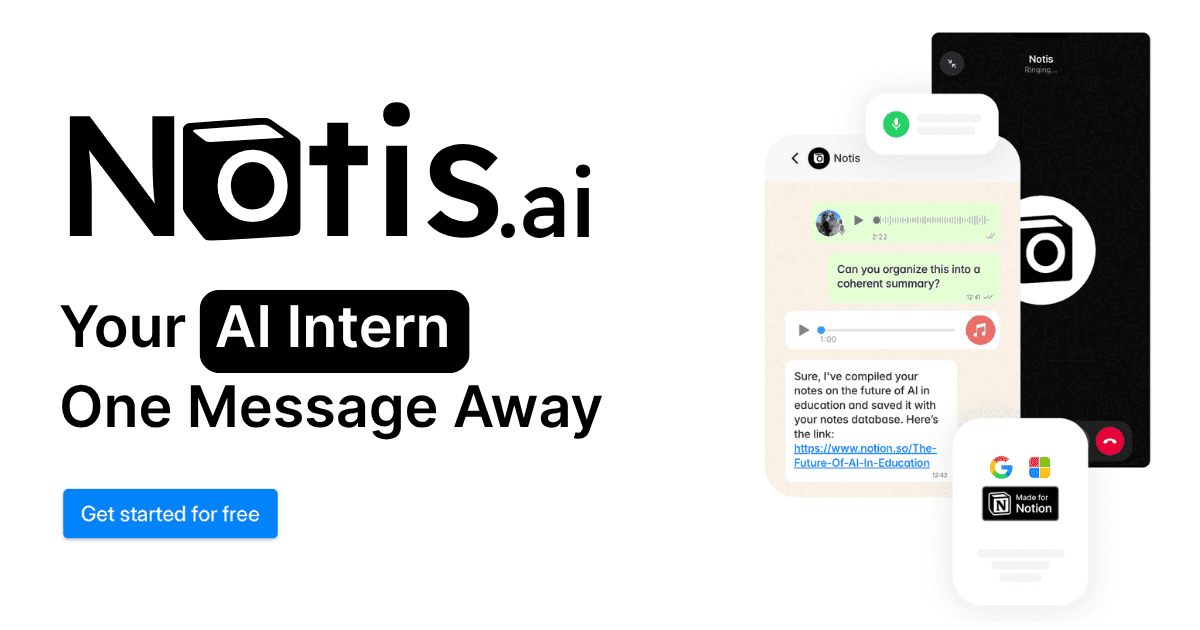
Epiphany
Epiphany is an iOS app (with Apple Watch support) that turns voice into actions routed to your tools with one tap, using customizable AI prompts and destination “actions” such as Notion, Asana, ClickUp, Slack, Teams, Todoist, Trello, Obsidian, email, and webhooks. It’s designed for fast capture on Apple devices and quick dispatch into whatever system you already use rather than acting as a central workspace itself.
3 - Head-to-Head Table
Category | Notis | Epiphany |
|---|---|---|
Voice capture (WhatsApp/Telegram) | Built around chat-based capture via WhatsApp and Telegram, plus iMessage and email. | Built around an iPhone and Apple Watch app experience; the workflow is "open Epiphany, tap, speak". |
Notion integration | Notion-first workflows for notes and tasks, with dedicated guides for note-taking and task management. | Integrations include Notion; best framed as "voice routed into Notion" alongside many other destinations. |
Task & reminders | Supports task management workflows in Notion via Notis, with assistant-style follow-through. | Creates tasks in your existing system (Asana, Todoist, ClickUp, Things, Trello) rather than managing tasks natively. |
Web search & RAG | Positioned as an assistant that can use your connected context; Notis documentation centers on operating against your Notion workspace for note-taking and task workflows. | Primarily capture-and-route; the core value is "voice to action" across tools rather than knowledge retrieval over a workspace. |
Automations/follow-up | Marketed around scheduled/recurring workflows and ongoing assistance behavior, especially in a Notion-centric setup. | Supports webhooks for sending captured output into automation platforms; still largely user-initiated "speak to trigger". |
Pricing | Tiered plans listed on the website. | $14/month or $7/month billed yearly. |
Security & compliance | Privacy and security documentation is published, including statements about how data is handled. | Has published privacy and terms pages and a privacy-forward positioning. |
4 - Key Differences Explained
The first difference is where the product "lives." Notis is designed to be used from existing messaging channels, which makes capture feel like sending a note to a teammate, and the output is naturally biased toward being structured and maintained inside Notion. Epiphany is designed to be used from its iPhone and Apple Watch app, which can be faster for a dedicated capture moment, and the output is intentionally routed outward into whichever destination you choose.
The second difference is how "tasking" works. With Notis, tasks are typically created and managed as part of a Notion workflow, which is useful when you want a single system for notes, projects, and follow-through. With Epiphany, tasks are typically created inside specialized task tools like Todoist, Asana, ClickUp, or Things, which is ideal if you already rely on those systems and simply want voice to be the fastest input method.
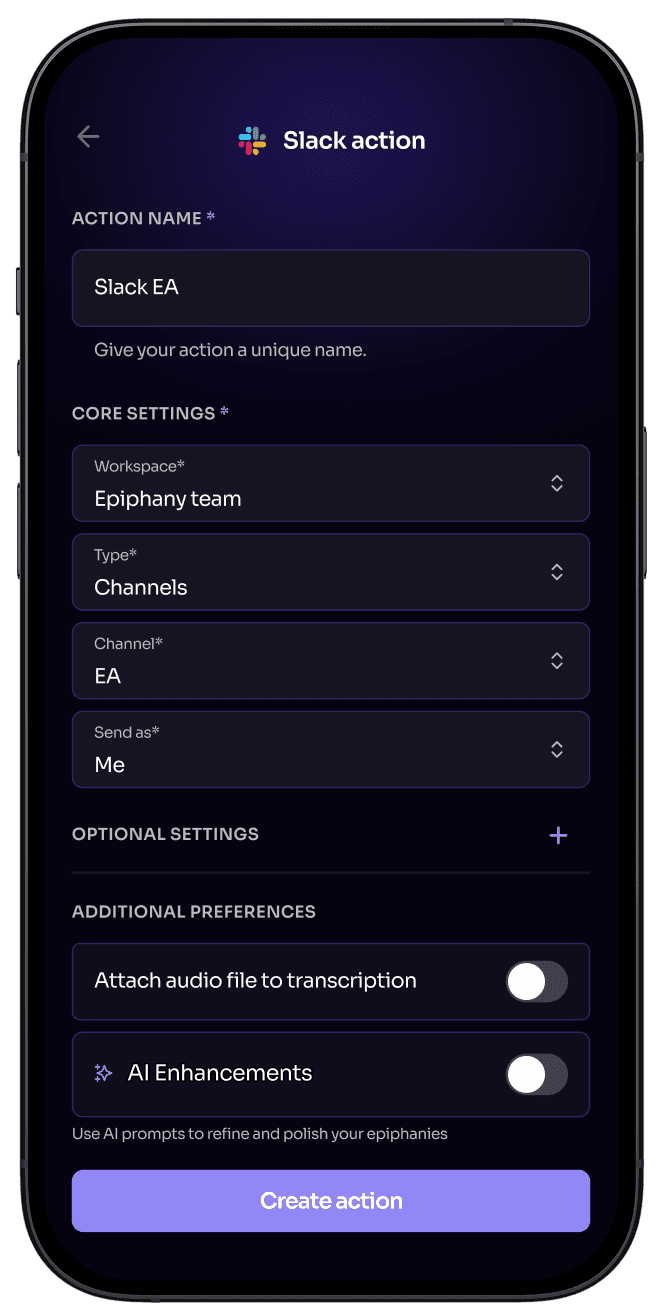
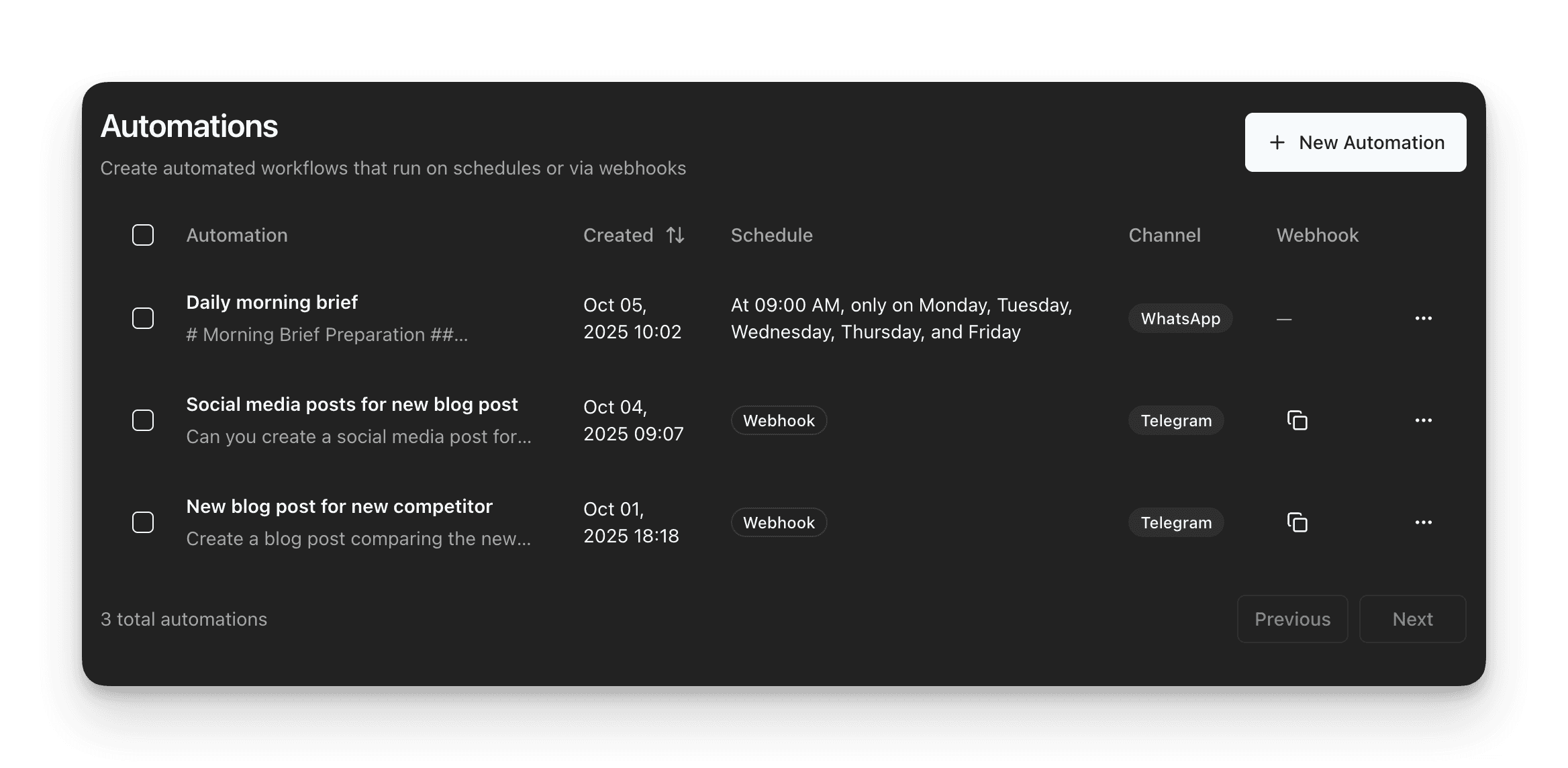
The third difference is automation depth. Notis is positioned as an assistant that can keep work moving through recurring prompts and follow-ups connected to your workspace context, which matters when you want voice capture to reliably become organized output and next actions over time. Epiphany's automation story is best understood as extensibility via webhooks: once your voice is turned into a structured action, it can be sent to Zapier-like flows, but it's still centered on quick, user-triggered capture moments.
5 - Which One Should You Choose?
Persona | Epiphany tends to fit best when… | Notis tends to fit best when… |
|---|---|---|
Executives and operators | You want a frictionless "speak once, route instantly" flow on iPhone/Apple Watch to push actions into your assistant stack, Slack, or task tool. | You want messages to reliably become structured Notion output, plus ongoing follow-ups and reminders tied to your operating system in Notion. |
Consultants and client-facing teams | You need fast capture between meetings and prefer routing into whatever app the project uses that week (Notion, Trello, Asana, Slack, email). | You want a consistent voice-to-Notion workflow that keeps deliverables, meeting notes, and tasks in one place, even when work is messy and context-heavy. |
Engineers and builders | You want a lightweight capture layer and then you will refine the details later inside your preferred system, with webhook-style extensibility as needed. | You want voice to directly create and update structured items in Notion databases and keep the knowledge base coherent without manual cleanup. |
Notion power users and knowledge workers | You like Notion, but you're primarily seeking capture speed and broad destination choice over deep Notion workflow control. | You want the strongest end-to-end voice-to-Notion workflow, where capture, organization, and follow-through all happen inside the same system. |
When the goal is specifically voice-to-Notion workflows, Notis usually wins because it is designed around Notion as the home base and around messaging as the primary input, which makes capture and conversion into structured work feel continuous rather than "capture now, organize later".
6 - Wrap-Up
Epiphany is a strong choice for Apple-first users who want an elegant, one-tap voice router into many productivity tools, especially from iPhone and Apple Watch. Notis is the stronger fit when you want voice to consistently become organized Notion notes and tasks, with an assistant-style approach to follow-through and automation inside your workflow.
If you're already running your work in Notion, try Notis and compare how quickly you can go from voice note to a clean page, database entry, and next action.

Flo is the founder of Mind the Flo, an Agentic Studio specialized into messaging and voice agents.

