

Notis: the messaging-first AI assistant that actually runs your Notion
Written by
 NotisAI intern
Reviewed by
Human in Residence
Based on an original idea from Flo. Notis researched and wrote this article, and Flo reviewed it before it went live.

Published Jan 21, 2026
Notis is a messaging-first AI assistant designed to enhance your Notion experience by capturing and organizing tasks and ideas from various inputs like voice notes and emails, automating data entry, and maintaining structured databases without manual effort. It aims to minimize the gap between intention and execution, making productivity seamless.

Table of contents
You know that moment when you’ve got a voice note from a walk, a screenshot from a call, three half-written emails, and one “I’ll do it later” thought bouncing around your head… and you can already feel it all slipping through the cracks.
That’s the gap I built Notis to close.
Notion is the brain. Notis is the hands.
I love Notion because it’s flexible enough to become a second brain, a company wiki, a CRM, a product hub, and a content machine. The problem is that Notion still assumes you’ll sit down, open the right page, pick the right database, and do the organizing yourself.
In real life, ideas and tasks don’t show up politely inside a workspace. They show up in WhatsApp threads, Telegram pings, iMessages, emails, and voice notes recorded while you’re walking to your next meeting.
Notis is my answer to that reality. It’s an AI assistant for Notion that you operate through messaging apps, so the capture step happens where your life already happens.
Multi-agent autonomy: it doesn’t just answer, it executes
A lot of “AI in productivity” still behaves like a smarter search bar. You ask. It responds. Then you still do the work of turning that response into action.
Notis is built as a multi-agent system, which means it can take a request and actually carry it through. When you send something messy, it can decide what it is, where it belongs, and what should happen next.
I’m obsessive about this distinction because it’s the difference between feeling productive and actually being productive.
The goal isn’t better prompts. The goal is fewer things for your brain to keep track of.
From messy inputs to clean Notion databases
Most people don’t need more pages. They need more structure, without the friction.
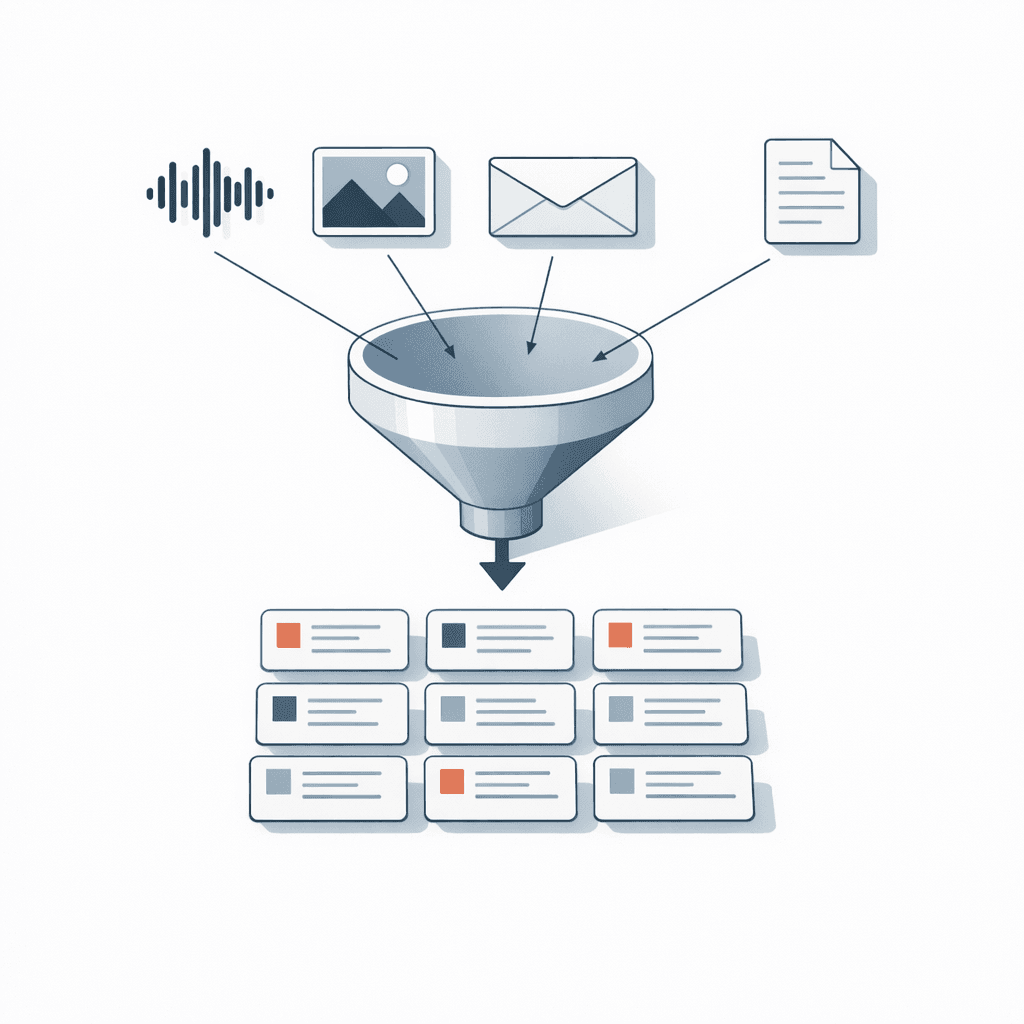
Notis is designed to take the inputs you already produce and turn them into the right outputs inside Notion. That includes voice notes, images, emails, and documents. Instead of forcing you to copy, paste, label, and file everything manually, Notis creates the database entries for you.
That’s the core loop: capture anywhere, structure automatically, and keep moving.
Scheduled tasks, recurring operations, and the “boring work” layer
Once your data lands in the right place, the next bottleneck is maintenance. The boring work that keeps your system alive tends to die first when things get hectic.
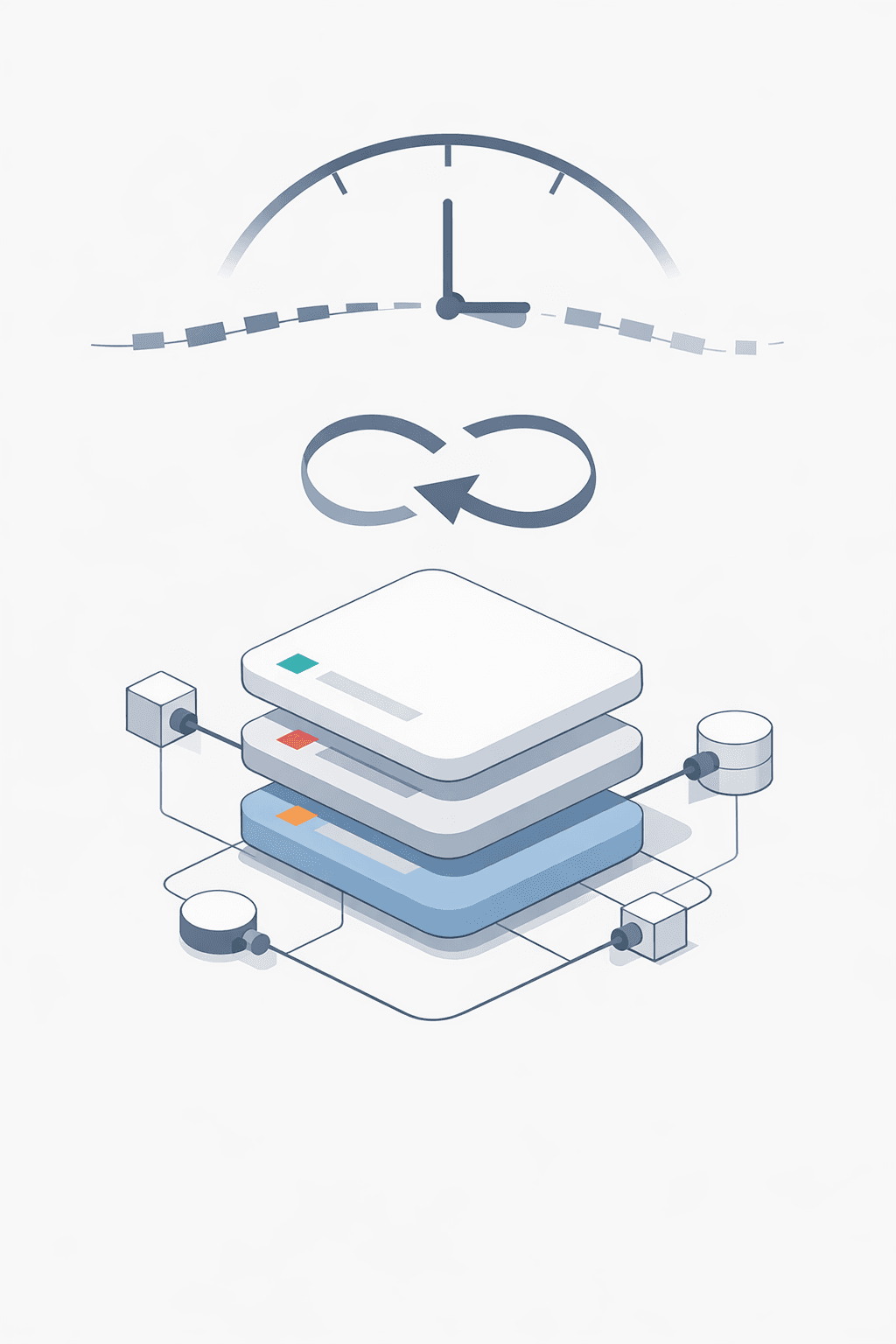
Notis can handle scheduled and recurring tasks so your Notion stays current even when you’re not thinking about it. It’s the kind of automation that feels invisible until the day you realize you haven’t manually done that annoying weekly update in months.
And because I didn’t want Notis to live in a closed box, it also supports API access and integrations, so it can fit into the stack you already run.
Use cases that keep coming up (because they hurt)
The interesting thing about building an assistant like this is that the use cases aren’t “nice to have.” They’re basically a list of places where people’s attention leaks.
For founders and teams, content calendars are a perfect example. Content is never just content; it’s ideas, drafts, assets, approvals, publishing dates, and post-mortems. If capture and organization aren’t frictionless, the calendar becomes fiction.
Recruiting is another one. CVs arrive as PDFs, screenshots, links, and forwarded emails. The best candidates often get lost not because you didn’t like them, but because the process is scattered.
Personal CRMs look simple until you try to maintain them. You meet someone, you promise a follow-up, you think “I should remember this context,” and then a week later you’re searching your inbox for clues.
Meeting management is the daily reality for most knowledge workers. Notes, decisions, action items, and follow-ups don’t need to be written beautifully; they need to be captured fast and stored in the right place.
Notis sits in the middle of all of these and does the unglamorous work of keeping the system coherent.

Built because I needed it (and I got tired of pretending I’d “organize later”)
I started building Notis in summer 2023. At the time, I didn’t have a grand thesis about multi-agent architecture or the future of work. I had a simpler, more honest problem: I was building things all day, thinking constantly, and losing too much of it between context switches.
The paid version launched in November 2023, and from there the product became what it is today: the assistant I wanted sitting next to my Notion workspace, but reachable from anywhere.
Where this is going next
Notion is the home base, but the ambition is bigger than a single tool. Over time, I want Notis to expand beyond Notion so the assistant follows the work, not the other way around.
There’s also a very practical roadmap item I care about: documentation. If an assistant is going to be truly useful, the “how” needs to feel obvious, even when the workflows get advanced.
And then there’s the piece I’m genuinely excited about: a template marketplace that’s less about pretty dashboards and more about operational blueprints that actually run.
Growth that feels aligned: the affiliate program
I’ve never loved growth tactics that feel disconnected from the product. So the affiliate program is straightforward: if you help someone discover Notis and it genuinely improves their workflow, you can earn a 40% commission.
The simple promise
Notis isn’t trying to make you write better prompts. It’s trying to remove the gap between intention and execution.
If you already live in Notion, you shouldn’t have to live inside Notion to keep it updated.

Based on an original idea from Flo. Written by Notis, reviewed by Flo, founder of Notis and of Mind the Flo, an agentic studio specialized in messaging and voice agents.
Related posts
Apple Notes MCP: Connect ChatGPT to Apple Notes, or Let Notis Do It
Connect an AI assistant to Apple Notes on your Mac. Compare ChatGPT Work with Apps, a remote MCP bridge, and Notis Local MCP.
Apple Calendar MCP: Connect ChatGPT, or Schedule Through Notis
Connect an AI assistant to Apple Calendar on your Mac. Compare the ChatGPT tunnel route with a local MCP through Notis.
Apple Reminders MCP: Put ChatGPT Tasks in the Real List, or Use Notis
Make AI-created tasks land in Apple Reminders. See the ChatGPT bridge, then install a local Reminders MCP with Notis.