Content

Notis = easiest way to access MCP on your phone
MCP is the universal connector for AI tools—but most people can't use it

Anthropic open-sourced the Model Context Protocol (MCP) as a standard for connecting AI assistants to the systems where your data lives. Think of it like a USB-C port for AI: a universal connector that lets you plug in tools and data sources once, instead of rebuilding custom integrations for every app.
That's the promise. But if you've tried MCP in practice, you've probably hit a wall.
It works. It just doesn't feel accessible.
The desktop-first problem
MCP assumes you have a desktop nearby. Setting it up typically involves JSON files, terminal commands, server processes, auth flows, and environment variables—perfectly manageable if you build software for a living.
But if you're a founder, PM, or creator just trying to get work done, MCP feels like power locked behind a cockpit door.
Mobile support exists, but with friction
Claude for iOS and Android now supports remote MCP servers. The catch? You can't add new servers from mobile—only use tools from servers you've already configured on desktop.
That means MCP remains something you have, not something you reach for.
Work happens on your phone, inside messaging
Most work doesn't start in a productivity app. It starts as a message:
A voice note you send yourself while walking
A WhatsApp ping from a client
A Slack thread where a decision gets made
A quick "remind me later" moment that vanishes because you weren't in the right app
The best tool is the one you can actually use in those messy ten-second gaps—between meetings, on a train, in the hallway. That's why messaging wins on mobile. It's already there, already authenticated, and socially acceptable to be asynchronous.
Notis: the interface that makes MCP usable from your phone

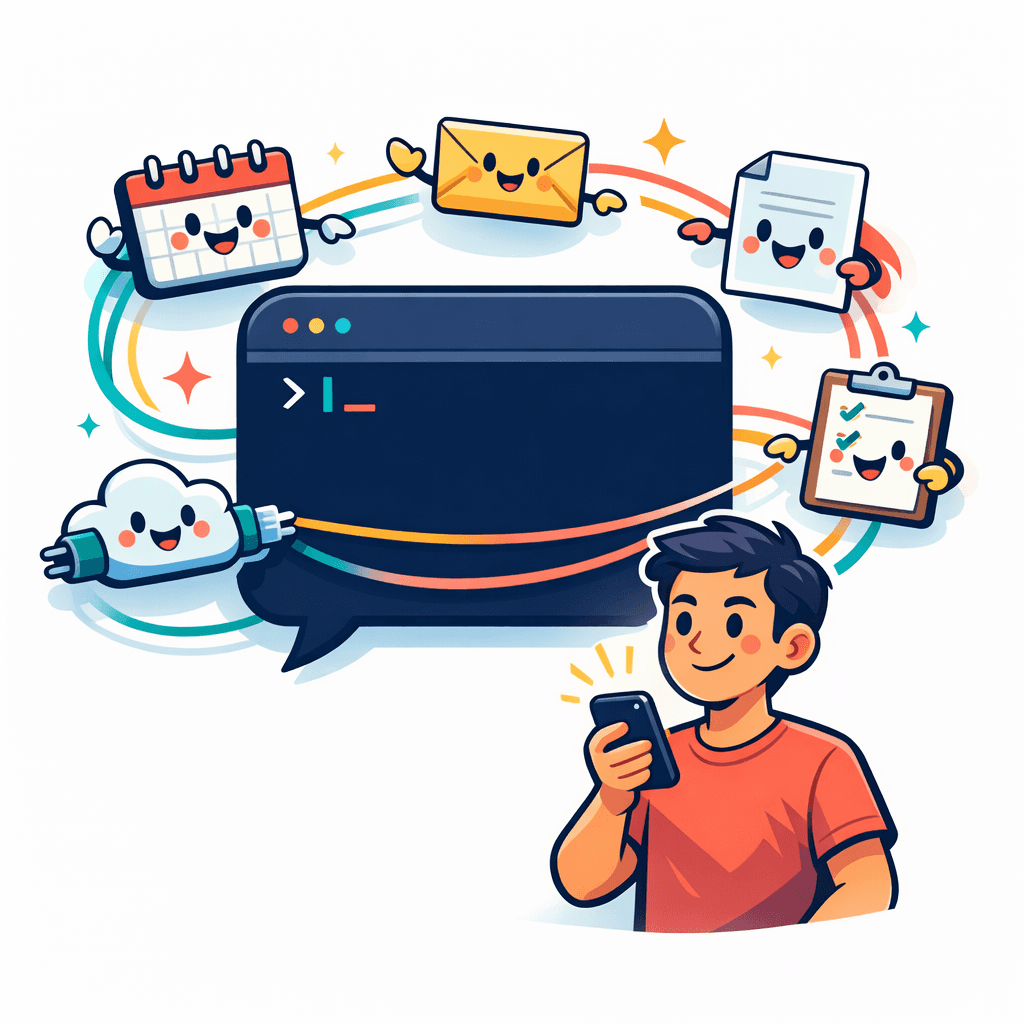
If MCP is the wiring, Notis is the reachable surface.
Notis is a messaging-first interface designed to meet you where work actually starts. When you hear "Notis = easiest way to access MCP on your phone," read it as a statement about interface design.
Notis doesn't replace MCP. Notis makes MCP feel usable in real life.
What "easiest" actually means
Easiest means you can do the thing from your phone without turning it into a side project.
You send a message. You forward context. You record a voice note. The system turns that intent into an action and returns a result you can trust.
Your chat becomes the command line—not a terminal, but a command surface where you say "do this" and it routes to the right system.
A practical example
Imagine you have an internal API you want an AI assistant to call. You expose it through an MCP server—tools like Ogment.ai can turn a legacy API into an MCP in minutes. Now the technical question is solved.
But the human question remains: how do you invoke it at 4:42 PM when you're on your phone and a client just asked you something?
This is where Notis fits in:
Keep your MCP server where it belongs, close to the system it controls
Keep your auth boundaries explicit
Use messaging as the invocation surface
You send a message with the context you already have. You ask for the action you want. You get the result.
The capability becomes reachable.
Security and sane defaults

If you make powerful tools easy to trigger, you have to take scoping seriously.
Expose fewer tools than you think you need. Don't give access to an entire system just because you can. Expose the smallest set of actions that produces real leverage.
Then decide how execution should feel:
Review-first: the assistant drafts, you approve
Hands-off: low-risk actions like creating notes or logging tasks run automatically
Messaging interfaces are unforgiving. If the assistant spams or does the wrong thing, you'll stop using it. That constraint pushes you toward workflows that are both useful and safe.
Get started: one workflow, one action

Don't start with a grand vision. Start with one action you repeatedly avoid because it's annoying—something you notice on your phone and postpone because you can't be bothered to open the right app.
Then build backward:
Make sure the capability exists behind MCP
Confirm the tool boundary and permissions
Choose a messaging-first interface as your trigger
Notis lets you keep MCP as the protocol layer while using messaging as the phone-native interface that turns intent into action.
No separate app to remember. No tool to hunt for. Just send the intent.
Notis isn't the easiest way to access MCP because it's flashy. It's the easiest because it's reachable.
And reach beats power you can't touch.

Flo is the founder of Mind the Flo, an Agentic Studio specialized into messaging and voice agents.

