Content
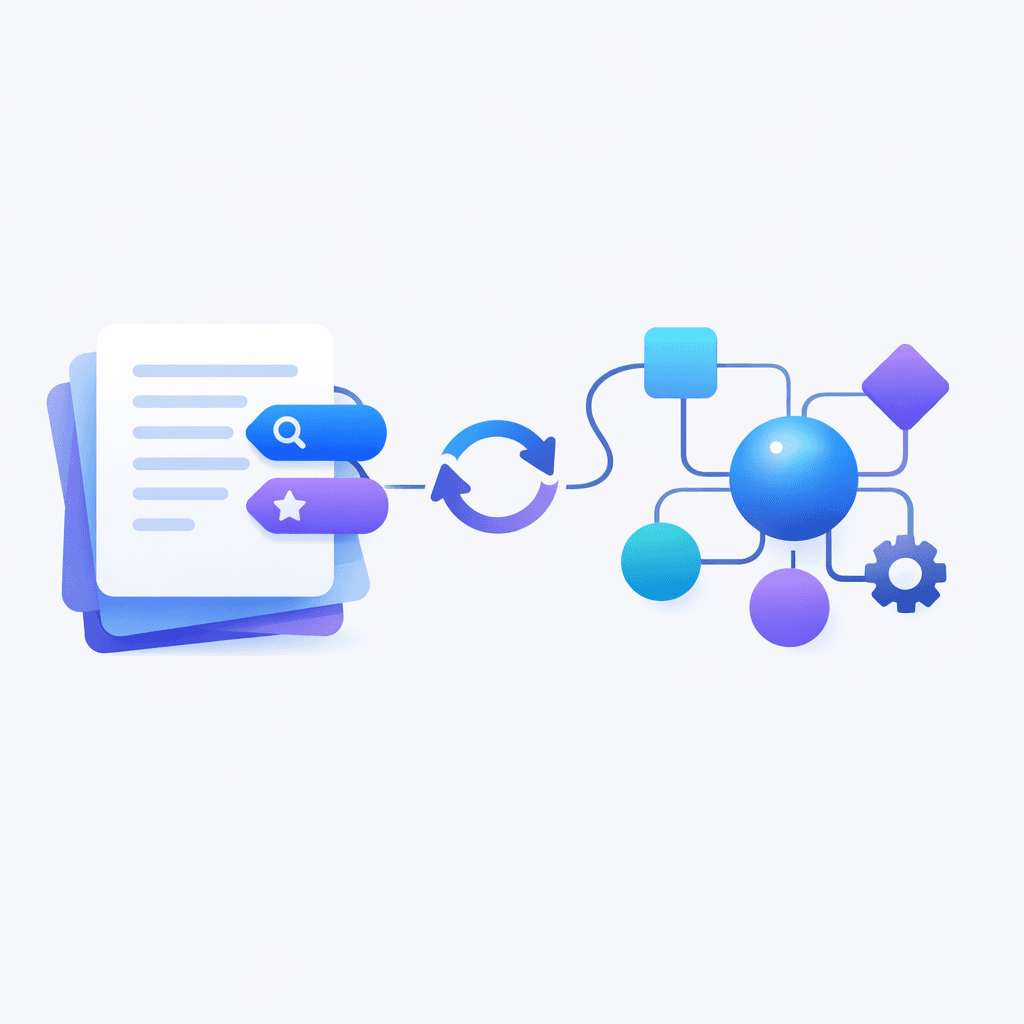
How to Stop AI Automations From Bleeding Tokens (Without Killing the Magic)
I’ve seen this pattern more times than I’d like: you connect an AI assistant to your tools, everything feels magical for a few days… and then you open your usage dashboard and it looks like you accidentally funded a small country.
In one account review, the spend was sitting around $150/day. Not because the user was doing something crazy. Because a handful of automations were quietly burning tokens in the background, mostly doing “work” that didn’t move anything forward. This post is the playbook I use to bring that back under control without losing the benefits of automation.
Step one: treat cost like a symptom, not the disease
When you see a number that high, the instinct is to panic and shut everything down. Don’t. High usage is usually a sign of one of three things.
First, you have automations that are running too often. Second, they’re running in an inefficient way, like a browser-based flow that re-loads pages and re-reads the same context over and over. Third, you have automations that simply shouldn’t exist anymore, but nobody deleted them because they’re out of sight.
The fix starts with a mindset shift: you’re not “reducing usage”, you’re removing waste.
Step two: do an automation cleanup that’s brutally honest
Most teams don’t need twenty automations. They need four or five that consistently pay rent.
In that account, the keep list was very short: a weekly recap, turn signals, a daily recap, and a daily CRM touchpoint. Everything else went into the “prove your value or die” bucket.
If you want an easy rule: keep the automations you would notice within 48 hours if they disappeared. If you can’t tell whether one is helping, it’s probably costing you.

Once you cut the dead weight, it becomes obvious where the real spend comes from. It’s almost always a small number of flows.
Step three: stop asking the AI to build your automations for you
This is counterintuitive, because “hey assistant, build me an automation” feels like the whole point.
But here’s my experience: when an AI creates an automation from scratch, it often lands at “good enough to run” but not “good enough to be cost-efficient”. I like to describe it as 80% of the requirements understood, implemented at 80% quality. That’s 64% effectiveness. And the missing 36% is usually where the token burn lives.
If you build the automation once in the portal, you spend fifteen minutes up front and then you get a workflow that’s faster, more deterministic, easier to debug, and cheaper to run.
You still use AI where it shines: extracting meaning, writing, structuring, summarizing, deciding. You just don’t ask it to assemble the plumbing.
The workflow I recommend for meeting notes to tasks
If you’re turning meetings into action, scheduled triggers are the slow path. They wake up whether you need them or not. Webhooks run exactly when something happens.
The simple pipeline looks like this: you drop meeting notes into Notion, a Notion automation fires on “new page”, that automation calls a webhook, and the assistant extracts action items and writes tasks into the right database, assigned to the right people.
The difference is night and day.
With scheduled triggers, you pay for constant polling and you get delays. With webhooks, you pay only when there’s new information, and you get a tight loop between capture and execution.
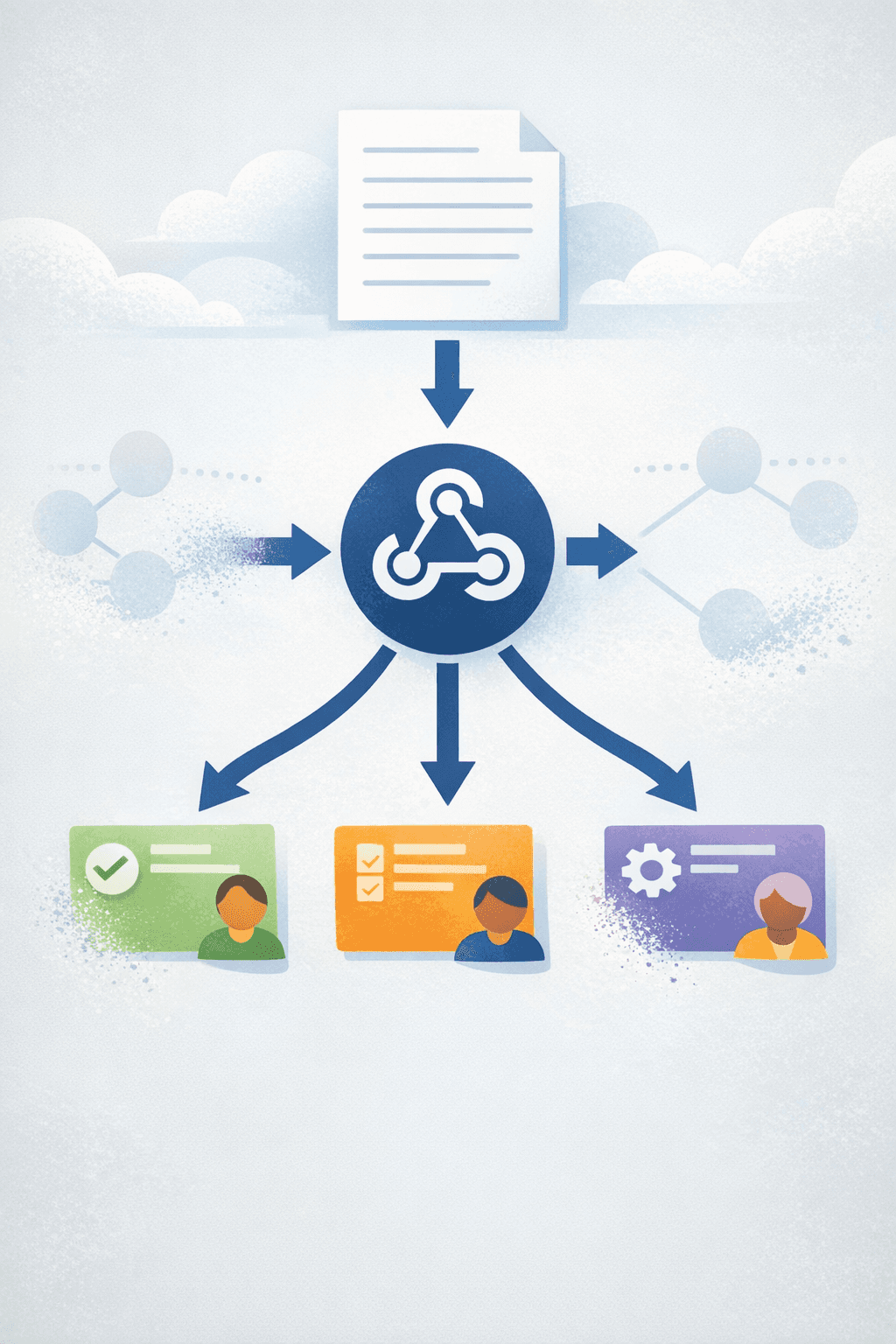
If you want to go one level deeper, add a trace step: store a run ID or a trace ID with each automation execution. The moment you see a spike, you can pinpoint the exact run that was expensive and inspect what happened.
Choose the right channel, because friction becomes cost
People think channel choice is just preference. It’s not. It changes the behavior of the system.
Telegram is underrated for automation-heavy setups because it gives you room to think. You can send long context, you can get long structured responses, and it’s easier to show “processing” states so users don’t spam the bot with duplicate requests.
WhatsApp is amazing for reach, but the constraints are real: shorter messages and stricter template rules make it easier for users to fragment context into five micro-messages. That fragmentation often leads to extra back-and-forth, which leads to extra calls, which leads to extra spend.
If your automations are expensive, reducing message fragmentation is a surprisingly effective lever.
Prompt management: your prompts deserve a home
The fastest way to create chaos is to scatter prompts across portal text fields. It works when you have three prompts. It becomes a nightmare when you have twenty.
The fix is simple: create a Notion database that acts as your prompt repository. Store prompts as documents where you can actually format them, version them, and review them like real assets. Then sync those prompts into the automation layer.
There’s a second-order benefit here that I love: you can put “global instructions” in the Notion database description. Every automation that reads from that database inherits the same rules. It’s the closest thing to governance that doesn’t feel like governance.
And one more thing: shorter prompts often outperform verbose defaults. The goal is not to sound smart. The goal is to be unambiguous.

What I’d do next if you’re implementing this today
Start with deletion, not optimization. Keep only the automations you’d miss.
Then rebuild the survivors in the portal and switch scheduled triggers to webhooks wherever you can.
Finally, create the prompt repository in Notion and move prompts out of scattered text fields. You’ll feel the difference the next time you need to change one line across ten automations.
If you do just those three things, you’ll usually cut waste dramatically while making the whole system easier to reason about.

Flo is the founder of Mind the Flo, an Agentic Studio specialized into messaging and voice agents.

