Content
WhatsApp AI Assistant: What It Does and Why 17,000+ Founders Use One
WhatsApp is already open on your phone. It's probably open right now. You've checked it three times since you started reading this.
The question isn't whether founders use WhatsApp. They do — more than any other app. The question is: what happens when you add an AI intern to the thread that's already running your day?
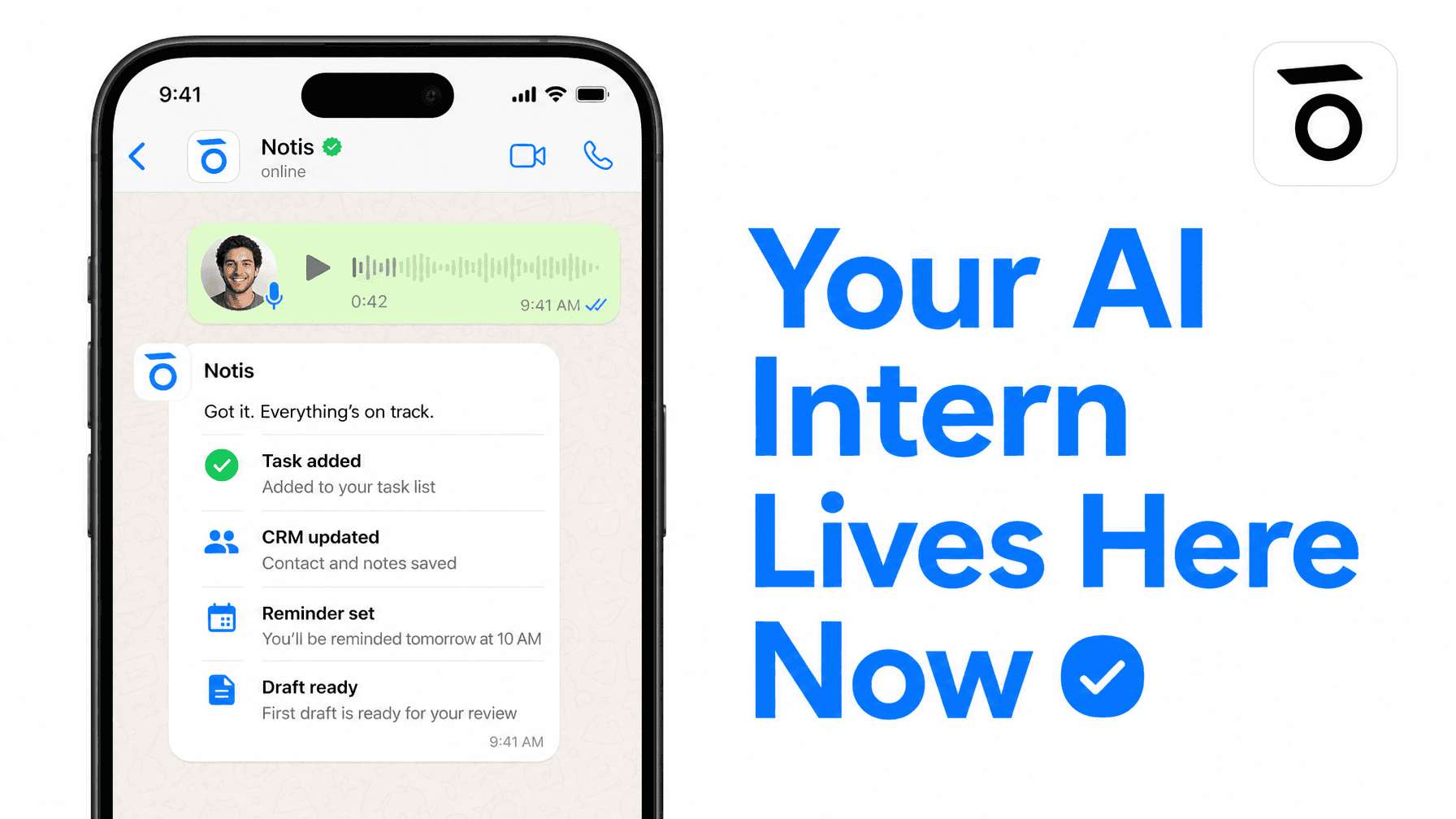
That's what a WhatsApp AI assistant does. Not a chatbot. Not a Q&A bot. An actual assistant that lives in WhatsApp, takes your voice notes and text messages, and turns them into work — tasks added, CRMs updated, reminders set, drafts written, follow-ups sent.
If you've been waiting for AI to actually save you time, this is it.
What a WhatsApp AI Assistant Actually Is
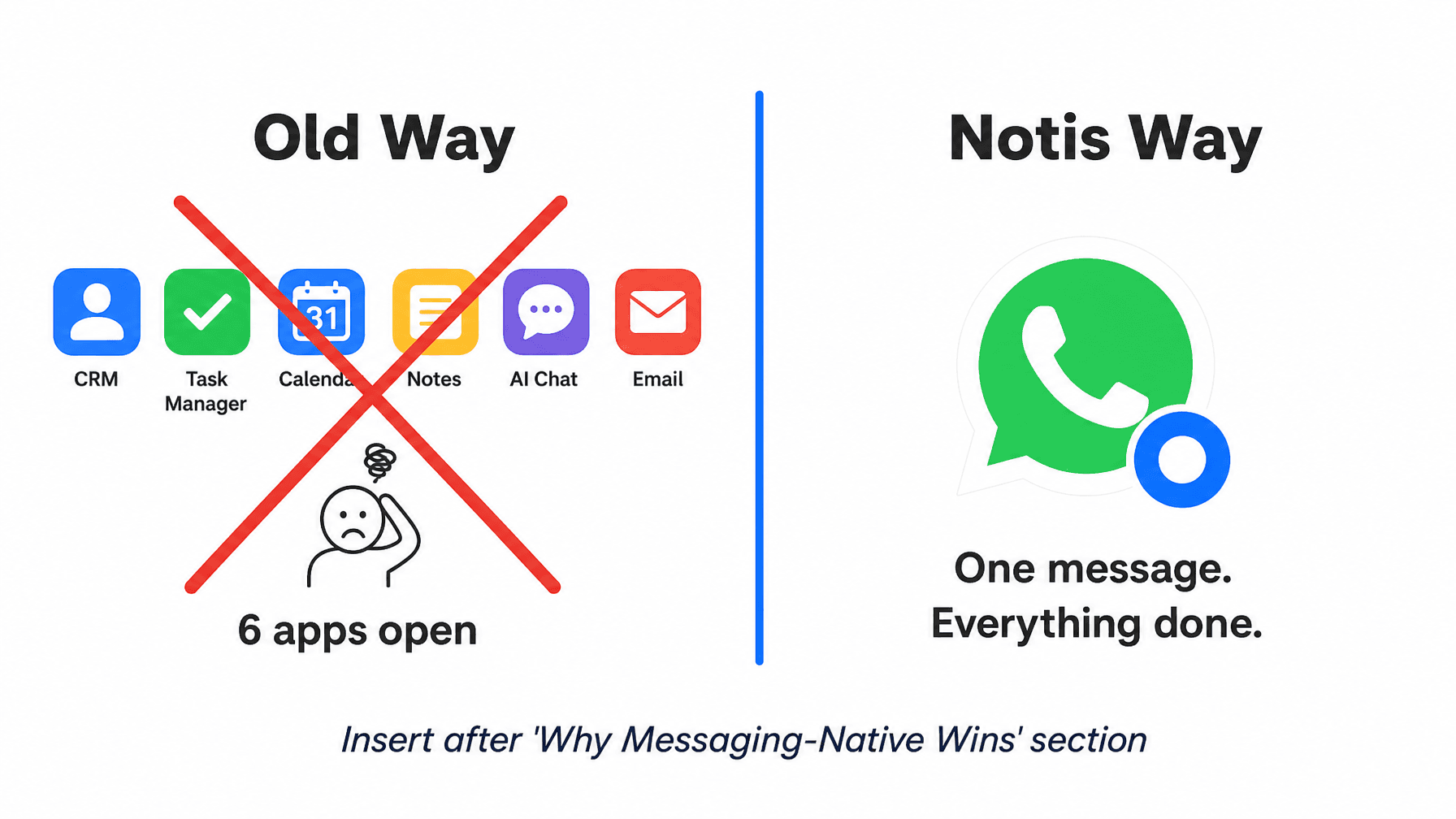
Most AI tools make you go to them. You open a new tab, log into a dashboard, type a query, read a response, and then manually transfer the output to wherever work actually happens.
A WhatsApp AI assistant flips that. It lives where you already are — in your WhatsApp thread — and it executes on your behalf across the tools you already use.
That distinction matters more than it sounds. The average founder switches between 6–8 apps per hour. Every app switch costs context. A tool you don't have to open is a tool you actually use.
The best WhatsApp AI assistants share three properties:
Messaging-native: They live in WhatsApp permanently, not as an occasional integration.
Action-first: They do the work, not just answer questions.
Connected: They reach into your real tools — Notion, CRM, calendar, email — and update them on your behalf.
The Four Use Cases Founders Actually Use
Voice Notes to Tasks
This is the one that changes everything.
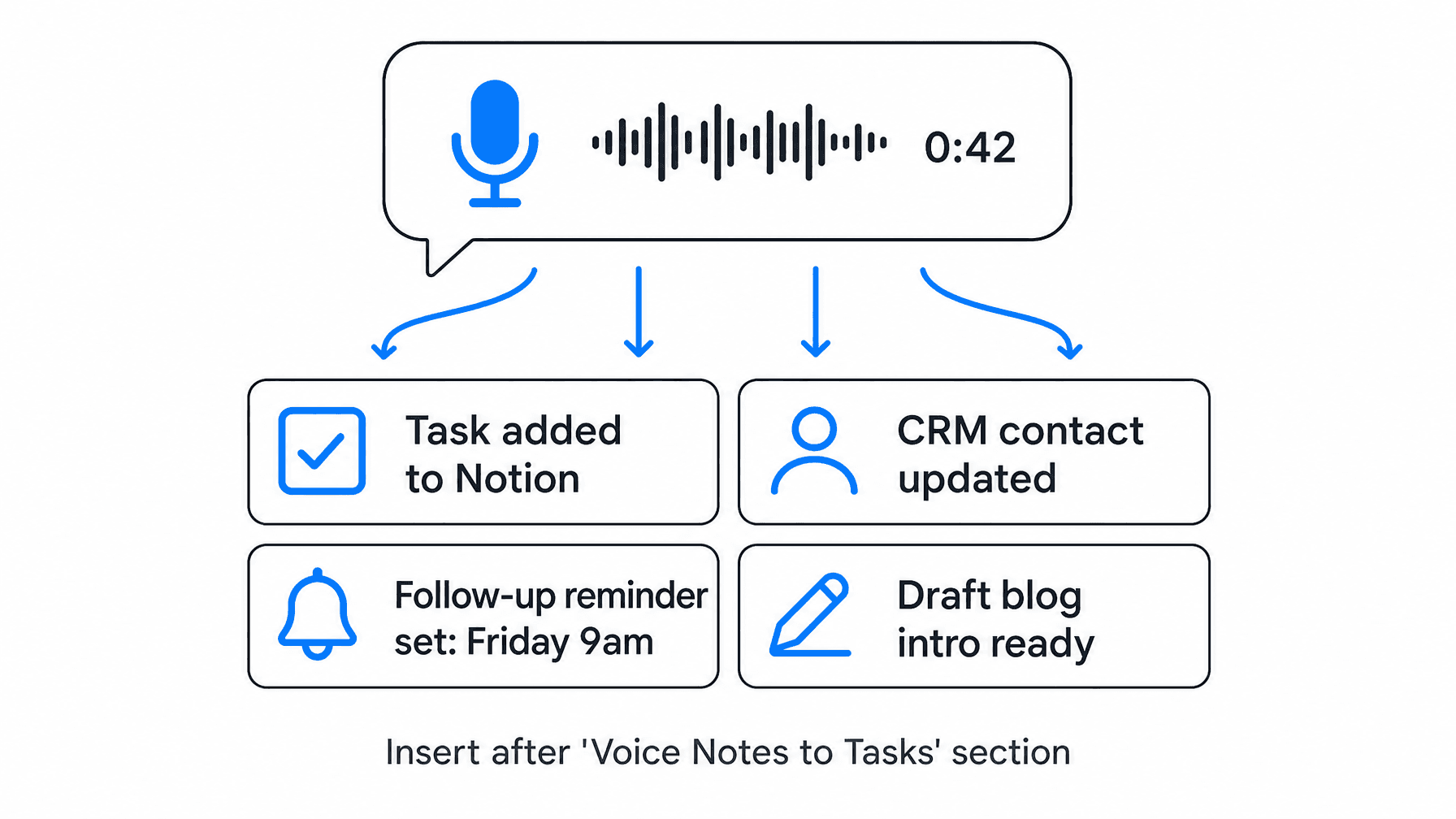
You finish a call, you're in the car, you have 90 seconds before the next meeting. You send a 45-second voice note to Notis in WhatsApp: "Remind me to follow up with Marco on Friday, add a task to draft the Q2 investor update by end of week, and update his contact in the CRM — we spoke today about Series A."
Notis transcribes it, parses the intent, and executes: task added in Notion, reminder set for Friday 9am, CRM contact updated with the call summary.
That's not a feature. That's a workflow that saves 20 minutes and — for ADHD founders especially — eliminates the cognitive cost of switching into "admin mode" at all.
CRM Updates Without Opening Your CRM
The biggest CRM problem isn't the CRM. It's the gap between when information happens and when you have time to enter it.
A WhatsApp AI assistant closes that gap. Send a voice note after every call. The CRM updates itself. Your pipeline stays accurate without a dedicated admin hour at the end of the week.
Notis connects to 1,000+ integrations, including every major CRM. The data goes where it belongs — from where you already are.
Reminders That Come to You
Most reminder tools require you to remember to open them. Motion, your native calendar app — they all assume you're going to check them.
A WhatsApp AI assistant sends reminders back to the thread you're already reading. "Marco follow-up — you said Friday" appears in WhatsApp at 9am Friday, alongside everything else. No separate app to check. No notification you'll swipe away.
The best reminder is the one that's already in your workflow.
Drafting and Scheduling From a Text
Tell Notis what you need drafted — a quick investor update, a LinkedIn post, a follow-up email — and it writes the first draft and sends it back in the same thread. You edit it there. Or tell it to send it.
For founders who think in voice, this replaces an entire writing workflow. One voice note. Four outputs. Zero tab-switching.
Why Messaging-Native Wins Against Everything Else
The "hub" model — build one dashboard where everything lives — is where most AI tools are racing. They're all building the hub.
The problem: you have to go to the hub. You have to open a new app, navigate an interface, maintain the habit of checking in. For solo founders, and especially for ADHD founders who run their businesses in productive chaos, hub-first tools become expensive subscriptions you feel guilty about not using.
Messaging-native AI is the counter-architecture. Instead of pulling you into a new interface, it runs inside the one you never close. WhatsApp, Telegram, Slack, iMessage — whatever your primary thread is, Notis lives in it.
There's no new app to learn. No dashboard to maintain. No activation cost between "I have an idea" and "the work is done."
Everyone's building the hub. Notis skipped it.
What to Actually Look for in a WhatsApp AI Assistant
Not all WhatsApp AI tools are the same. Most are chatbots with a WhatsApp number — they answer questions and stop there. A few are genuine assistants with real integrations.
Here's what separates the real ones:
Execution depth. Can it actually update your CRM, or does it just tell you to? The gap between "answers" and "executes" is the gap between a toy and a tool.
Memory. Does it remember who Marco is next week? Does it know your product context, your team structure, your workflow preferences? A WhatsApp AI assistant without memory is a new hire who forgets your name every Monday.
Integration breadth. The assistant is only as useful as the tools it connects to. 1,000+ integrations is the baseline for a tool that can handle a real founder's stack.
Native presence. Is it native to WhatsApp, or does it use a fragile third-party wrapper? Native integrations are faster, more reliable, and don't require you to configure webhooks on a Sunday.
Notis: The WhatsApp AI Assistant Built for Founders
Notis is not a customer service chatbot. It's an AI intern that lives in your WhatsApp (and Telegram, Slack, iMessage, and email) and runs the operational work most founders either forget or hate doing.
Long-term memory with source ingestion — Notion, Gmail, Google Drive, your website. 1,000+ integrations. Reminders, automations, CRM updates, draft writing, scheduling. All from a message.
17,000+ founders use it. Not because they needed more AI, but because they needed the AI to show up where they already work.
Setup takes 30 seconds. No server. No configuration. No tutorial to watch on a Sunday afternoon.
Pro plan starts at $13/month — no credit system, no per-task fees, no "you've hit your limit" messages mid-workflow.

Flo is the founder of Mind the Flo, an Agentic Studio specialized into messaging and voice agents.

