

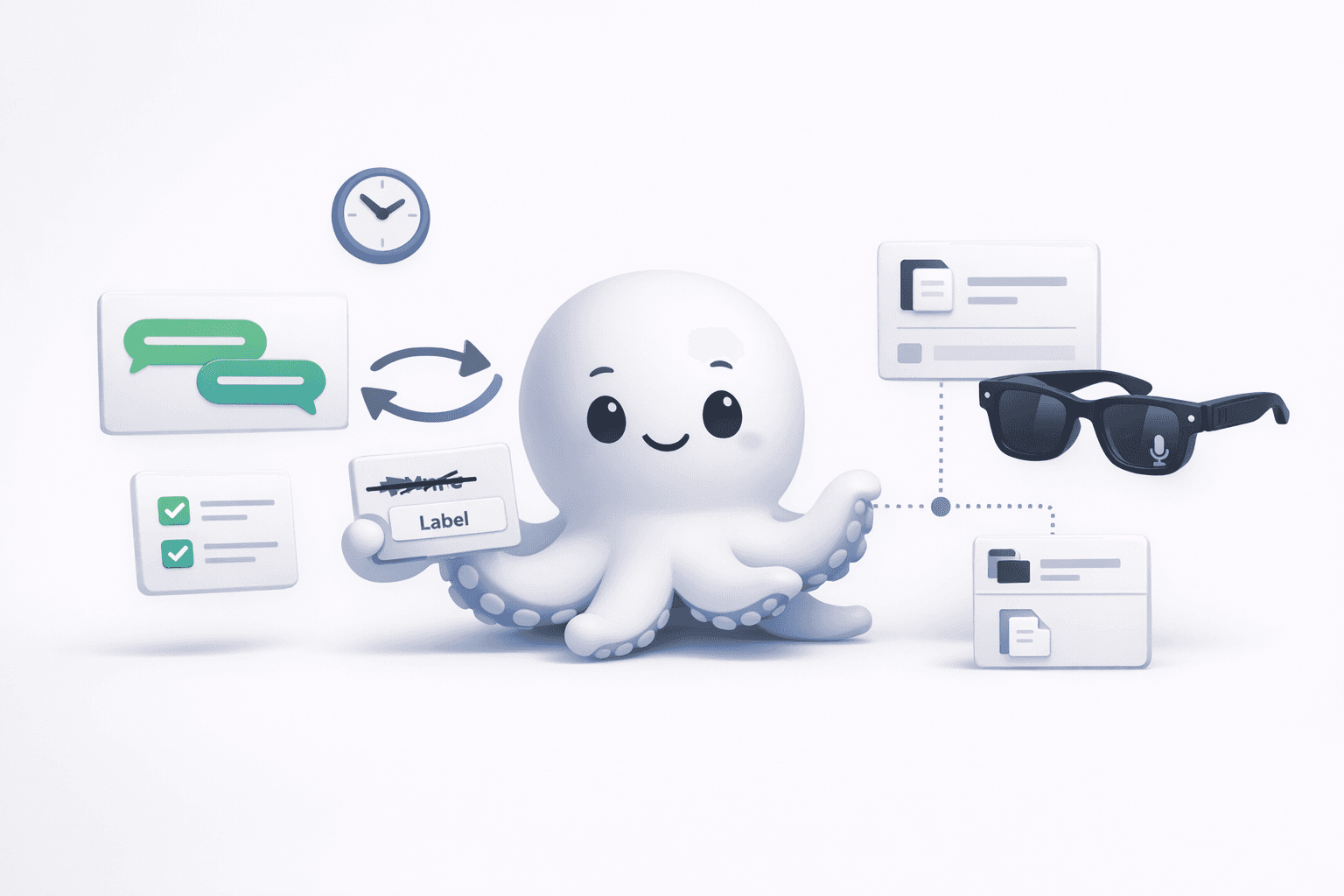
Treat Notis Like an Intern: what a messy onboarding taught me about AI assistants
A behind-the-scenes onboarding story that reveals the simple setup fixes, the right prompting mindset, and the product direction I’m building for Notis—so your assistant actually ships work instead of getting stuck.
Yesterday I spent an hour on a call that looked, on paper, like “setup support.” In reality, it was a perfect little stress test of what it takes for an AI assistant to work end-to-end in the real world—across apps, devices, accounts, and the very human ways we name things and give instructions.
If you’ve ever felt like an assistant is “almost there” but keeps tripping over tiny details, this post is for you. I’ll walk you through what went wrong, what fixed it, and the mindset shift that makes Notis (and honestly, any assistant) finally click.
The day the glasses didn’t know who Notis was
Dave was trying to use Notis with Meta Ray-Ban glasses. The dream workflow is simple: speak a task, it lands in Notion, done. But the blocker wasn’t “AI.” It was contact sync.
Meta’s AI layer couldn’t reliably recognize the WhatsApp contact for Notis. Same number, same chat, but the glasses behaved as if Notis didn’t exist.
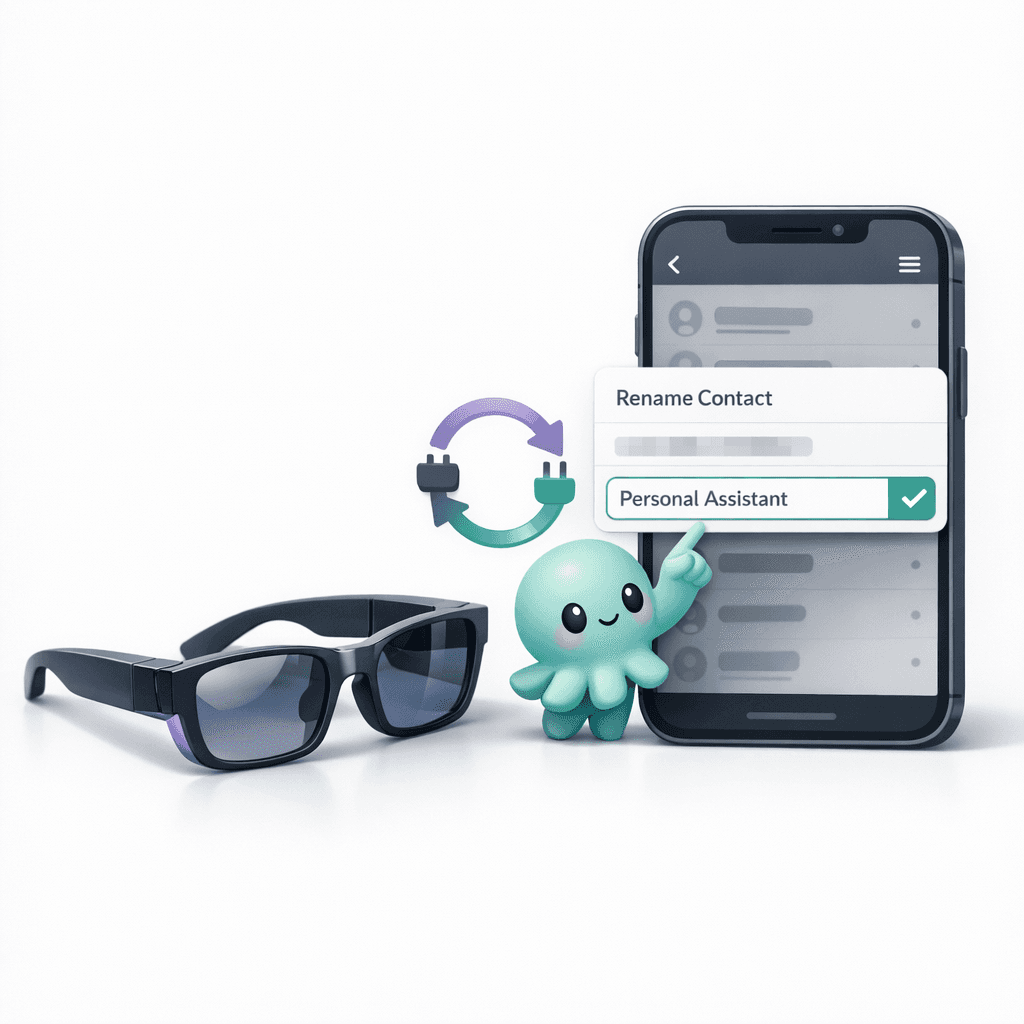
The fix was almost offensively low-tech: rename the contact to something dead simple, like “Personal Assistant,” then disconnect and reconnect WhatsApp inside the Meta AI app to force a fresh sync.
I’m calling this out because it’s a recurring pattern in modern “AI workflows”: the failure mode is often a brittle integration layer, not the model. When you know where to look, the solution is typically “reset the sync,” “simplify the identifier,” or “pick one source of truth.”
When “connected” isn’t connected: the Notion integration trap
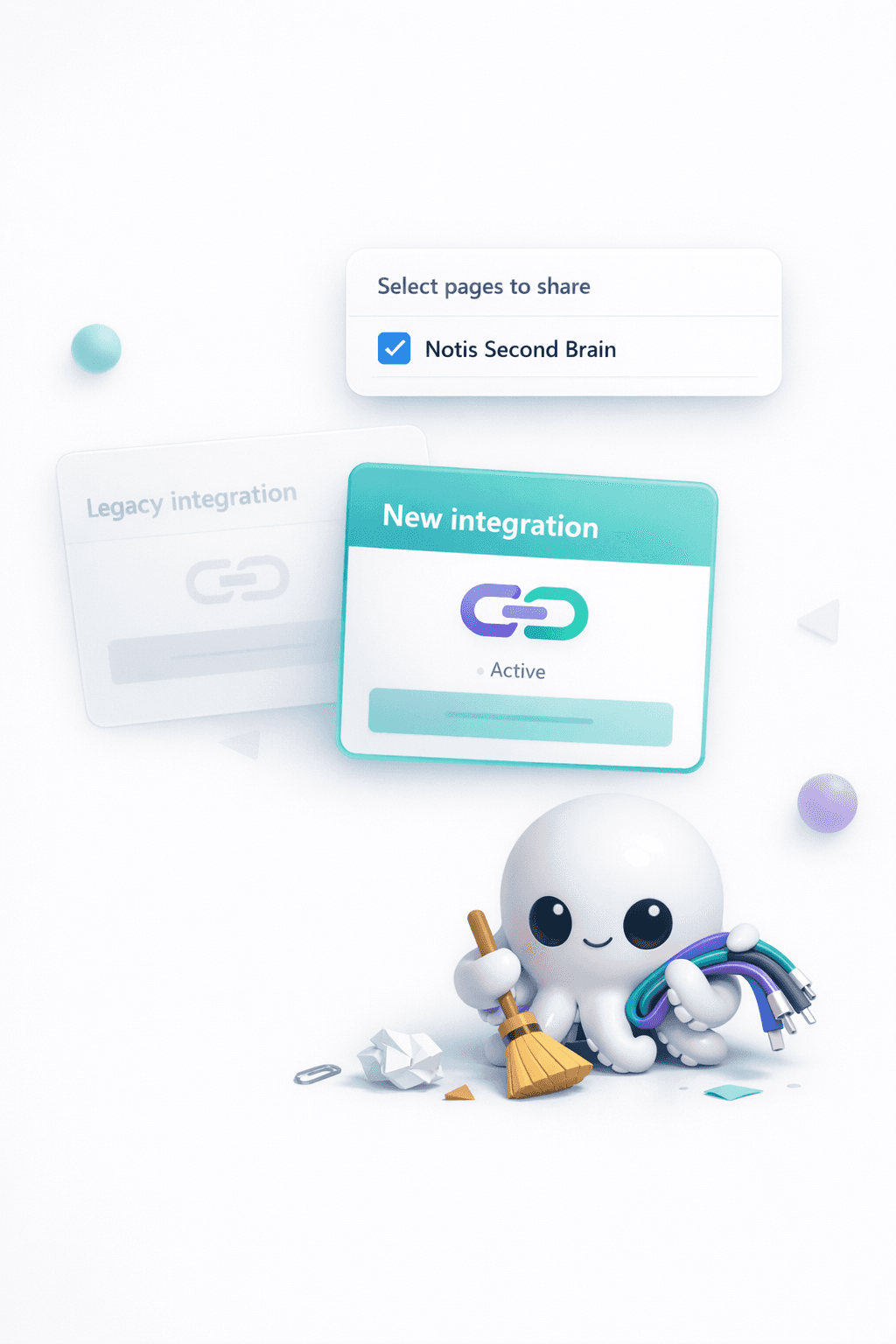
The second issue was more subtle—and I’ve seen it bite power users more than beginners. Dave was stuck between our legacy Notion integration and the newer Notion connection flow. That created duplicate connections, duplicate databases, and intermittent errors like “Connected account not found.”
This is the kind of problem that makes you doubt your sanity because everything looks right until it doesn’t. And the scary part is that partial success hides the real bug: one task works, the next disappears, and you’re left guessing which “Notion” your assistant is talking to.
What solved it was a clean re-connection using Notion’s “Select pages to share.” We shared only the one root page Dave actually wanted—his “Notis Second Brain”—and stopped the bleeding. One integration. One shared scope. One set of databases.
After that, we ran a quick sanity test: “send contract proposal tomorrow.” The task showed up in Notion with the correct due date. That’s the moment the system becomes trustworthy again.
The biggest misconception: Notis isn’t Siri, and that’s on purpose
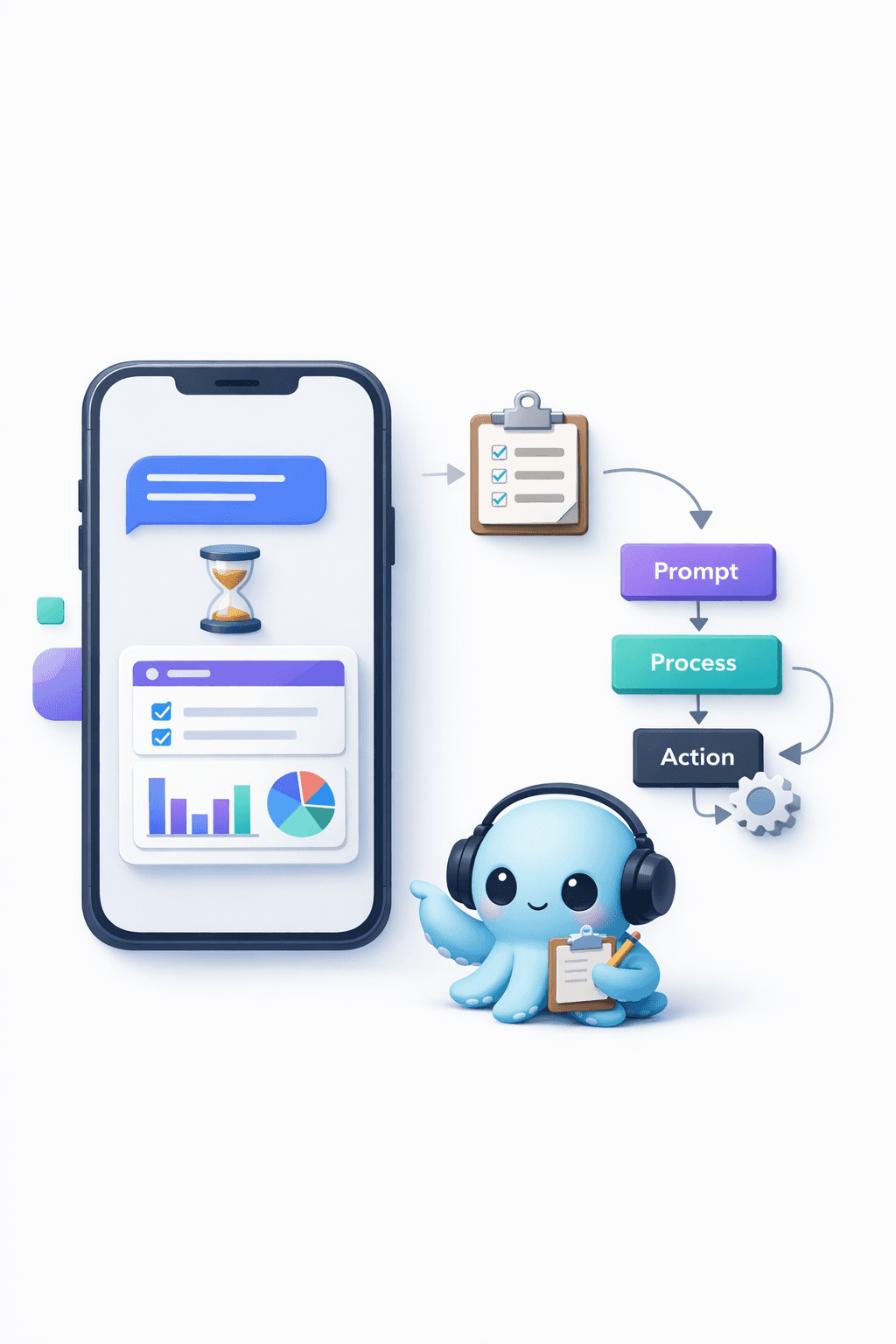
At some point on the call, I had to reset expectations in a way that I think every AI product should do more explicitly: Notis replies asynchronously. Often it’s around a minute later. It’s not a voice assistant that improvises in real time, and it’s not trying to be.
What it is: a worker. A background agent that receives instructions, does the work, and comes back with a result you can actually use. That means the “right” mental model isn’t “talk to Notis like you talk to a friend.” It’s “treat Notis like an intern.”
Interns don’t read your mind. They need context. They need constraints. They need you to say what “done” looks like. The good news is that when you do that, they can ship surprising amounts of work.
From prompts to systems: the progression I want every user to follow
This is the onboarding arc I keep repeating because it’s how real productivity happens:
First, you do things manually with simple requests. You learn what the assistant can and can’t do. You get a feel for the vocabulary that produces reliable outcomes.
Then, once you notice you’re repeating the same workflow—same inputs, same structure, same destination—you stop prompting and you automate. Not because automation is “cool,” but because repetition is expensive. It steals attention.
If you’re an entrepreneur, you already know the game: anything you do twice is a candidate for a checklist; anything you do often becomes a process; anything mission-critical becomes a system.
A simple meeting-prep pattern that actually works
One practical example from the call: meeting prep. People ask for “research” and get a generic summary. That’s not prep. Prep is specific.
The pattern I use is: pull the last few emails with that person, extract the open loops and context, then do lightweight web research to fill the gaps. The result isn’t more information—it’s the right information, organized around what I need to decide or say in the next 30 minutes.
This is also where the intern mindset pays off. You don’t ask, “Can you research Dave?” You ask, “Find the last 10 emails with Dave, summarize the commitments on both sides, then check his company’s latest news and surface anything I should mention or be aware of.”
The unglamorous truth about reliability: pick one path and make it boring
Most “AI is broken” moments I see are really “the system is ambiguous” moments. Two connections. Two inboxes. Two Notion spaces. A contact name with emojis and punctuation. A device that caches old state. Small things that add up to chaos.
My current north star for Notis is to make the reliable path so obvious—and so boring—that you almost can’t mess it up. Fewer choices in the setup. Cleaner scopes. Better diagnostics. And a product that nudges you toward the simplest workflow that gets results.
Where we’re heading next: less Notion dependency, more agentic workspace
I also shared a bit of what I’m building next. Notion is an incredible canvas, and it’s been the fastest way to give users a “second brain” they already understand. But long-term, I don’t want your productivity to depend on any single tool’s quirks or permissions model.
Over the next months, we’re consolidating toward an agentic Notis portal—one workspace where your assistant lives, where connections are visible, where automations are first-class, and where the system can be opinionated about reliability. Notion stays in the loop, but it’s no longer the only place where work can exist.
If you’re reading this and you’re in that frustrating “almost works” zone, here’s my honest advice: simplify the setup, choose one path, and then write instructions like you’re delegating to a smart intern. The assistant will meet you there.

Flo is the founder of Mind the Flo, an Agentic Studio specialized into messaging and voice agents.
Related posts
The uncomfortable truth about my next raise: 250k or 500k changes the whole company
This blog discusses the implications of raising either $250k or $500k, emphasizing how the amount influences company strategy, hiring, and narrative. It explores the emotional aspects of fundraising, the importance of clarity in pitching, and the potential risks of being tied to existing platforms like Notion. The author outlines a plan to refine their pitch, focus on key hires, and choose a fundraising amount that aligns with achievable milestones.
What $100 on YouTube taught me about Notis growth (and why we split B2B vs prosumer)
This article discusses insights gained from a $100 YouTube ad experiment that revealed the importance of engaging content structure for Notis's growth strategy. It emphasizes the need to separate B2B and prosumer marketing funnels, with tailored narratives for each segment. The piece outlines a LinkedIn-based B2B outreach strategy and plans for increasing video content production to enhance engagement. The key takeaway is to focus on creating a solid core message before optimizing distribution.
Slack Threads, Credits, and Control: How to Use Notis Without Surprises
Discover how Notis integrates with Slack to streamline your workflow, featuring thread management for organized tasks, transparent pricing based on actual usage, and tips for efficient cost control. This guide helps you leverage AI effectively without surprises.