Content

The Best Lindy Alternative for Founders Who Don't Want to Build Another Workflow
TLDR: Lindy is a powerful AI agent builder — but it requires you to build the agent first. If you're an ADHD founder who runs a business in chaos and needs an AI that works the moment you open WhatsApp, Notis is the better fit. No workflow builder. No new interface. Just send a message.
What Is Lindy?
Lindy is an AI executive assistant platform that lets you create custom AI agents to handle tasks like email triage, CRM updates, meeting scheduling, and customer support. It connects to tools like Gmail, Slack, Salesforce, and HubSpot, and uses a visual flow-builder to let you define triggers, steps, and actions.
The product is polished. The integrations are solid. And for teams that want to ship repeatable, rules-based workflows across sales and support pipelines, it genuinely delivers.
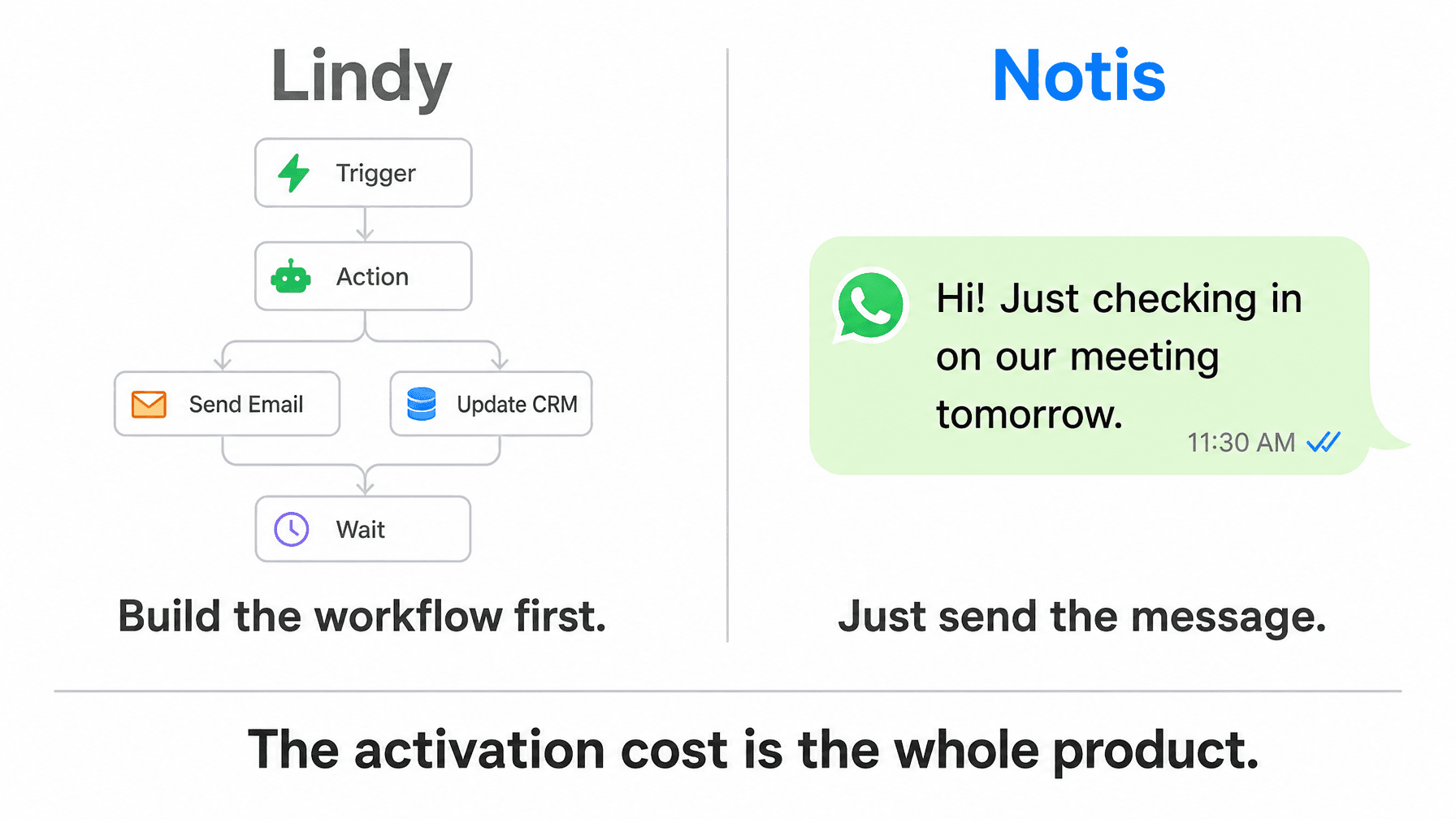
But here's the thing: before Lindy can do anything for you, you have to build it something to do. You pick a template or start from scratch, wire up your triggers, define your steps, connect your apps, and test the workflow. Then maintain it.
For enterprise teams with dedicated operations staff, that's fine. For ADHD founders running a business solo at 11pm on a Tuesday? That's the exact kind of friction that kills productivity.
The Real Problem with Lindy for Founders
Lindy positions itself as an AI executive assistant. In practice, it's a visual agent builder with an AI layer on top. That's not a criticism — it's a design choice. But it comes with a specific cost that rarely gets talked about: activation cost.
Every Lindy workflow you want requires an upfront investment. You open a new tab, navigate to the dashboard, build the agent, connect the apps, test the trigger, and deploy. If something breaks later, you debug. If your workflow changes, you update the nodes.
Compare that to what an ADHD founder actually does when they have an idea at 7am: they open WhatsApp, send a voice note, and move on. Lindy requires you to be in Lindy. Notis shows up where you already are.
What Notis Does Differently
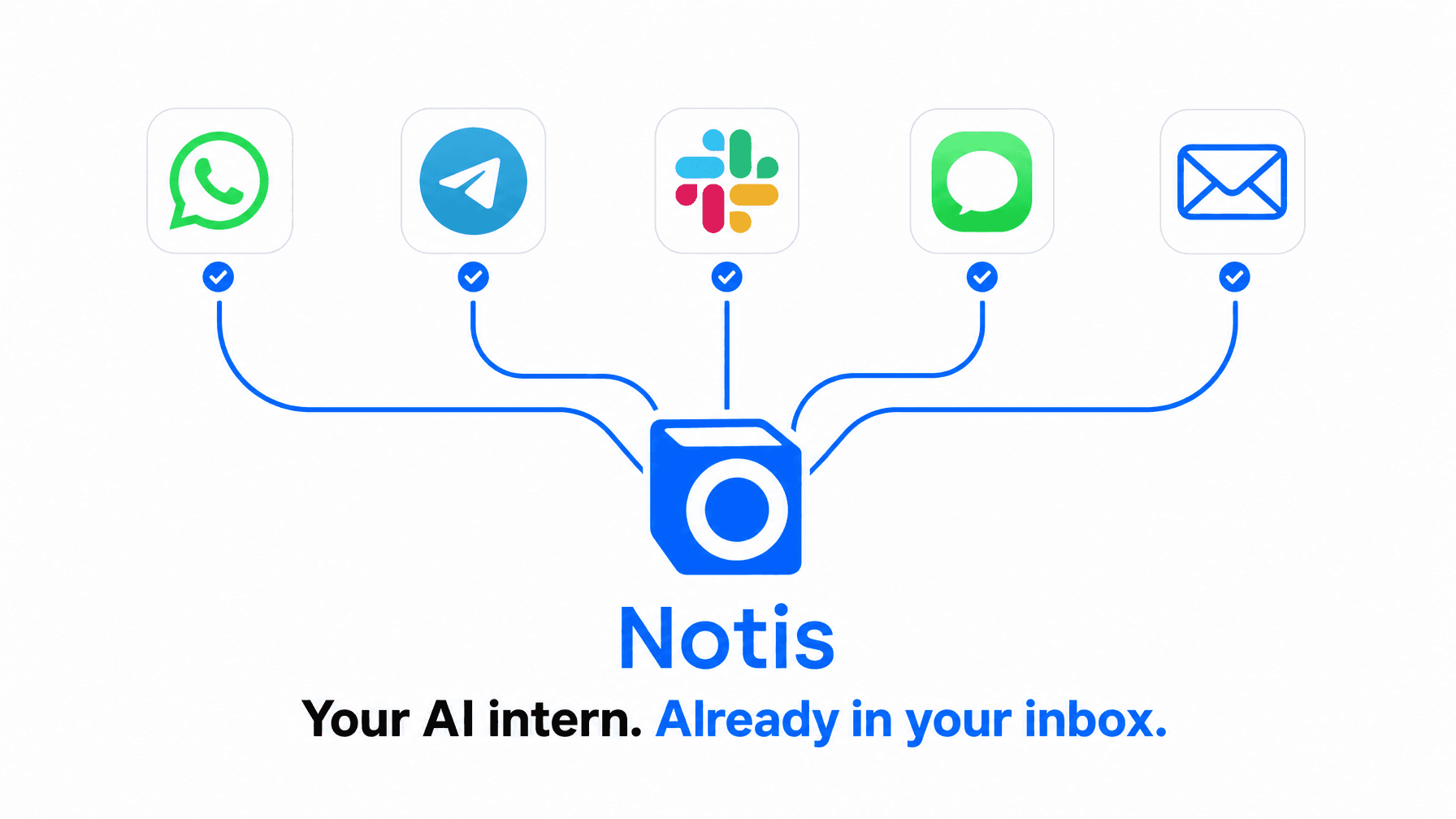
Notis is a messaging-native AI agent. It lives in WhatsApp, Telegram, Slack, iMessage, and email — the apps 17,000+ founders already have open. You don't build workflows. You send messages.
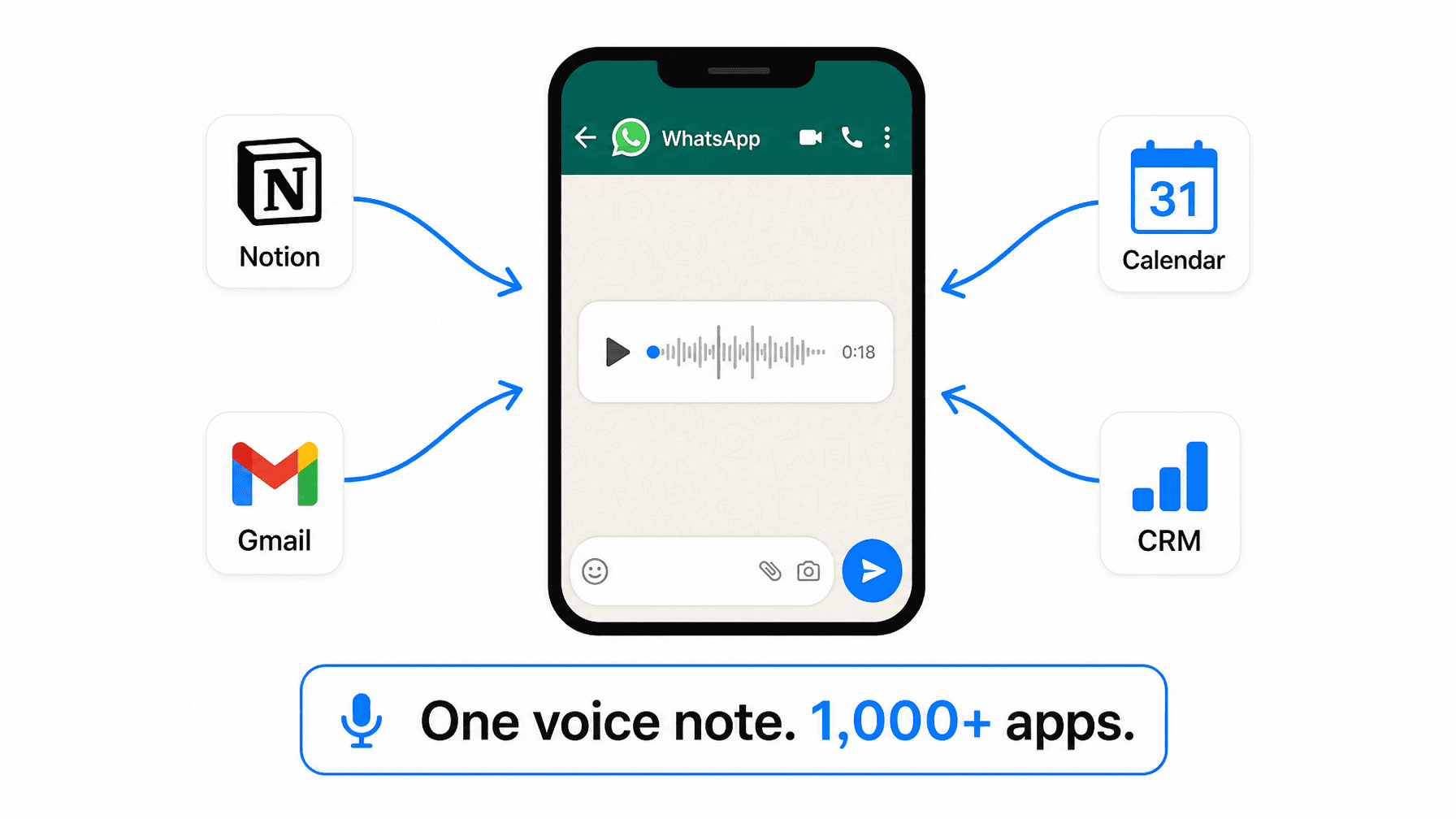
One voice note in WhatsApp can:
Add a task to Notion
Update a CRM contact
Draft a LinkedIn post
Set a reminder for next Thursday
Log a meeting note to a Google Doc
No dashboard. No trigger configuration. No template library to browse. Just your AI intern, already in your inbox, waiting for the message.
Lindy vs. Notis: Side-by-Side
Interface — Lindy uses a dashboard and flow-builder. Notis lives in WhatsApp, Telegram, Slack, iMessage, and email.
Setup time — Lindy requires hours per workflow. Notis takes 30 seconds, one account, no configuration.
Long-term memory — Lindy has limited memory. Notis ingests Notion, Gmail, Drive, and your website and remembers context across every conversation.
Integrations — Lindy connects to 40+ tools. Notis connects to 1,000+.
Pricing — Lindy uses a credit-based model. Notis is $13/month, all-in. No surprise bills when a workflow fires 200 times in a week.
"I Already Have Lindy Set Up" — What Then?
If you've built reliable Lindy workflows for specific team processes — email routing, CRM pipeline management, support ticket triage — keep them. Lindy handles rule-based team workflows well.
Where the gap shows up is in everything that doesn't fit neatly into a predefined flow: the random Monday morning idea, the call follow-up you need to capture in 90 seconds, the investor email you want to draft via voice while walking to a meeting.
Those moments don't fit a trigger-action model. They need an AI that responds to your actual behavior — not the ideal version of your behavior that you designed in a dashboard three weeks ago.
The Messaging-Native Difference
Most AI tools are built around the assumption that you'll go to them. Open the app. Log in. Navigate to the right section. Paste in your context. Get your output. Go back to work.
That assumption fails for ADHD founders at a structural level. The friction of switching to a new tool — even a good one — is often enough to break the momentum entirely.
Notis was designed around the opposite assumption: you won't go to it. It will be in the app you already have open. Wherever you already are, your AI intern is there too. That's not a feature — it's a fundamentally different product philosophy.
When Lindy Is the Right Choice
You're managing a team with repeatable sales or support workflows
You have someone (an ops lead or VA) who can build and maintain the agents
You need native Salesforce or HubSpot pipeline automation
You want rule-based triggers, not conversational AI
When Notis Is the Right Choice
You're a solo founder or small team running everything in WhatsApp and Slack
You don't have time to build workflows — you need the AI to just work
Your work style is conversational, not structured (voice notes, quick messages)
You want one tool that connects to 1,000+ apps without configuring each connection
You're ADHD and friction is not a nice-to-have — it's a dealbreaker
The Bottom Line
Lindy is a strong product — a workflow builder with an AI layer, built for teams who can invest in configuring it.
Notis is your AI intern in WhatsApp. No configuration, no new interface, no workflow to maintain. It works the moment you message it.
For ADHD founders who run businesses in chaos and want their tools to embrace that, not fight it — that difference is everything.
Ready to try the Lindy alternative that's already on your phone? Start your free trial at notis.ai

Flo is the founder of Mind the Flo, an Agentic Studio specialized into messaging and voice agents.