


Notis vs. Caddy
Notis offers deep, messaging‑first Notion integration for voice capture and task automation, while Caddy provides a desktop‑first voice assistant focused on app control with less Notion depth.
If your ideal AI assistant lives inside chat, understands messy voice notes, and actually keeps your Notion workspace in sync, Notis has the cleaner story. If you want a desktop-side voice assistant that aims to control apps around your workday, Caddy is more interesting. They overlap on “talk to software,” but they diverge hard on where the work happens: Notis is messaging-first and Notion-native, while Caddy appears to be desktop-first and still early.
Product Overviews
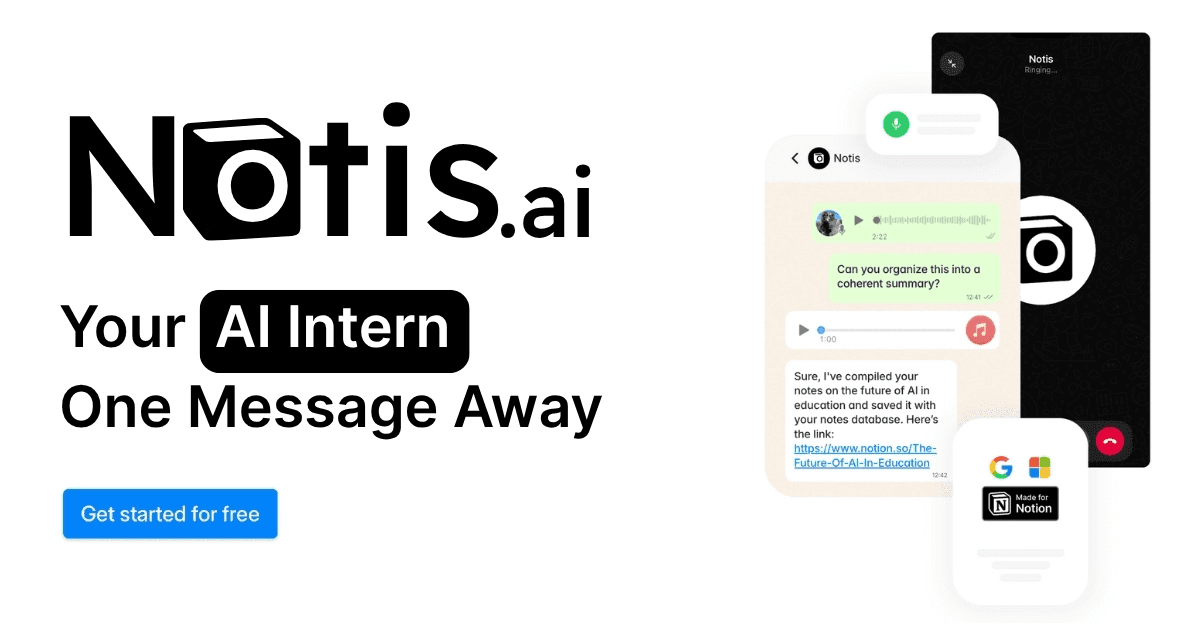
Notis
Notis is a messaging-first AI assistant built for people who already run their life or business out of Notion and want capture to feel frictionless. You send a voice note, text, image, or even jump on a voice call through channels like WhatsApp, Telegram, iMessage, Slack, SMS, or email, and Notis turns that input into structured work: notes, tasks, reminders, research, database updates, or drafted content.
The product’s real advantage is not just transcription. It is the combination of cross-channel capture, deep Notion read/write access, and the ability to follow through with reminders, retrieval, and automations without forcing you back into a separate app.
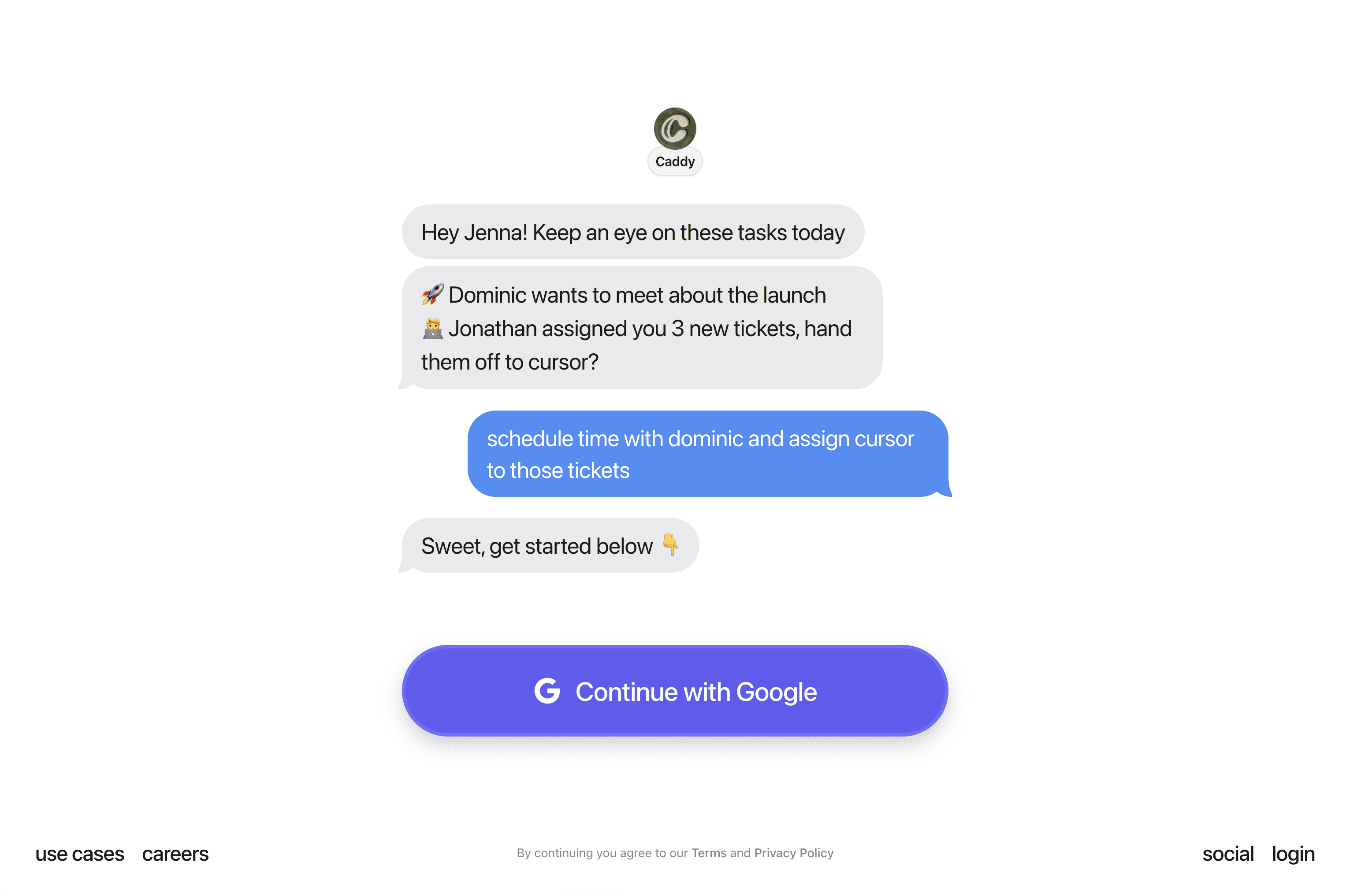
Caddy
Caddy is an early-access AI assistant focused on controlling your work with voice from a desktop and iMessage-style experience. The public pitch is simple: instead of bouncing between apps, you speak and Caddy handles actions across tools like email, Slack, calendars, and task systems.
That makes Caddy interesting for people who want a computer-native assistant rather than a messaging-native one. But it also means the public product story is still much thinner: there is less visible detail around pricing, security, and how deep its app integrations really go in day-to-day use.
Head-to-Head Table
Key Differences Explained
Messaging-first versus desktop-first
This is the biggest split. Notis meets you where real-world capture actually happens: while walking, driving, between meetings, or inside the chat apps you already open all day. That matters because most ideas do not arrive when you are politely seated in front of a desktop command center.
Caddy’s thesis is different. It looks like a voice layer for your computer itself, which can be powerful if your work is already desktop-bound and you want hands-free control over apps. But for people whose inputs begin as messy mobile voice notes, Notis has the more natural entry point.
Notion as destination versus Notion as one integration
Notis treats Notion as the operational home. That changes the product from “assistant that can touch Notion” into “assistant that keeps Notion alive.” Tasks, notes, CRM updates, content drafts, reminders, and research all flow back into the workspace in a structured way.
Caddy, based on what is public today, feels more horizontal. It wants to act across several work apps, with Notion sitting alongside Slack, email, and calendars. That may be the right abstraction for general desktop productivity, but it is less compelling if your real goal is voice-to-Notion continuity.
Research and follow-through
A lot of assistants can capture. Fewer can keep going. Notis stands out because it can move from capture to clarification to storage to retrieval to follow-up. That means a voice message can become a task, a reminder, a drafted brief, or a researched answer without the usual app pinball.
Caddy may eventually offer broad automation depth too, but the public footprint still emphasizes command execution more than knowledge retrieval or multi-step follow-through. That is not a flaw so much as a stage-of-product difference.
Which One Should You Choose?
If you are an executive, consultant, founder, or operator who thinks in voice notes and wants those thoughts turned into clean Notion outputs, Notis is the better fit. It is especially compelling if your work spans mobile capture, task delegation, reminders, and knowledge retrieval inside one Notion-centric workflow.
If you are an early adopter who wants to speak directly to your computer and trigger actions across desktop apps, Caddy is worth watching. It feels closer to a voice operating layer for the desktop than a structured second brain assistant, which may appeal to users who live in email, calendars, and app-switching all day.
For engineers, the choice may come down to where you want the state to live. If you want a general voice control layer, Caddy is conceptually interesting. If you want a system that captures messy inputs and lands them somewhere durable, queryable, and collaborative, Notis has the sharper proposition. For voice-to-Notion workflows specifically, Notis is simply more complete.
Category | Notis | Caddy |
|---|---|---|
Voice capture (WhatsApp/Telegram) | Strong. Built around voice notes and messaging inputs across WhatsApp, Telegram, iMessage, SMS, email, and more. | Limited publicly. Voice is core, but it appears centered on desktop and iMessage rather than WhatsApp or Telegram. |
Notion integration | Deep. Reads and writes to Notion, structures data, routes notes and tasks, and supports retrieval from workspace knowledge. | Present but less proven. Notion is mentioned among integrations, but public evidence of deep Notion-native workflows is limited. |
Task & reminders | Strong. Turns voice into tasks, supports reminders, follow-ups, and ongoing task visibility through messaging. | Useful for task actions, but public detail leans more toward command execution than reminder-centric workflows. |
Web search & RAG | Strong. Can research, search the web, and use workspace knowledge to answer or draft with context. | Not a visible strength. Public positioning focuses on app control rather than research or retrieval. |
Automations/follow-up | Broad. Can capture, clarify, update Notion, draft content, and trigger downstream workflows. | Potentially strong for command execution, but public workflows look narrower and earlier-stage. |
Pricing | Publicly positioned product with live plans and usage-based service tiers. | No public pricing found. Caddy appears to be waitlist-based or private-access right now. |
Security & compliance | More mature public trust story thanks to documented product surface and established workspace-centered model. | Hard to assess publicly. Early-access positioning leaves less detail on security, data handling, or compliance. |
Wrap-Up
Notis and Caddy are both trying to reduce the tax of modern knowledge work, but they start from different assumptions. Caddy starts from the computer. Notis starts from the messy moment an idea appears.
If your biggest problem is turning voice into organized, useful work inside Notion, Notis is the more mature and practical choice today. If you want to explore what a voice-native desktop assistant could become, keep an eye on Caddy. And if you want to stop losing ideas between chats, calls, and tabs, Notis is the one to try first.

Flo is the founder of Mind the Flo, an Agentic Studio specialized into messaging and voice agents.
Related posts
Notis vs. Kairos Computer: The Real AI Intern in Your WhatsApp
Notis offers a messaging‑native AI intern with 800+ integrations for instant task delegation in WhatsApp, Slack, etc., while Kairos provides web‑based browser automation and fewer integrations, suited for structured workflows.
Notis.ai vs Micro: Which AI Workspace Actually Fits the Way You Work?
A voice‑first AI assistant for Notion versus an inbox‑centric all‑in‑one workspace; Notis.ai excels at capturing ideas and syncing to Notion, while Micro focuses on email, meetings, tasks, and CRM integration.
Notis vs. tinyNature: Which AI Assistant Fits Your Workflow Better?
A concise comparison of Notis and tinyNature, highlighting Notis’s voice‑first, Notion‑centric workflow and transparent pricing versus tinyNature’s broader AI command‑center approach with less clear pricing and Notion integration.