Content

Notis isn’t a chatbot. It’s an intern with a memory.
I’ve learned the hard way that most “productivity” tools don’t actually save you time.
They just move your chaos into a nicer UI.
What we showed the team in our Intro to Notis session is the opposite approach: you keep talking and working the way you already do, and an assistant quietly turns the mess into structured execution.
What we’re actually building
Notis is the first assistant I’ve seen that behaves like an intern you can actually delegate to. Not a magical oracle. Not a chatbot that gives you pretty paragraphs. An intern.
That framing matters because it forces the right expectations. An intern needs context, boundaries, and a place to put the work. When you give it that, it becomes insanely useful. When you don’t, you get generic outputs that feel impressive for ten seconds and then die in a tab somewhere.
In practice, Notis is a voice or text interface you can use from WhatsApp or Telegram. You send thoughts, tasks, requests, and half-baked ideas in normal language. Notis turns that into drafts, summaries, tasks, pages, and workflows inside the tools you already use.
If a response is short, you’ll get it back directly in chat. If it’s longer, Notis will create the deliverable in Notion and send you the link, so the output lands somewhere you can actually reuse.
Notion as the memory (why databases matter)
Most teams don’t have an “AI problem.” They have a memory problem.
Docs live in random folders. Tasks live in someone’s head. Notes live in Slack threads. And then we expect AI to magically stitch it together.
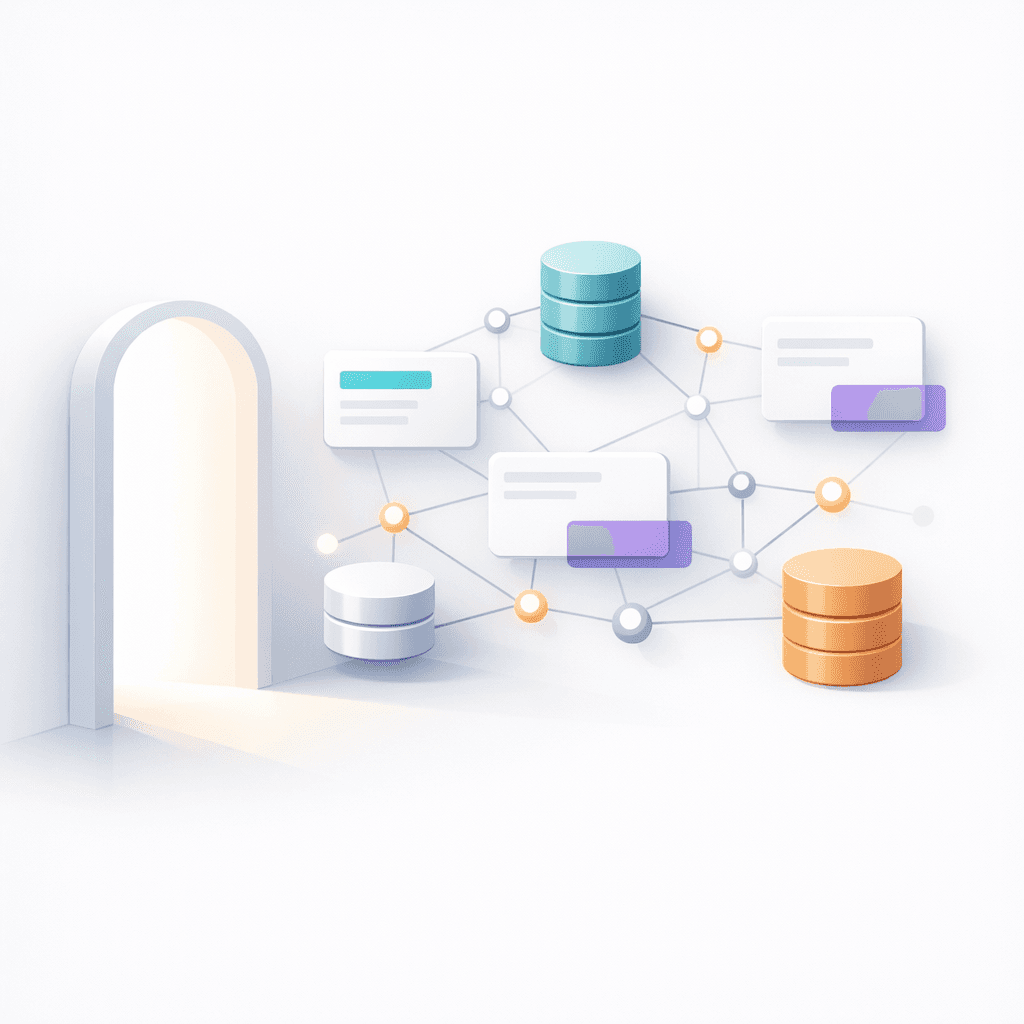
Notion is powerful because it’s not just documents. It’s databases. That means every piece of information can have structure: properties, relationships, dates, owners, status, source. And once your information has structure, an assistant can do real work with it.
This is why curation matters. When you deliberately build a knowledge center, a CRM, a meeting log, or a project database, you’re not “doing admin.” You’re building the memory your future self will rely on. And you’re giving your assistant a clean environment to operate in.
How onboarding works (and why it’s only 10 minutes)
Onboarding an assistant should feel like onboarding a human. You don’t start by asking them to “be productive.” You give them access, explain the tools, and tell them where to put things.
Notis works the same way.
You connect the sources you want it to use, like Notion databases, calendars, email, CRM, or dev tools. Then you decide what Notis is allowed to see. The goal isn’t to connect everything. The goal is to connect the minimum set that unlocks your highest-leverage workflows.
When Notis is scoped to your team’s databases, it stops sounding like the internet and starts sounding like your company. In our session, we talked about this as the difference between a generic assistant and one that’s eighty to ninety percent aligned with your style, your priorities, and your reality.
If you’re thinking “this is going to take forever,” it won’t. The actual setup is short. The real value comes from what you do after: picking a couple of repetitive workflows and letting Notis eat them.
The Monday standup experiment
The first workflow we’re rolling out is intentionally simple: weekly standups.
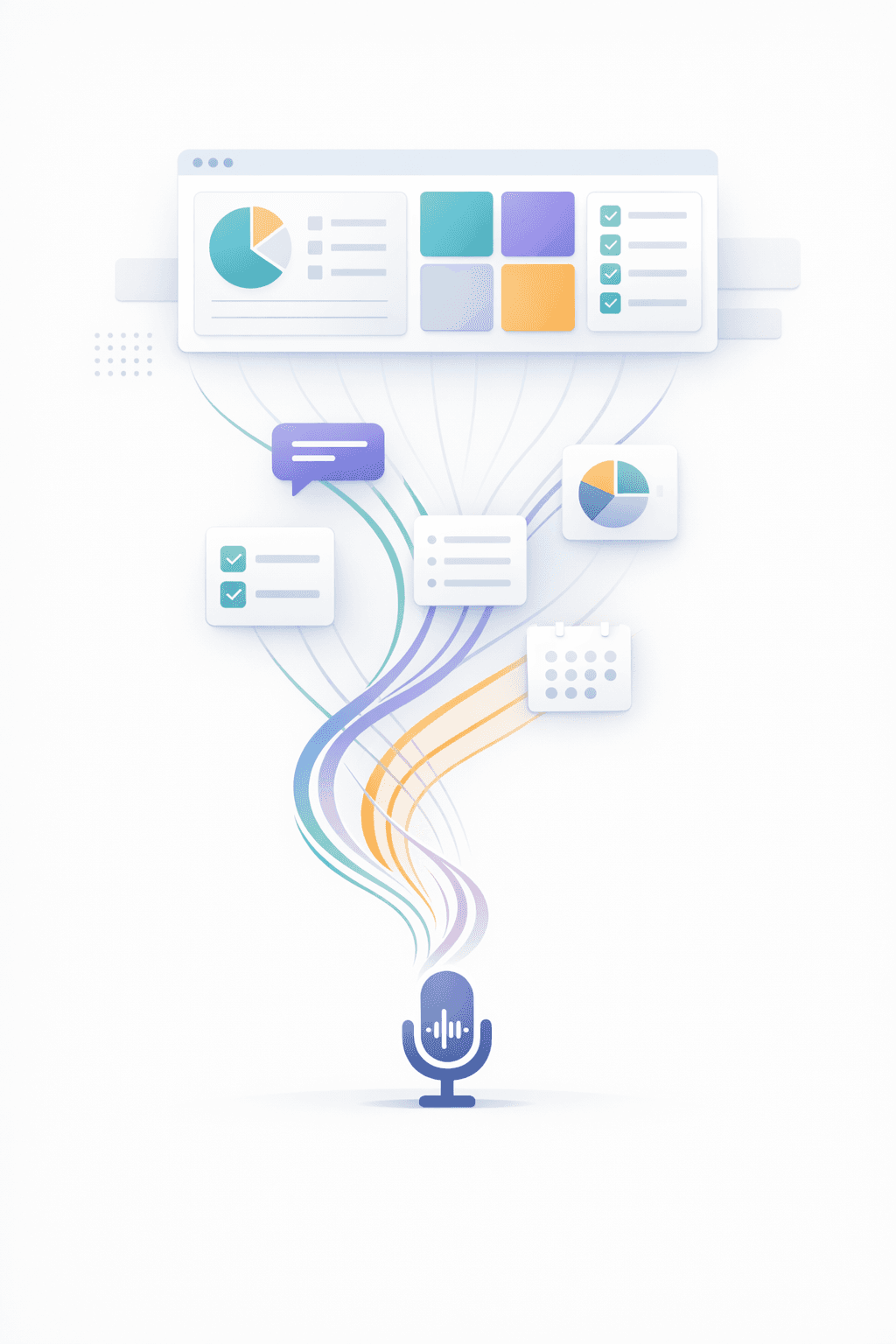
Starting Monday, January 26, each person will get a message asking for priorities, blockers, and wins. You answer with a quick voice note. Notis turns it into a structured entry in the standup database.
That’s it.
The point isn’t to add another process. The point is to remove friction. No more “I’ll update the doc later.” No more standup notes living in five different places. No more manager chasing updates.
Once the updates are structured, you can actually do useful things with them. You can see patterns across the team. You can ask for a weekly summary. You can turn blockers into tasks. You can draft a team email that reflects reality instead of vibes.
Privacy, permissions, and why this matters for teams
If you’re going to trust an assistant with real work, privacy can’t be a footnote.
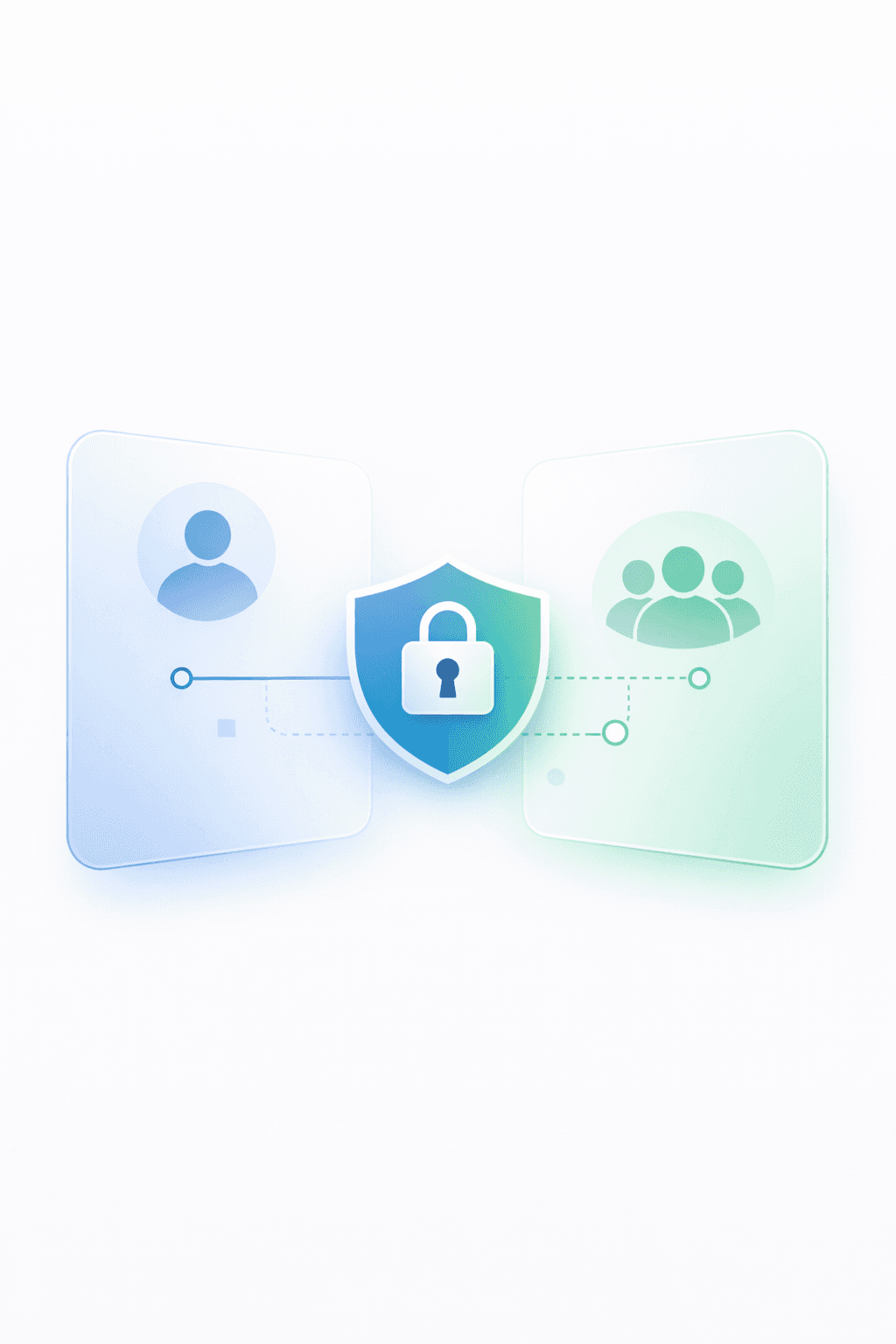
The cleanest part of building on Notion is that permissions already exist. Notis inherits what you have access to. If you can’t see a database, Notis can’t see it on your behalf.
That means a team can share what should be shared, keep private what should stay private, and still get the upside of delegation. Personal spaces remain personal. Team spaces stay collaborative. And you don’t have to play permission whack-a-mole every time someone joins or changes roles.
This is one of those things that feels boring until you’ve been burned by it. But it’s the difference between a toy and a tool you can actually roll out across a company.
A few use cases we’ve already seen working
Standups are just the start. In the session, we walked through workflows that are already saving people hours.
One example is delegation pages. You can ask Notis to spin up a role-based page for a new hire or contractor, and it will create a clean Notion page with responsibilities, context, and initial tasks. It’s not perfect on the first pass, but it gets you ninety percent of the way there, fast.
Another one is CRM hygiene. When you scan a business card, record a call debrief, or dump meeting notes, Notis can turn that into a proper contact, a call log, and follow-up tasks. The point is not that it’s “cool AI.” The point is that it stops sales momentum from dying in your notes app.
For dev teams, voice-to-ticket is a game changer. If you can describe a bug clearly in a voice note, you should not have to context-switch into a ticketing tool to file it. Notis can take the description, format it into a clean report, and push it where it belongs.
And then there’s the unglamorous stuff: receipts, expenses, random admin. If you’ve ever lost an evening to back-office cleanup, you know that the ROI here is immediate.
The common thread is simple. Notis turns unstructured inputs into structured outputs. Once things are structured, you can automate the boring parts and spend your time on decisions.
I’m not interested in building another AI demo. I’m interested in building the assistant that makes your team move faster without adding process overhead.
If you’re on the team and you haven’t onboarded yet, do it. Then start small. Let Notis handle a few repetitive things for you this week, and you’ll feel the compounding effect faster than you expect.

Flo is the founder of Mind the Flo, an Agentic Studio specialized into messaging and voice agents.

