Content
How to Transcribe Voice Notes Into Notion (AI-Powered in 2026)
You probably already capture your best ideas with your voice. The real problem is what happens next.
Most voice notes die in WhatsApp threads, get buried in your camera roll, or sit inside a random transcription app until you forget they exist. And if you use Notion as your second brain, that gap becomes painfully obvious: speaking is fast, but turning audio into something structured, searchable, and actually useful inside Notion is still weirdly manual.
That is the opportunity.
If you are trying to transcribe voice notes into Notion in 2026, the best workflow is not just “audio to text.” It is voice capture, transcription, cleanup, organization, and delivery into the right Notion page or database without creating more friction than typing would have created in the first place.
So let’s answer the real question first.
Can Notion transcribe audio?
Not really, at least not in the way most people mean it.
Notion is excellent at storing, organizing, and enriching information once it is inside your workspace. But if your question is, “Can I drop a voice memo into Notion and have Notion reliably transcribe it into structured notes for me?”, the practical answer is: not by itself.
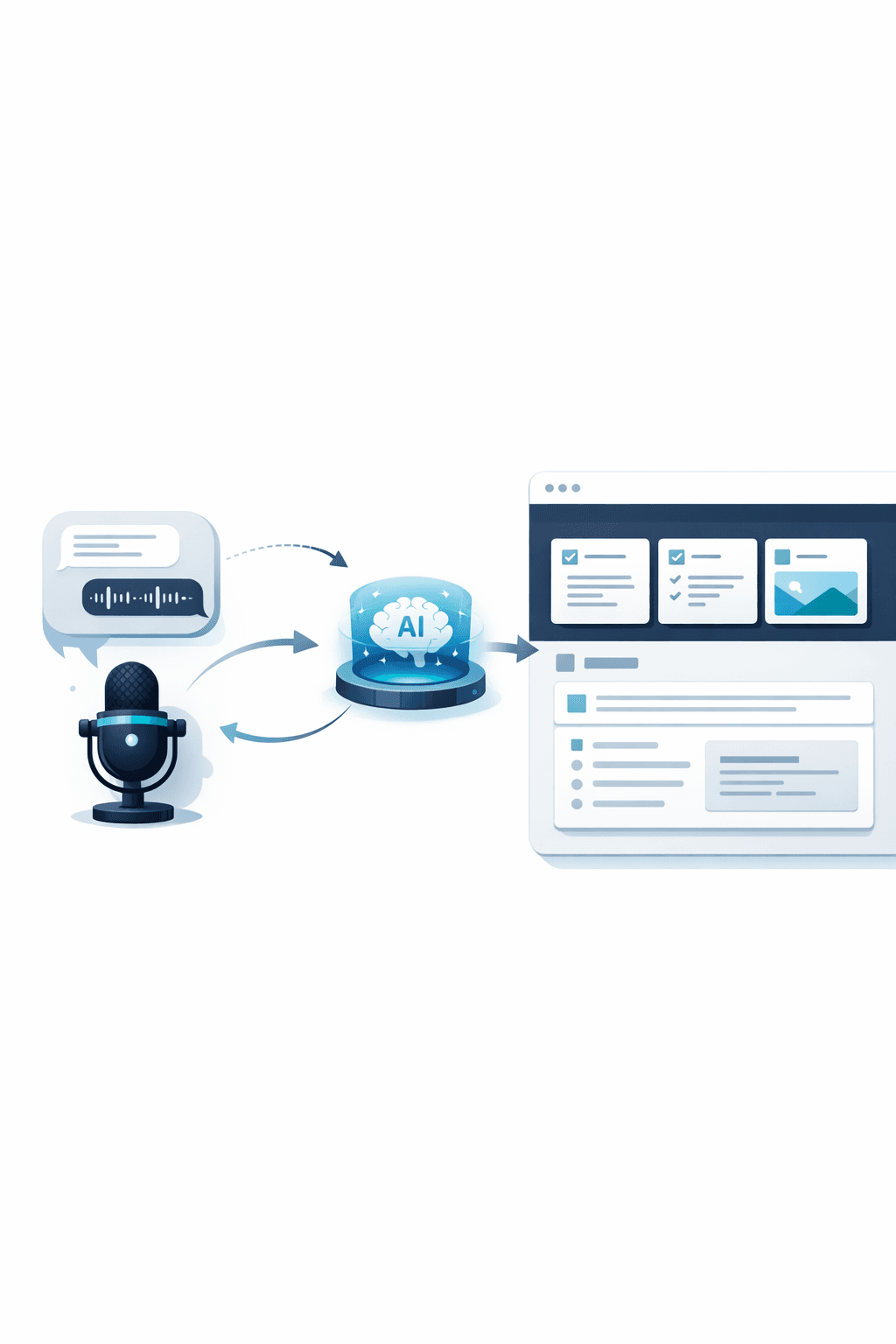
You usually need a workflow around Notion, whether that is a dedicated transcription tool, a dictation layer, or an automation tool that captures voice notes from channels you already use and pushes the transcript into Notion.
That distinction matters because a lot of people are searching for notion audio transcription when what they actually want is this: speak naturally, get clean text, and have it land in Notion in the right place without babysitting the process.
That is exactly where the best tools separate themselves.
What the best voice-to-Notion workflow should actually do
A mediocre solution will give you text.
A great solution will give you a usable note.
That means the ideal workflow should let you capture a voice note quickly, transcribe it accurately, preserve context, and push it into Notion in a format you can actually work with. If it can also summarize, clean up rambling speech, and route the result into the right database automatically, even better.
And this is where most “Notion AI voice” conversations get sloppy. People mix together live dictation, recorded-audio transcription, meeting transcription, and automation. Those are different jobs. Some tools are good at one of them. Very few are good at all of them.
The best ways to transcribe voice notes into Notion
1. Use Notis if you want the fastest path from voice memo to organized Notion note
If your real goal is not just transcription but actually getting voice notes into Notion without changing your behavior, Notis is the most interesting option.
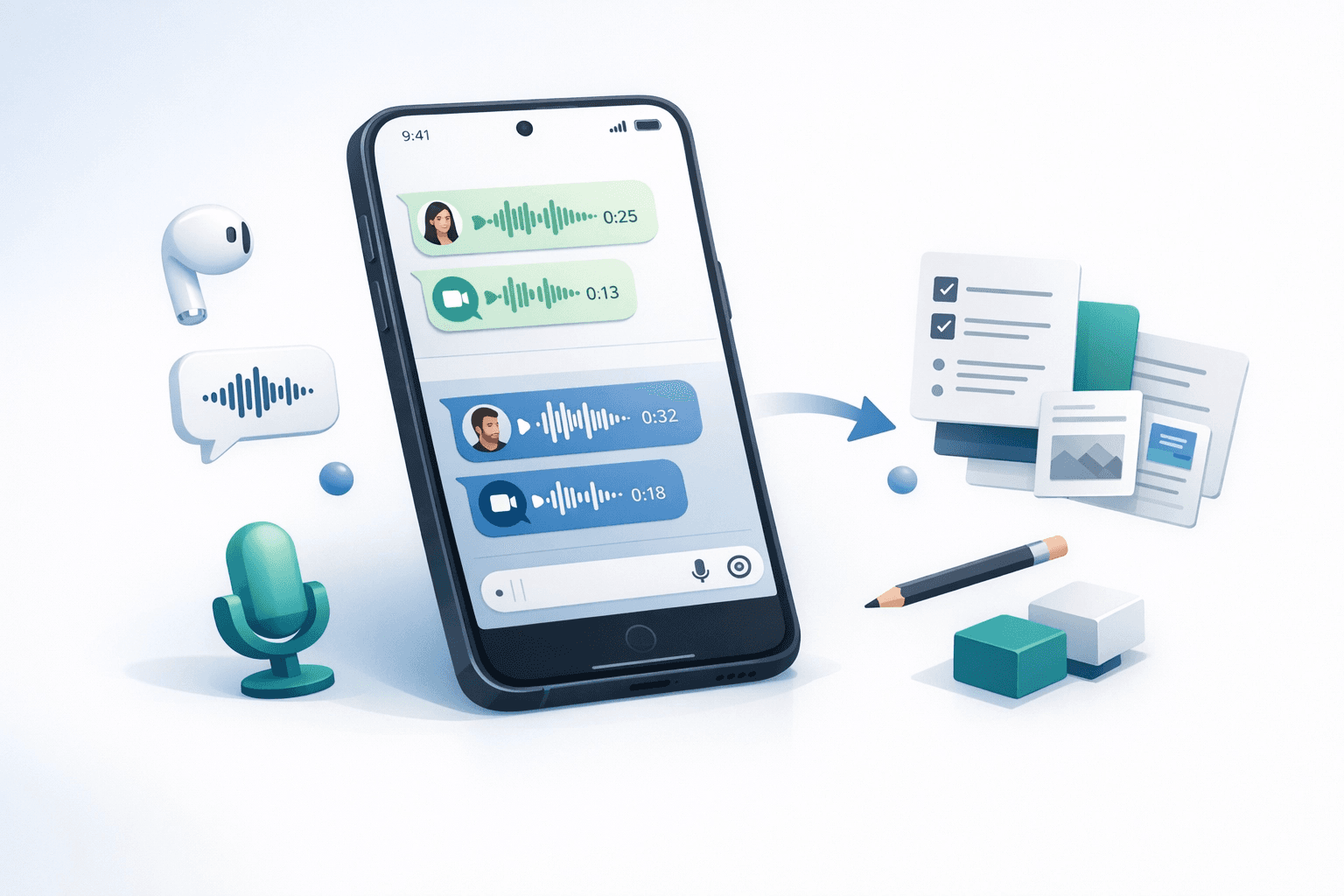
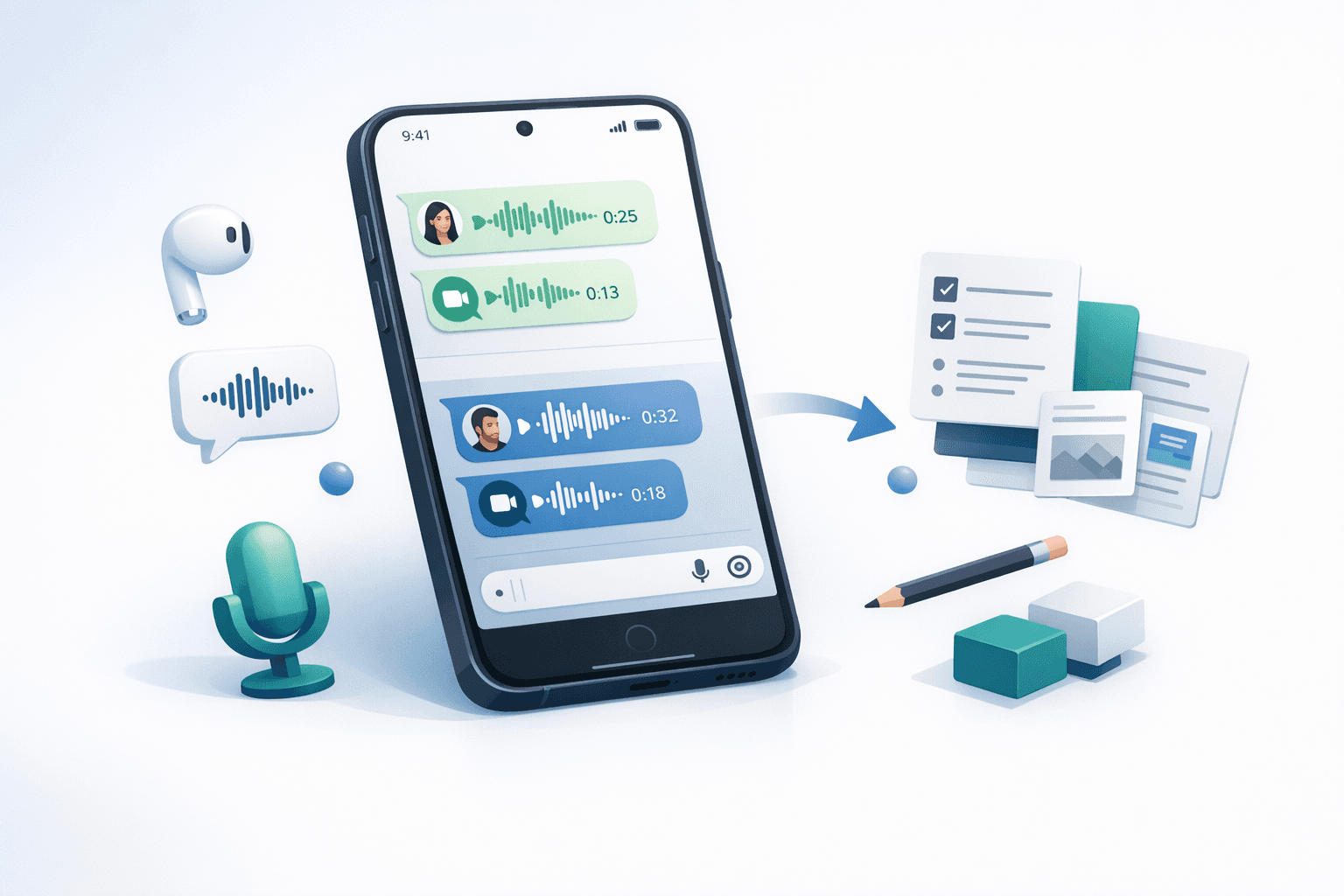
The reason is simple: instead of forcing you into yet another app, it lets you capture voice memos from interfaces you already use, especially WhatsApp and Telegram, then transcribe them and push them into Notion automatically. That sounds small until you realize how much friction disappears when the capture step happens inside your normal communication flow.
This is the big differentiator.
Most tools still assume you are willing to open a dedicated recorder, upload a file, wait for a transcript, then decide where it should live. Notis is built around the opposite idea: your voice note should be captured where your life already happens, then turned into something structured in Notion with minimal ceremony.
That makes it especially strong for founders, operators, and people who think while walking, commuting, or bouncing between calls. You can dump an idea as a voice note, have it transcribed, and send it into the right workspace instead of promising yourself you will “clean it up later.” You probably won’t.
There is also a strategic advantage here for search intent. A lot of readers searching “transcribe voice notes into Notion” are not looking for a laboratory-perfect speech engine. They are looking for a workflow they will actually use. That is why the messaging-first model matters.
If you want the broad product context, this is where a natural mention of the Notis homepage fits. And if you want the most relevant product angle for this article specifically, the WhatsApp integration is the page worth surfacing in the internal-link structure.
2. Use a dedicated transcription app if you want a cleaner standalone experience
Some people do want a separate product for recording and transcribing. That is fair.
Dedicated transcription apps can be great if you prefer a controlled environment for voice capture, especially if you are recording longer monologues, personal memos, or content drafts. In those cases, a focused app can feel calmer and more intentional than messaging-based capture.
The tradeoff is usually friction.
The more steps required between “I had a thought” and “that thought is now useful inside Notion,” the more likely the workflow breaks. Dedicated apps often do a fine job on accuracy, but the experience can still feel like you are carrying a note from one room to another rather than having the room move around you.
If you use a dedicated app, make sure it does not just transcribe. It should also help you get the result into Notion cleanly and consistently. Otherwise you are just adding another inbox to your life.
3. Use a DIY Whisper-style workflow if you care most about flexibility and cost control
If you are technical, or at least willing to tinker, a DIY transcription workflow can still be a very strong option.
This route is attractive when you want full control over prompts, formatting, routing rules, and cost. You can combine audio capture, transcription, summarization, and Notion insertion however you want. For some people, especially Notion power users, that is the dream.
But let’s be honest about what this really means.
It means you are now maintaining a system. You are not just transcribing voice notes into Notion. You are building a machine that does it. That can be fantastic if you enjoy systems. It can also become one more half-finished productivity project that quietly rots in the corner of your stack.
So I would only recommend this route if the customization itself is part of the value for you.
4. Use browser or desktop dictation if you mostly want to speak directly into Notion
This is a different use case, but it is worth separating clearly.
If you are not trying to transcribe a saved voice note and instead want to speak live into a Notion page, dictation tools can be enough. Browser extensions and desktop dictation apps are useful if your goal is basically: “I want to write with my voice instead of my keyboard.”
That works well for drafting. It works less well for capture.
The reason is that dictation assumes you are already in Notion, already at the right page, already focused enough to speak in a way that resembles writing. That is not how most good ideas arrive. Good ideas show up when your hands are busy and your attention is elsewhere.
So yes, dictation is part of the notion ai voice conversation. But it is not the same thing as voice-note capture and transcription. Mixing those together creates bad tool choices.
Why the Notis angle is different
The strongest Notis angle is not “we also transcribe audio.” Plenty of tools can say that.
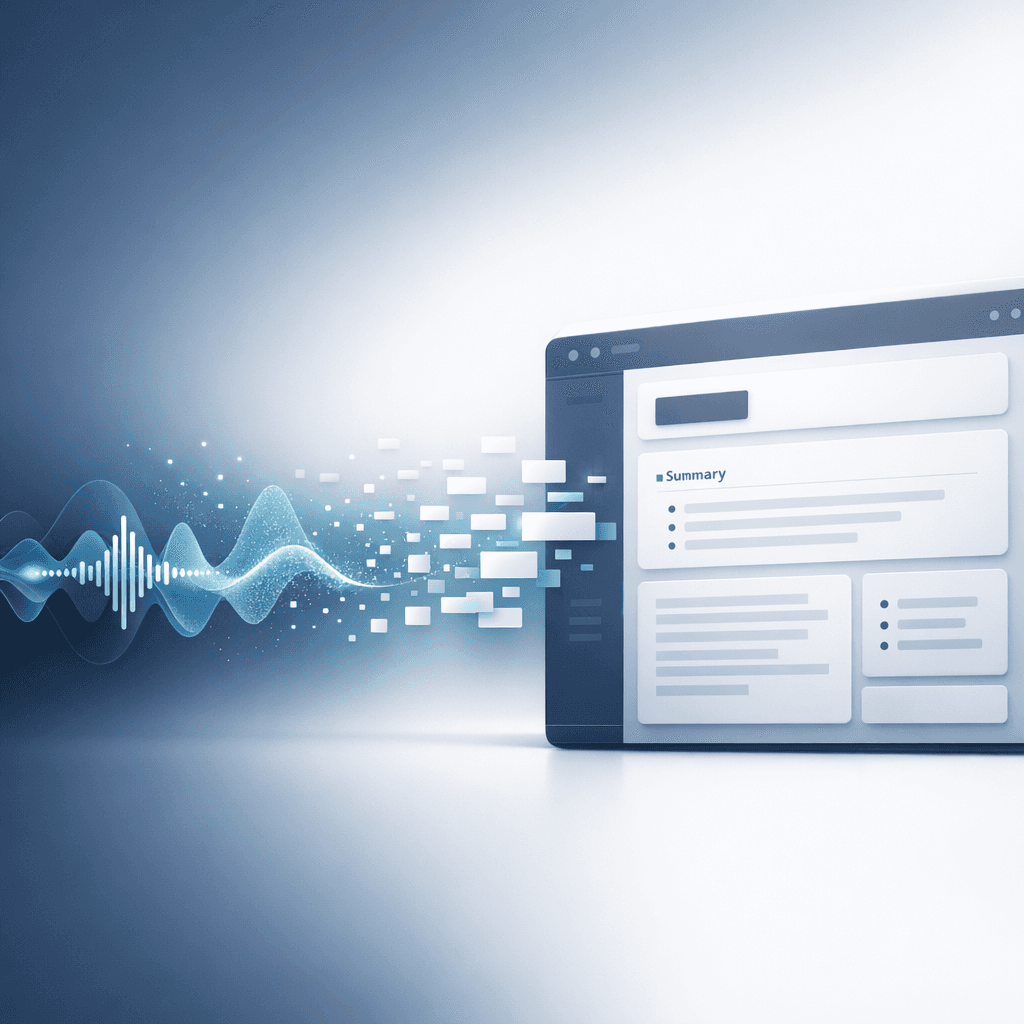
The stronger angle is this: you can capture voice memos directly in WhatsApp or Telegram, let AI transcribe and structure them, and send them into Notion automatically.
That matters because it matches human behavior.
Most of us do not fail to document ideas because transcription is impossible. We fail because the capture step happens in one place, the organization step happens in another place, and the follow-through step never happens at all.
Notis closes that gap.
This is also what makes it more relevant than generic transcription software for a Notion-heavy audience. If your whole goal is building a system where your thoughts turn into searchable knowledge, tasks, notes, or documents, then the workflow is more important than the raw transcript.
A transcript is just evidence that you spoke.
A properly routed Notion note is evidence that the idea survived.
So what is the best option for most people?
For most people who actively use Notion, I would break it down like this.
If you want the easiest end-to-end workflow, use a tool that captures voice where you already talk and sends the result into Notion automatically. That is where Notis is unusually strong.
If you want a pure transcription product and do not mind a more app-centric workflow, a dedicated recorder/transcriber can work.
If you want maximum flexibility and are happy to build your own system, go DIY.
If you mostly want to draft into Notion by speaking at your keyboard, dictation is enough.
The important thing is to stop evaluating all voice tools as if they solve the same problem. They do not.
How to choose the right voice transcription workflow for Notion
The fastest way to choose is to ask one honest question: where do your best voice notes actually happen?
If the answer is “while messaging, walking, commuting, or between meetings,” you need a capture-first workflow.
If the answer is “while sitting at my computer writing,” you need dictation.
If the answer is “during interviews, meetings, or long recordings,” you need a transcription engine with better long-form handling.
And if the answer is “I want complete control over every step,” you probably already know you are going to build something yourself.
This is why the 2026 framing matters too. The market is maturing. The winners are no longer just the tools with the most impressive AI demo. The winners are the ones that remove the most friction from a real workflow.
FAQ: Notion audio transcription and AI voice workflows
Can Notion transcribe audio natively?
Notion can store audio and organize the output of transcription workflows, but for most practical audio-to-text use cases you still need an external transcription or automation layer. If you want clean transcripts and automatic routing into a workspace, you typically use a tool around Notion rather than Notion alone.
What is the best way to transcribe voice notes into Notion automatically?
The best method is the one with the least friction between capture and storage. In practice, that usually means capturing voice notes in a channel you already use, transcribing them automatically, and pushing the result into Notion without manual copy-paste. For that specific workflow, messaging-based automation is a major advantage.
Does Notion AI support voice input?
People often use “Notion AI voice” to mean several different things: dictation, audio transcription, or AI-powered note organization. Notion AI can help once text is available, but a full voice workflow usually depends on external capture and transcription tools.
Is dictation the same as transcription?
No. Dictation is live voice-to-text while you are actively writing. Transcription is usually the conversion of recorded audio or voice notes into text after the fact. If you are comparing tools, make sure you know which problem you are trying to solve.
Can I send WhatsApp or Telegram voice notes into Notion?
Yes, with the right workflow. This is one of the most compelling directions in this category because it reduces friction dramatically. Instead of recording somewhere else and exporting later, you capture the note in messaging and let automation handle the transcription and delivery into Notion.
Final take
If you came here hoping the answer was “yes, Notion can just transcribe audio now,” the honest answer is still more nuanced than that.
But that is actually good news.
Because the real opportunity is bigger than simple transcription. The best workflow is not about turning audio into text. It is about turning fleeting spoken thoughts into structured, searchable, useful knowledge inside Notion before they disappear.
And once you look at the problem that way, the best tools become much easier to evaluate.
If you want the most direct path from voice memo to useful Notion output, start with the workflow that removes the most steps between capture and structure. In 2026, that is the benchmark that matters.

Flo is the founder of Mind the Flo, an Agentic Studio specialized into messaging and voice agents.

