Context.ai vs Notis: Which AI Workspace Fits Your Workflow?

Florian (Flo) Pariset
Founder of Mind the Flo
Quick Take
Context is best for teams that want an AI-native office suite to generate and automate deliverables like decks, docs, spreadsheets, and websites inside a dedicated workspace. Notis is best for people who already run their life or company in Notion and want a voice-first assistant that can capture, organize, and execute tasks from the messaging apps they already use.
Product Overviews
Notis
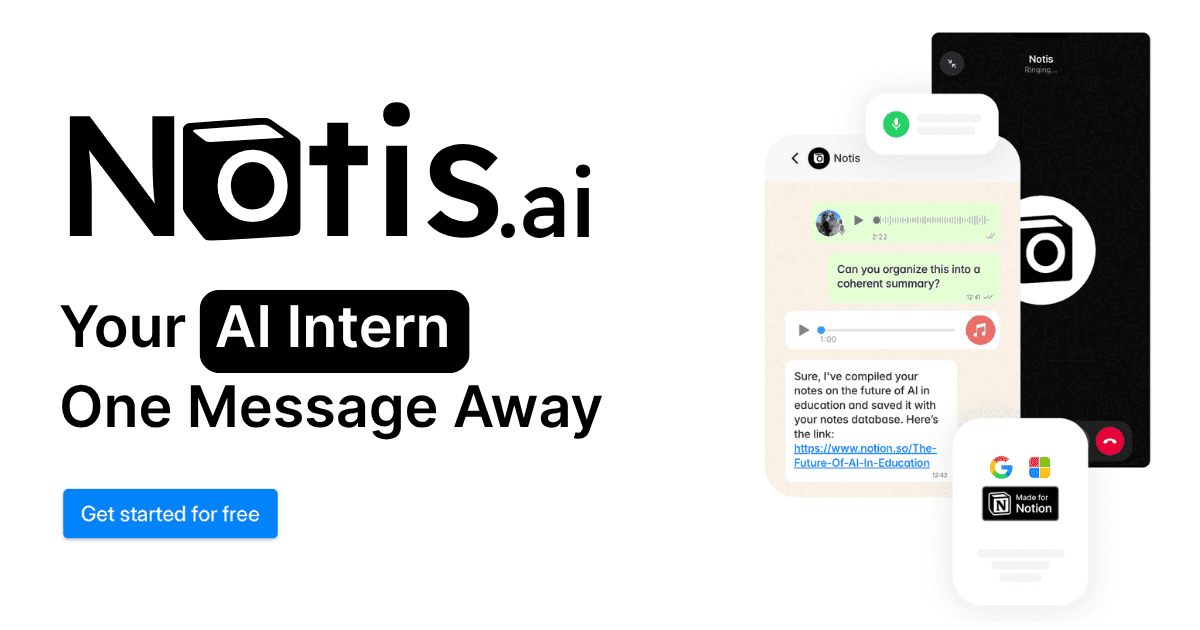
Notis is an “AI intern” you message from WhatsApp, Telegram, iMessage, or email, and it turns what you say into structured work inside Notion and your connected tools. The core promise is simple: lower the friction of capturing and executing work by letting you talk naturally, then letting Notis do the Notion-heavy lifting.
Context
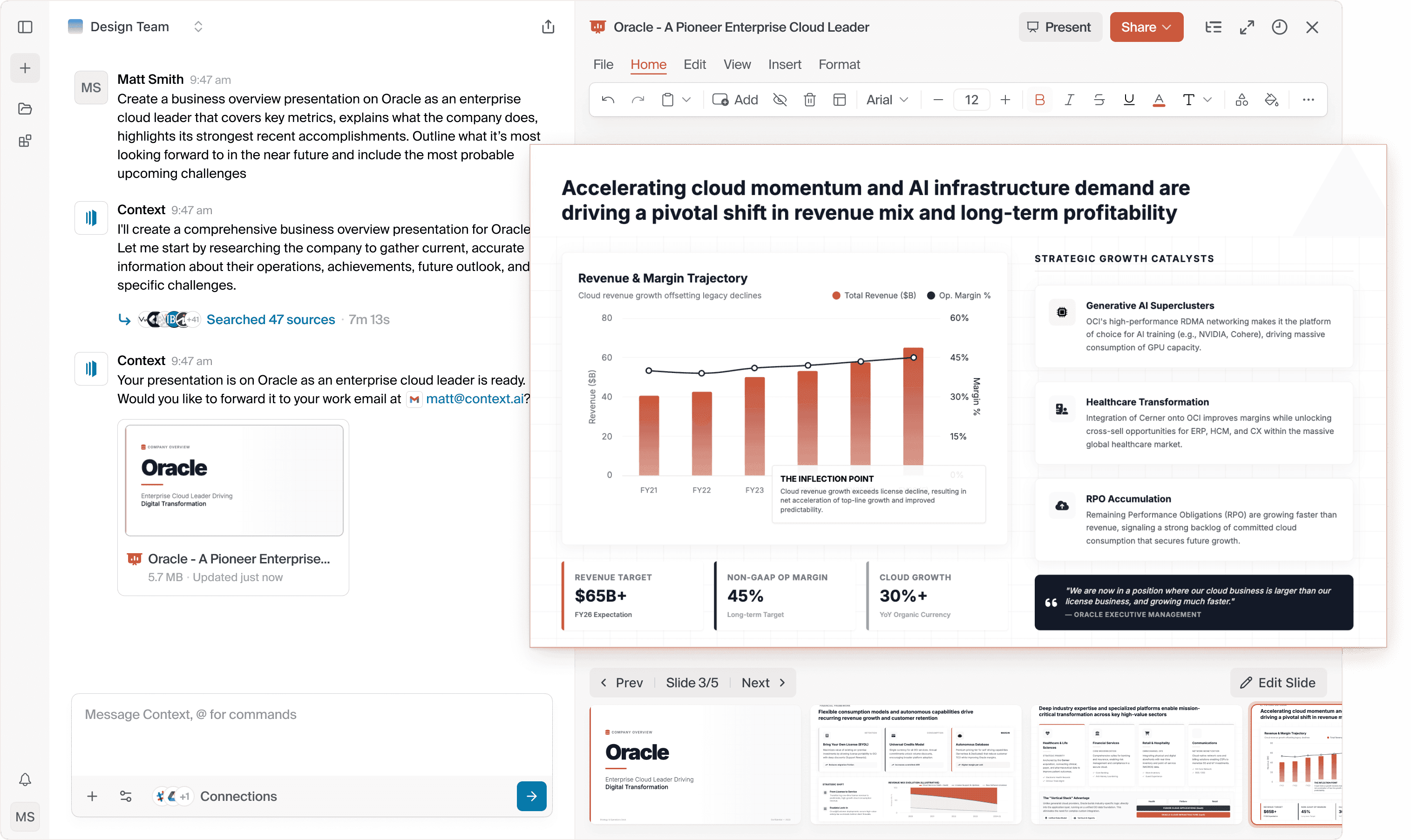
Context positions itself as “The AI Workspace”: a browser-based suite where AI agents create and edit deliverables like presentations, documents, spreadsheets, and websites, often grounded in connected business data. The core promise is output quality and speed for knowledge work, with workflows that can run across many connected systems.
Head-to-Head Table
Category | Notis | Context |
|---|---|---|
Voice capture (WhatsApp/Telegram) | Built around messaging and voice notes; supports WhatsApp and Telegram as primary channels. Source: https://notis.ai/ | Not positioned around voice or messaging channels; primarily a web workspace. Source: https://context.ai/ |
Notion integration | Notion-first: designed to write into your Notion databases and pages as a default workflow. Source: https://notis.ai/ | Notion is not a highlighted first-class workflow on the public site; positioning emphasizes connecting office and business systems broadly. Source: https://context.ai/ |
Task & reminders | Explicit reminders and task flows that map naturally into Notion/task systems. Source: https://notis.ai/ | Focus is more on generating and automating deliverables; task concurrency is mentioned on pricing. Source: https://context.ai/pricing |
Web search & RAG | Public docs describe Web Search and Deep Research capabilities. Sources: https://help.notis.ai/documentation/5pkW8ayiSXYJYmCt4SZPa6/web-search/p4gSC31SYU3iFu1iGftKiS and https://help.notis.ai/documentation/5pkW8ayiSXYJYmCt4SZPa6/deep-research/3wqyFE4QVauqS4Nx3iTSuF | Emphasis is on connecting your internal tools and knowledge; the product messaging focuses on work grounded in connected systems rather than general-purpose web browsing. Source: https://context.ai/ |
Automations/follow-up | Automations are advertised on higher tiers, including triggers via integrations, webhooks, or recurring runs. Source: https://notis.ai/ | Workflow automation is a central part of the product story and plan differentiation. Sources: https://context.ai/ and https://context.ai/pricing |
Pricing | Annual pricing displayed on the homepage: Pro 19/mo, Pro+ 39/mo, Ultra $99/mo. Source: https://notis.ai/ | Public pricing includes Free 0, Plus 17/mo, Pro $170/mo, and Enterprise. Source: https://context.ai/pricing |
Security & compliance | Privacy and GDPR posture are documented; relies on audited infrastructure providers and states it does not train models on customer data. Source: https://help.notis.ai/documentation/5pkW8ayiSXYJYmCt4SZPa6/privacy--security/5stEVFgyZkjB2Vwhrvwrx2 | Security page highlights SOC 2 Type I and Type II, with broader compliance messaging. Source: https://www.context.ai/security |
Key Differences Explained
1) Capture vs creation: where the work starts
Notis starts where most work actually happens for founders and operators: in motion, between meetings, in the car, or walking to the next call. When you can fire off a voice note in WhatsApp or Telegram and have it land as a clean Notion entry, capture becomes a habit instead of a chore.
Context starts where deliverables get assembled. If you regularly need client-ready decks, internal strategy docs, or spreadsheet-backed narratives, Context’s “workspace” framing makes sense: you sit down, prompt, iterate, and ship outputs.

2) Notion-native workflows vs a new AI workspace
Notis is designed to make Notion feel effortless, especially on mobile. That matters because most “AI productivity” fails at the last step: getting the result into the system of record. Notis is effectively optimized for that last mile.
Context asks you to adopt its workspace to create and manage outputs there, then export or share. That can be a benefit for teams that want standardization and consistent deliverable quality, but it is still a new place to do work.
3) Automation philosophy: light triggers vs heavy workflows
Notis’ automation pitch is pragmatic: run a workflow from a webhook, an integration trigger, or on a schedule, then save the result back into Notion or the right tool. For individuals and small teams, that tends to be enough to eliminate recurring busywork without turning automation into a project.
Context’s automation pitch is deeper: the product is built around agents executing multi-step work across connected systems, and the pricing communicates scale using credits, exports, and concurrent tasks. If your organization already lives in many systems and you want AI to orchestrate across them, that approach is compelling.
Which One Should You Choose?
Founders and executives
If your day is a stream of calls, decisions, and small follow-ups, Notis is usually the better fit because it reduces capture friction to nearly zero and keeps everything anchored in Notion, where your operating system already lives. If you need a separate AI workspace to produce polished decks and reports frequently, Context can be a strong complement.
Consultants and client-facing operators
If you sell deliverables, Context’s positioning around presentations, documents, and research workflows is aligned with your output. If your main pain is capturing client notes fast, creating follow-ups, and keeping your CRM and project boards clean in Notion, Notis will feel more natural day-to-day.
Engineers and product teams
If your team wants a workflow layer that can draft and assemble structured assets from connected systems, Context is aimed at that “agentic workspace” direction. If your team already tracks specs, bugs, and internal notes in Notion and you want faster intake from voice, screenshots, or quick messages, Notis stays closer to your system of record.
Creators and solo operators
If your workflow is built on consistent capture, organizing ideas, and turning that into tasks and content drafts inside Notion, Notis tends to win because it’s designed to be used everywhere, not only when you’re at your desk.
Wrap-Up
Context and Notis are both credible takes on “AI for work,” but they optimize for different starting points: Context optimizes for producing and automating deliverables inside an AI workspace, while Notis optimizes for capturing and executing work through voice and messaging, directly into Notion.
If your priority is voice-to-Notion workflows that actually stick, Notis is the sharper tool. If your priority is an AI office suite for heavy deliverable production, Context is worth testing.
Sources referenced in this comparison include https://notis.ai/ , https://help.notis.ai/ , https://context.ai/ , https://context.ai/pricing , and https://www.context.ai/security .
Flo is the founder of Mind the Flo, an Agentic Studio specialized into messaging and voice agents.

