

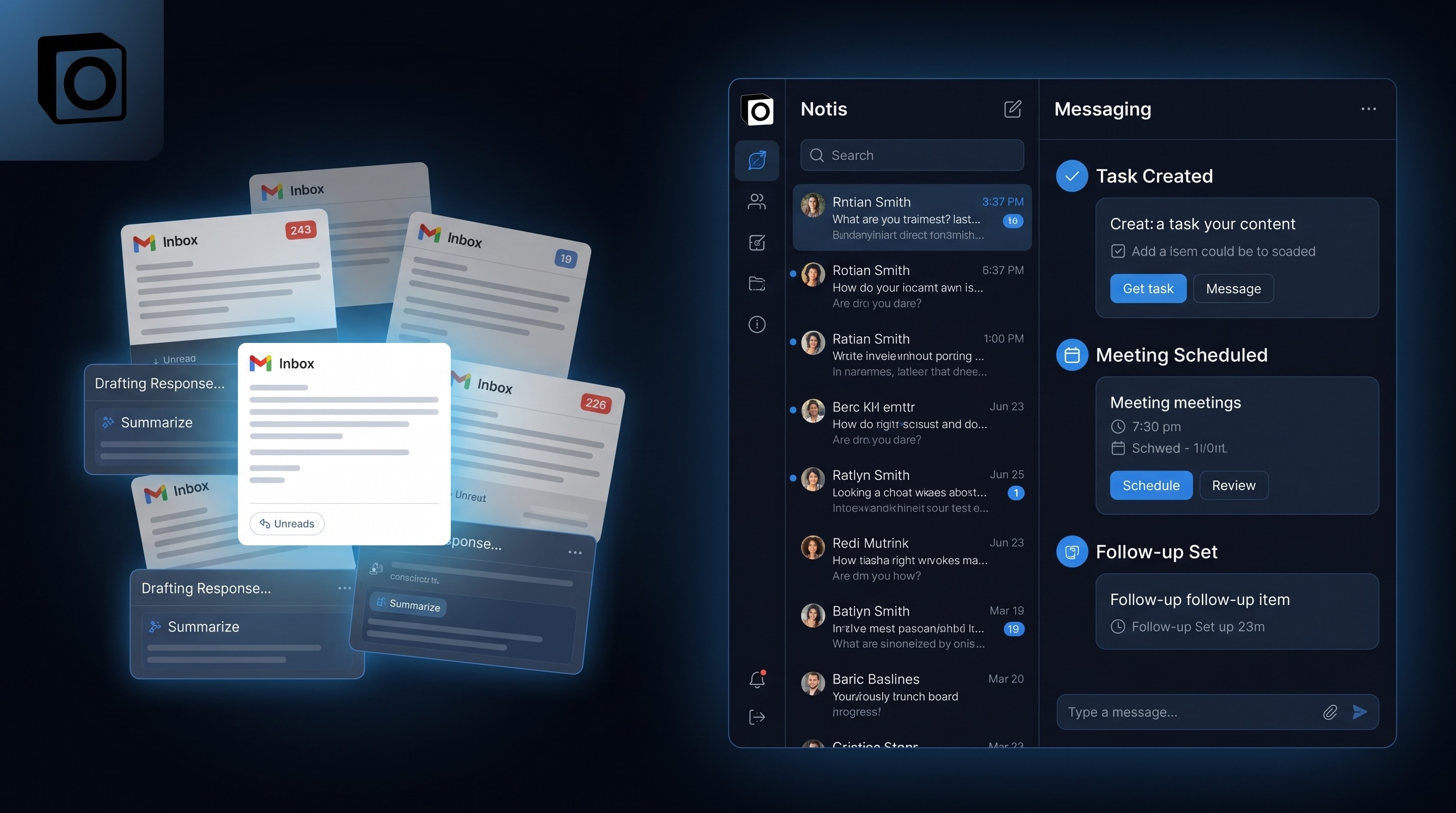
Why AI Email Assistants Fail Founders Who Need Execution
If your inbox tool can only draft replies, it has not solved the work.
The first useful AI email assistant was still not enough.
It could clean up a draft. It could make you sound less tired. It could even save you from writing the same three sentences over and over again. Helpful. But founders do not lose time because they cannot type fast enough.
They lose time because every email creates a little chain of work. Decide whether it matters. Reply if it does. Schedule the follow-up if needed. Turn the promise into a task if the reply creates one. Store the context somewhere so you do not have to remember it later.
That is execution. And that is where most AI email assistants quietly stop.
Drafting is not the job
If a tool only helps you write the response, it has solved the easiest part of the problem.
The hard part is what happens after the reply exists. Did the meeting get booked? Was the reminder set? Did the ask become a note, a task, or a CRM update? Did the assistant remember the thread in a way your future self can actually use?
Email is not a writing challenge. It is a routing challenge.
That is why founders get annoyed with inbox-first AI after the first week. It feels magical until you realize you still have to be the adult in the room. The assistant can draft the sentence. You still have to decide the action.
The hidden chain after an email lands
A single inbound message can trigger a whole chain of tiny decisions.
Sometimes you just need a clear answer. Sometimes you need to pull a calendar slot. Sometimes the message is a clue that a project changed shape. Sometimes the right answer is not a reply at all, but a note, a task, or a reminder to follow up when the timing is better.
The founder bottleneck is not inbox volume. It is context retention.
When the assistant lives inside the inbox, it tends to think like an inbox tool. Sort, summarize, draft, repeat. Useful, but incomplete.
Where email assistants help
To be fair, email assistants do a few things well.
They can rewrite a reply so you do not sound like a caffeinated robot. They can surface a long thread faster than manual search. They can reduce the emotional friction of opening messages you have been avoiding for two days.
That is real value.
But none of that is the same as ownership. Ownership means the work keeps moving when you stop staring at the screen.
Why they stall for founders
Founders do not have the luxury of treating email as a closed system. One message often touches three other surfaces: calendar, notes, and task list. If the assistant cannot cross those boundaries, it ends up creating more work than it removes.
That is why inbox-only tools feel impressive in demos and underwhelming in real life. They are trapped inside the format of the message. They do not understand the work behind the message.
The difference shows up fast. A draft is not a decision. A reply is not a plan. And a plan is not a completed action.
Why messaging-native execution is different
This is where a messaging-native assistant changes the game.
Notis is not trying to become yet another inbox tab. It sits in the thread with you. That matters because the thread is where the request already lives, where follow-up is easy, and where the assistant can keep working after the first exchange ends.
The Notis AI documentation and the Task Management Guide show the pattern clearly: tasks can be created, updated, checked, and routed through natural language instead of a separate app ritual. The Managing Meetings with Notis workflow extends that into calendar prep, briefs, and follow-through. That is execution, not suggestion.
The rule I use
If an AI assistant cannot turn a message into a completed next step, it is not really my assistant.
It is my typing coach.
That is fine for some people. It is not fine for founders who need fewer loose ends and fewer places to remember things. When the assistant can reply, route, store, schedule, and remind inside one workflow, the inbox stops being a cliff and starts being an input.
That is the real standard.
The bottom line
AI email assistants are useful. They are just not the whole answer.
If your work ends the moment the draft is written, you have a writing tool. If the work keeps moving after the message is handled, you have an operator.
Founders need operators.

Flo is the founder of Mind the Flo, an Agentic Studio specialized into messaging and voice agents.
Related posts
The AI Future No One Wants to Talk About
The scariest AI scenario might not be extinction. It might be a slower, more plausible collapse of the economic assumptions we still pretend are stable.
Why your AI Assistant Should Live in WhatsApp, Not Another App
The best assistant interface is the one that disappears into the chat thread you already use.
Why AI Productivity Tools Fail ADHD Founders (And What Actually Works)
AI productivity tools fail ADHD founders due to high activation costs; tools that live within existing messaging apps reduce friction and boost effectiveness.