

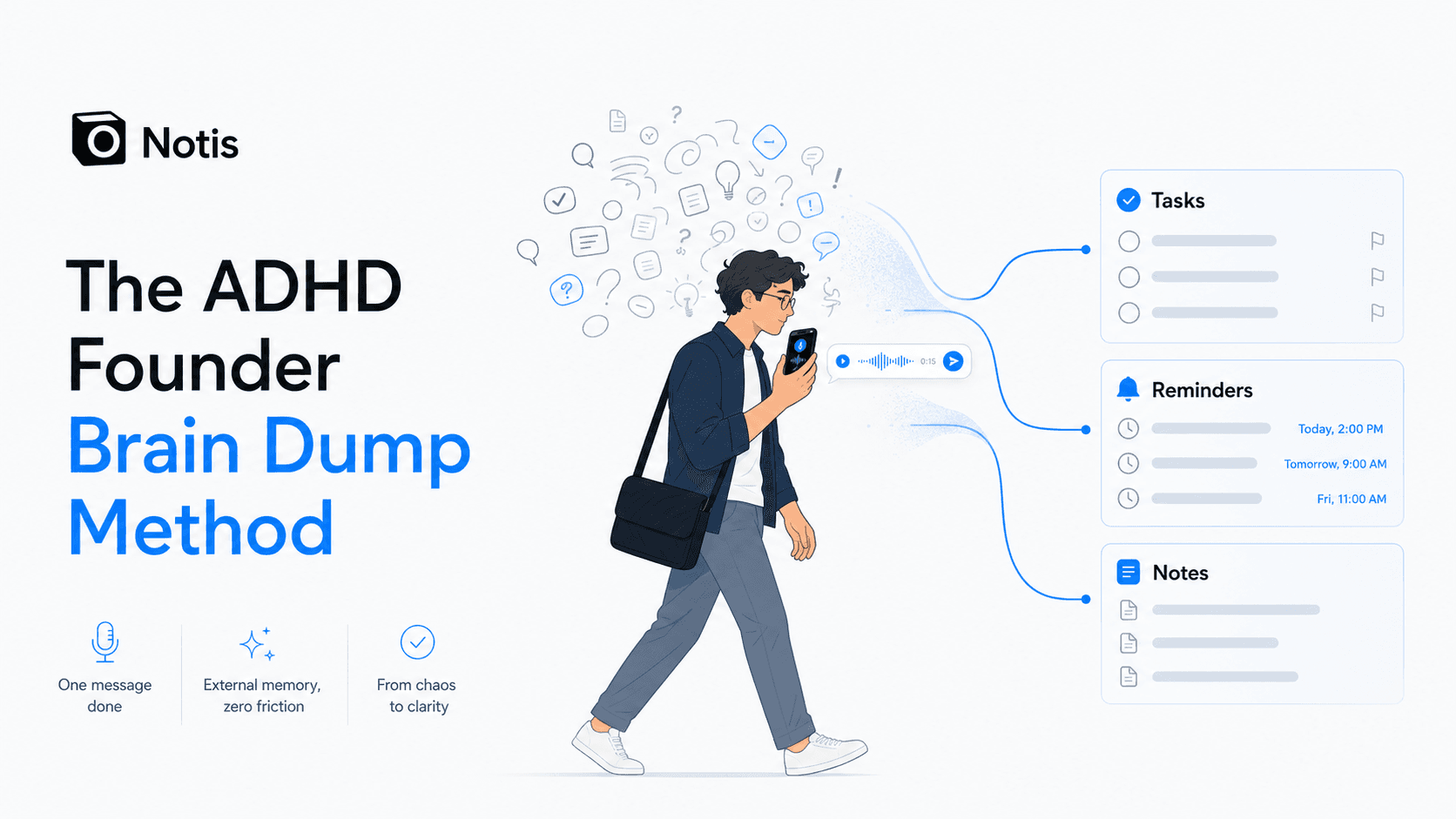
The ADHD Founder Brain Dump Method: One Voice Note, Then Back to Work
A practical, founder-first method for using voice notes in WhatsApp, iMessage, or any daily messaging app as an external memory system before racing thoughts turn into operational debt.
Your brain is not a filing cabinet. If you are an ADHD founder, it is probably closer to a browser with 73 tabs open, three of them playing audio, and one very important tab you can no longer find.
The answer is not another beautiful productivity system you will abandon by Thursday. The answer is a lower-friction way to get the thought out before it starts breeding more thoughts. That is the ADHD founder brain dump method: open the messaging app you already use all day, record one messy voice note, and let an AI assistant turn it into notes, tasks, reminders, and next actions.
It sounds almost stupidly simple. Good. Simple is the point.
The real problem is not too many thoughts
The usual productivity advice treats founders like calm little project managers. Capture ideas in this app. Sort them in that database. Review your priorities every morning. Build a dashboard. Color-code the dashboard. Congratulations, you now have a second job maintaining the system that was supposed to save you.
For ADHD founders, the pain is more specific. Thoughts arrive fast, context evaporates fast, and the cost of switching into a separate tool is often high enough that the thought never gets captured at all. ADHD research consistently connects the condition with executive-function and working-memory difficulties, which is a polite academic way of saying: your brain may not reliably hold the thing while you search for the correct place to put the thing. A review on adult ADHD and cognitive performance describes working memory as one of the recurring areas of impairment in ADHD research (adult ADHD cognition review).
So the job is not to become more disciplined. The job is to design a capture path that does not require discipline at the exact moment your brain has none available.
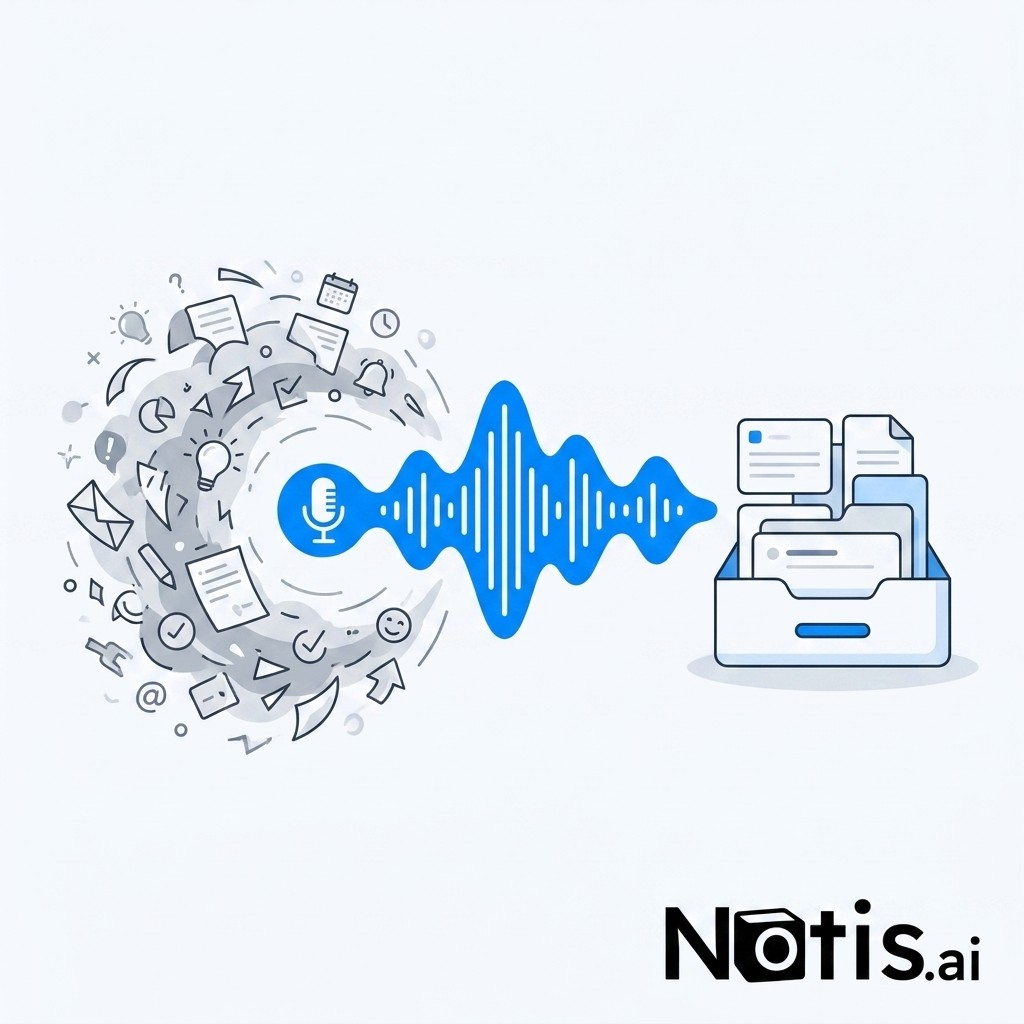
Voice notes work because they reduce activation cost
Typing is not always hard. Starting to type is hard. Opening the right app is hard. Choosing the correct format is hard. Deciding whether this is a task, note, reminder, idea, follow-up, or random emotional debris from a sales call is hard.
A voice note skips most of that. You are already walking. You are already holding your phone. You already know how to send an audio message. The capture motion is familiar enough that it does not feel like “using a productivity tool.” It feels like talking.
That matters because externalizing thoughts is a real cognitive strategy, not just a productivity meme. Cognitive offloading means using an external tool to reduce what you need to store internally. Researchers describe external reminders, notes, and devices as ways to support memory and delayed intentions, while also warning that design matters because bad offloading can become another place where information disappears (memory offloading research).
This is why the messaging app matters. If your “external brain” lives in a tool you forget to open, it is not an external brain. It is a digital attic.
The 30-second brain dump method
Here is the method I would use if I were starting from zero.
First, pick the messaging app that is already part of your nervous system. WhatsApp, iMessage, Telegram, Slack DM, whatever you actually open without thinking. Do not pick the app your aspirational self thinks you should use. Pick the one your real self checks while waiting for coffee.
Second, send one voice note the moment the thought starts looping. Do not organize while speaking. Do not polish. Do not apologize to the robot. Say the thing while it is still alive: “After the call with Marie, remind me tomorrow to send the pricing page, add the CRM note that she cares about SOC 2, and draft a short follow-up saying I will send examples.”
Third, let the AI sort the messy input after capture. This is the step most note-taking apps miss. Capturing is not enough. A pile of transcripts is still a pile. The useful output is the structured version: a task, a reminder, a CRM update, a meeting note, a draft email, or a saved memory you can retrieve later.
Fourth, only review the system when you are back at your desk. The whole point is to stay present while moving through your day. You are not trying to process your company from the sidewalk. You are trying to avoid losing the thread before you get to a keyboard.
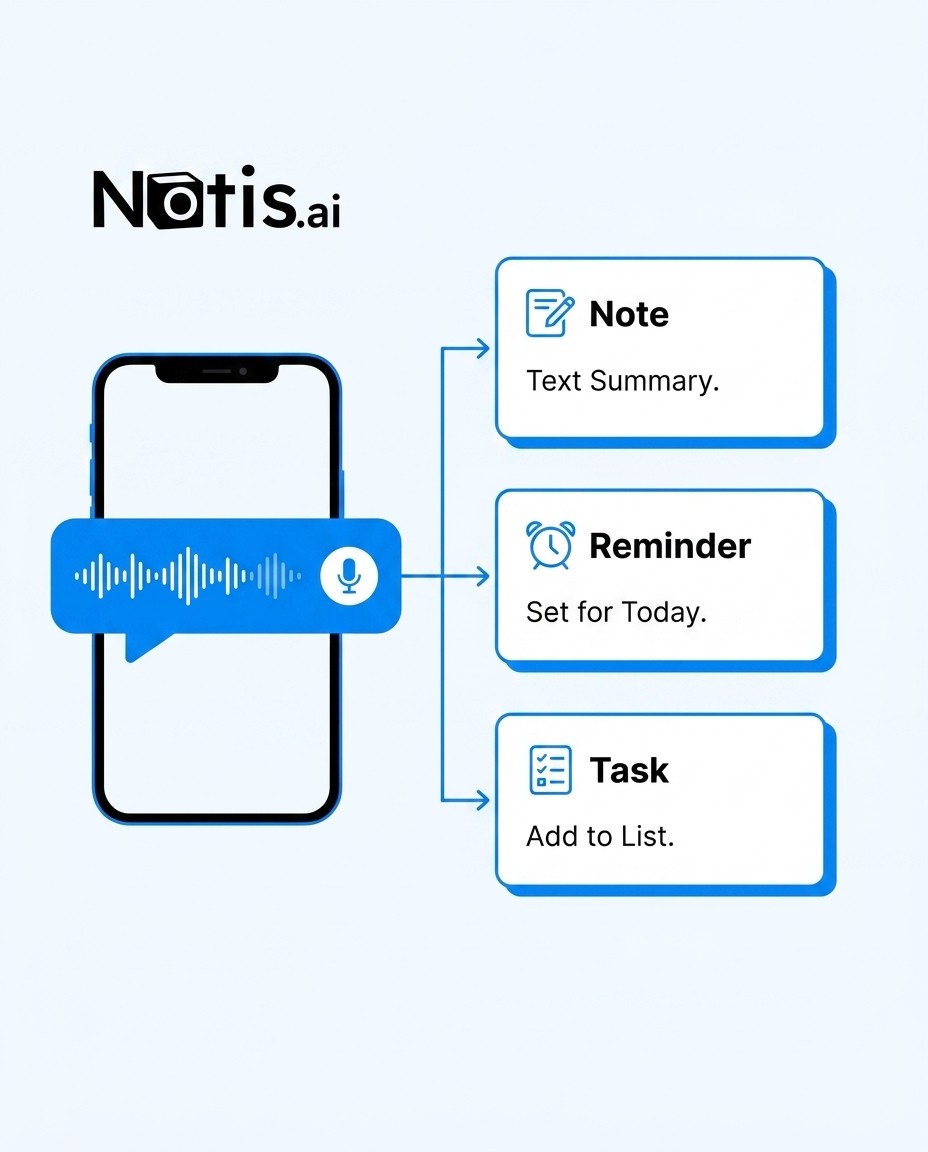
What a good brain dump sounds like
A useful brain dump is not a transcript of your inner chaos. It is chaos with just enough direction that future-you can act on it. You want to include the person, the context, the action, and the timing if timing matters.
Bad version: “I need to do the Marie thing later.” Future-you hates this person.
Better version: “Marie from the demo asked about team permissions. Add that to her account note, remind me tomorrow at 9 to send the security page, and draft a friendly follow-up with two bullets: permissions and onboarding.”
The better version does not require a beautiful template. It just gives the AI enough handles to turn speech into execution. That is the difference between a voice memo graveyard and an operational system.
Why Notis is built for this exact workflow
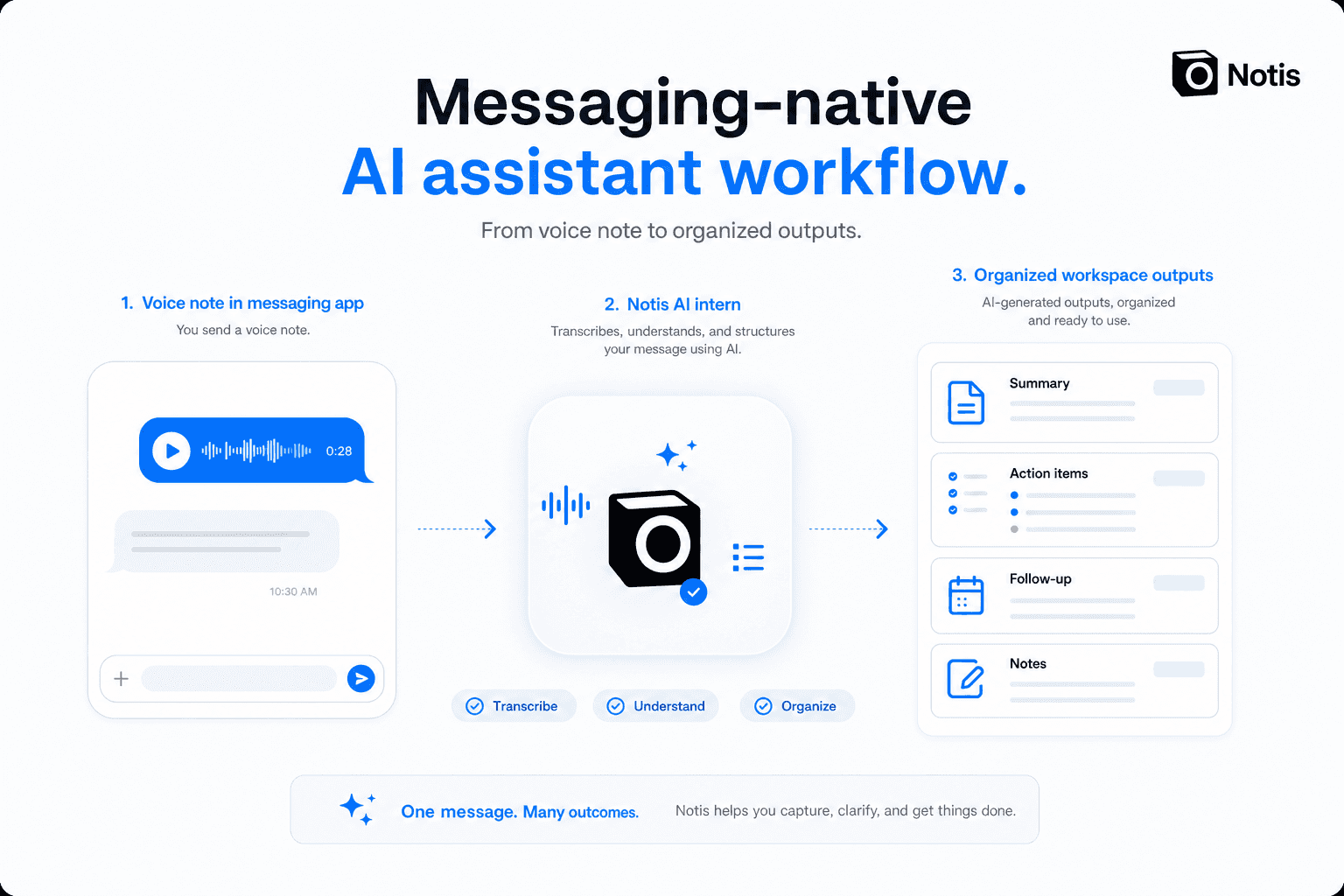
Notis is not trying to be another tab you must remember to visit. The whole point is that your AI assistant lives where you already communicate. You can send a message or voice note through channels like WhatsApp, Telegram, Slack, iMessage, or email, then let Notis use your context, skills, automations, and integrations to do something useful with it.
That could mean turning a raw voice note into a Notion entry, drafting an email, setting a reminder, summarizing a meeting, saving a memory, or kicking off a workflow. If you are specifically trying to turn voice into structured Notion content, we have already written about practical options in 6 best ways to transcribe voice notes into Notion. This article is the ADHD-founder layer on top: not “how do I transcribe audio?” but “how do I stop using working memory as a dangerous temporary database?”
The trap: capturing everything and processing nothing
A warning, because otherwise this becomes fake productivity advice: cognitive offloading can backfire when the external system becomes a landfill. Research on offloading has found that external tools can improve immediate performance while sometimes reducing later memory if people rely on them without retrieval or processing (cognitive offloading study). In founder terms: recording 400 voice notes and never looking at them is not a system. It is audio hoarding.
This is why the AI layer matters. The value is not that you captured a voice note. The value is that the voice note became a decision, a reminder, a task, a page, a draft, or a next step. Capture is the door. Execution is the room.
Use your messaging app as the front door, not the whole house
The best version of this workflow is boringly reliable. Your messaging app is the front door. Your AI assistant is the sorter. Your workspace is where the organized outputs live. Your calendar and reminders handle time. Your email drafts handle follow-up. Your memory system remembers what you would otherwise forget.
That is the architecture ADHD founders need: not a productivity cathedral, but a path of least resistance. One that respects the fact that your best ideas arrive while walking, cooking, driving, parenting, selling, and generally not sitting in front of the correct database.
So the next time your brain starts racing, do not negotiate with it. Do not promise you will remember. Do not open a dashboard.
Send the voice note. Let the system catch it. Then go back to being present.

Flo is the founder of Mind the Flo, an Agentic Studio specialized into messaging and voice agents.
Related posts
The Best AI Virtual Assistant for Administrative Tasks Is the One You Can Text
Solo founders do not need another dashboard. They need one place to dump admin work and get it done.
How to Unarchive Gmail Emails and Find Archived Messages Fast
Guide to quickly unarchive Gmail emails on desktop and mobile, locate archived messages with search operators, and restore single or multiple emails.
How I Stopped Losing CRM Updates to My Own Brain
A founder’s workflow to update CRM, tasks, and notes instantly via WhatsApp voice notes, eliminating friction and keeping data current in real time.